Windows 11 isn't just a prettier interface—it's quietly packed with features that can seriously boost how your team works. From military-grade security to smarter battery management, here's what business owners should actually know about the upgrade.
Windows 11 for Business: The 5 Game-Changers Your Team Actually Needs
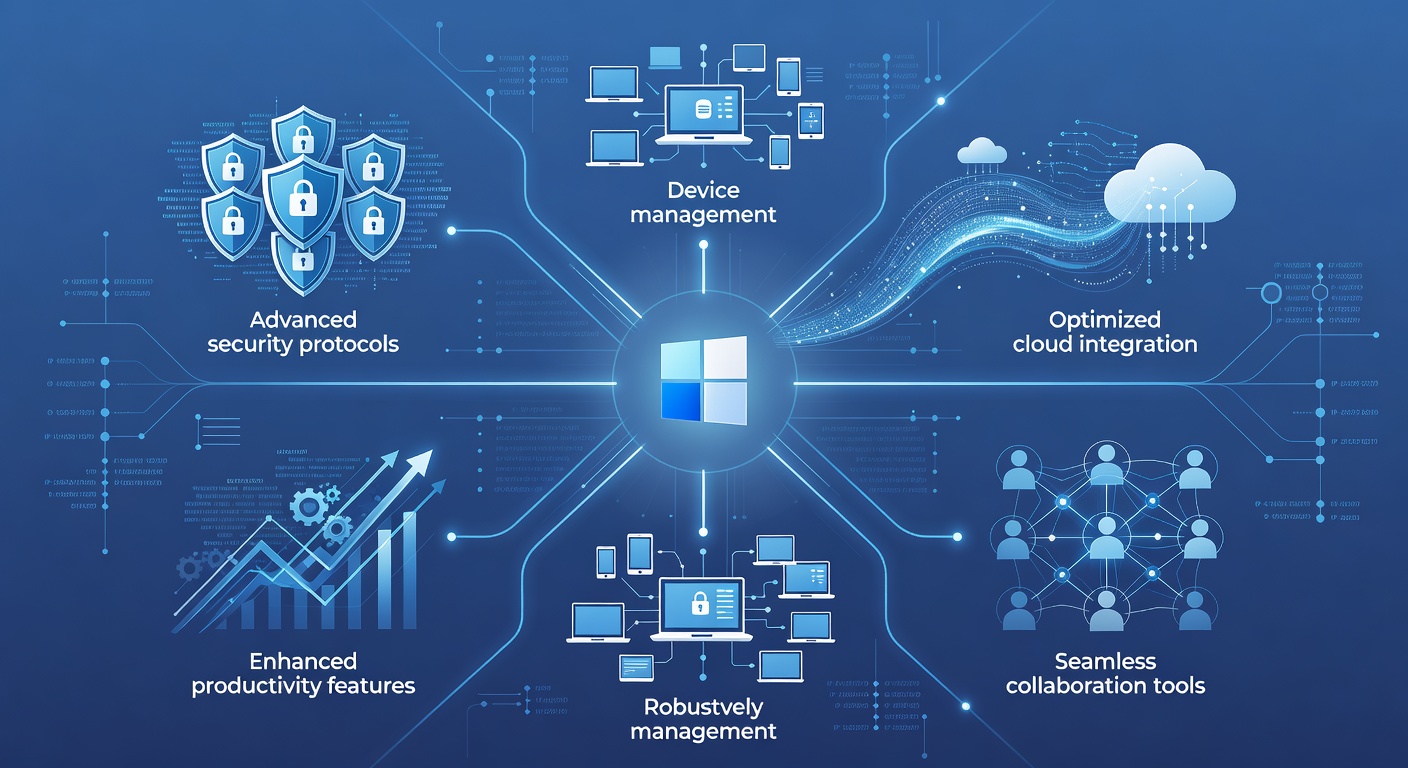
Windows 11 for Business: The 5 Game-Changers Your Team Actually Needs
Let's be honest: when most people talk about Windows 11, they're gushing about the sleeker design and the centered taskbar. And sure, it looks nice. But if you're running a business, you probably don't care much about aesthetics—you care about productivity, security, and keeping your operation running smoothly.
The good news? Windows 11 delivers on all three fronts. The bad news? A lot of business owners haven't even looked under the hood to see what's really there.
I've been digging into this for a while now, and I'm genuinely impressed by how thoughtfully Microsoft designed this OS for people who actually have to get work done. So let me walk you through the features that matter.
1. Security That Actually Takes Itself Seriously
Here's the thing about cybersecurity: it's not optional anymore. One breach can tank your business, and the criminals know it.
Windows 11 made a bold move by requiring TPM 2.0 (Trusted Platform Module) on every device. I know what you're thinking—"great, more tech jargon"—but bear with me. This little chip is like a personal bodyguard for your data. It's tamperproof, it lives on your motherboard, and it handles the encryption that keeps hackers out.
But it gets better. Windows 11 integrates seamlessly with Microsoft Endpoint Manager, which means if you're managing multiple devices across your company, you can enforce security policies from a central dashboard. Your IT team will love this because they can actually sleep at night knowing everyone's devices are protected consistently.
Plus, you get layered app security, stronger identity controls, and privacy settings that give you real oversight—not just the illusion of it.
2. Just Talk Instead of Type
I don't know about you, but typing all day makes my wrists hate me. Microsoft's speech services in Windows 11 are legitimately useful.
Press Windows + H and start dictating. Your computer listens, translates your voice into text, and even understands context pretty well these days. The voice recognition has gotten noticeably better, which means fewer embarrassing dictation fails in your emails.
For busy professionals juggling multiple tasks, this is a genuine time-saver. Your meeting notes, emails, and quick memos practically write themselves. And if you work with international teams, the built-in speech translation is pretty handy too.
3. Updates That Don't Destroy Your Day
Remember the old Windows update cycle? You'd be in the middle of something critical, and suddenly your computer demands a restart. Nothing kills productivity like being forced to watch a progress bar for 20 minutes.
Windows 11 changed the game here. Updates run in the background, they're faster, and you actually control when they happen. You're not at the mercy of Microsoft's schedule anymore. This might sound like a small thing, but if you're managing a team, this alone can save you hours of lost productivity every month.
4. Microsoft Teams Built Right In
Remote work isn't going away, and neither are Zoom fatigue and collaboration chaos.
Windows 11 plays incredibly nicely with Microsoft Teams. Not just "it's compatible"—I'm talking seamless integration. You jump into a Teams meeting, and all your Office apps (Word, Excel, PowerPoint) are right there, ready to collaborate. You can edit documents together in real-time without switching windows or dealing with version control nightmares.
If your company is already living in the Microsoft ecosystem, Windows 11 makes everything feel like it was designed together—because it was.
5. Battery Life Visibility That Actually Helps
I'm seeing more teams work hybrid or completely remote these days. That means a lot of people working on laptops, often away from a charger. A dead laptop is a dead team member (productivity-wise, anyway).
Windows 11 shows you exactly which apps are draining your battery. Chrome hogging your power? You'll see it. That old backup tool running in the background? Exposed. This might sound minor, but being able to optimize battery life means your remote workers can actually work a full day without scrambling for an outlet.
It's the kind of thoughtful feature that shows Microsoft was actually thinking about how people really work.
Should You Actually Upgrade?
If you're still on Windows 10, the upgrade is free (assuming your hardware supports it—check that TPM requirement first). For businesses, Windows 11 isn't some flashy upgrade that you need immediately, but it's genuinely solid.
The security improvements alone justify the switch if you handle sensitive data. The integration with Teams and Microsoft 365 makes sense if that's already your ecosystem. And the quality-of-life improvements—faster updates, better battery tracking, voice dictation—add up to a noticeably smoother experience.
One tip: before you upgrade your whole company, test it on a few devices first. Make sure your critical software still works the way you need it to. But honestly? I think you'll be pleasantly surprised.
Windows 11 won't revolutionize how your business operates, but it will make operating your business a little bit easier. And in 2024, that's exactly what we need.
Tags: ['windows 11', 'business productivity', 'cybersecurity', 'tpm 2.0', 'remote work', 'microsoft teams', 'battery optimization']