Most small business owners wouldn't leave their front door unlocked, yet their servers remain dangerously exposed to hackers every single day. Server hardening sounds technical, but it's really just about securing what matters most—and it doesn't require a massive IT budget to get it right.
Why Your Business Server Is Like a House Without a Lock (And How to Fix It)
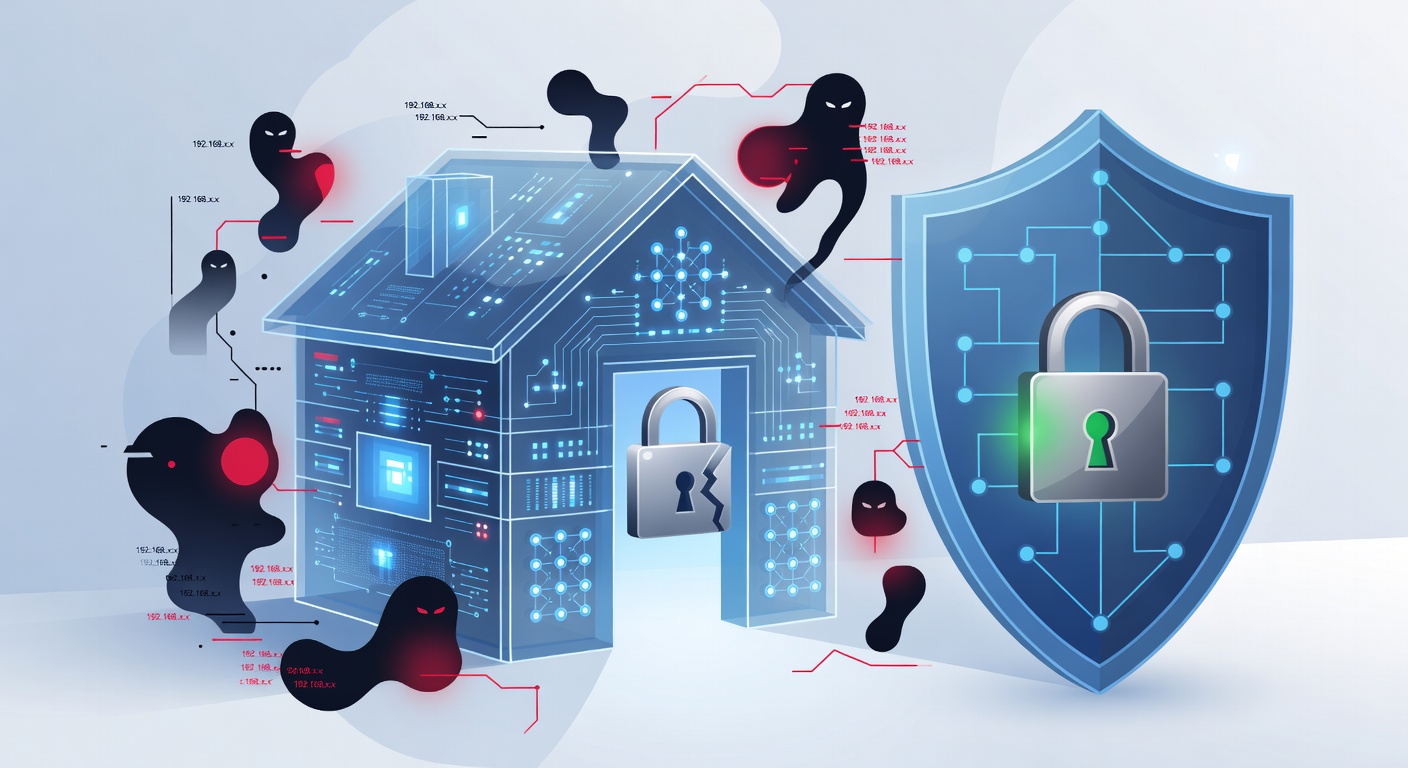
Why Your Business Server Is Like a House Without a Lock (And How to Fix It)
Let me be real with you: if you're running a small or medium-sized business, you're probably stretched thin already. Hiring a full-time cybersecurity team? That's a luxury most SMBs can't afford. But here's the thing—that doesn't mean you get a free pass to ignore server security. In fact, that's exactly the thinking that gets businesses hacked.
I think of it this way: you wouldn't leave your car running in a parking lot with the doors wide open and the keys in the ignition. Yet that's essentially what happens when you ignore server hardening. Your servers contain your customer data, financial records, employee information—basically everything that keeps your business alive. Protecting them isn't optional. It's survival.
What Even Is Server Hardening?
Okay, let's cut through the jargon. Server hardening is just the process of making your server less attractive to hackers. Think of it as removing the welcome mat for cybercriminals.
A compromised server can lead to catastrophic consequences: data breaches that destroy customer trust, downtime that tanks your revenue, and reputation damage that takes years to recover from. I've seen businesses that never fully recovered from a single breach. It's brutal.
A properly hardened server, on the other hand, acts as a fortress. It doesn't eliminate risk entirely—nothing can—but it dramatically reduces your attack surface and makes you a much harder target.
The Practical Checklist: Making Your Server Actually Secure
Here's what server hardening actually looks like in practice:
Limit Who Can Access Your Server
This one's critical. You shouldn't give everyone in your organization access to everything. Apply what security experts call the "principle of least privilege"—basically, only give people access to what they actually need to do their job. Your marketing team doesn't need database admin access. Your accountant doesn't need to modify web server settings. Simple as that.
Disable Everything You're Not Using
Servers come loaded with features and services by default, and most of them are probably sitting there doing nothing. Every unused feature is a potential vulnerability waiting to be exploited. Disable it. Remove it. Don't let it take up space or present a security risk. I'm talking about unnecessary ports, services, and software. If it's not actively helping your business, it shouldn't be running.
Keep Passwords Strong (And Use MFA)
This should be obvious, but apparently, it's not. Strong, unique passwords for every account plus multi-factor authentication (MFA) is non-negotiable. It's 2024—using "password123" or your pet's name is inexcusable. MFA adds a second verification step (usually through your phone), making it nearly impossible for hackers to get in even if they steal your password.
Apply Updates Religiously
Software vendors release patches and updates because they've discovered vulnerabilities. The moment a patch drops, install it. Seriously. I know it's tempting to delay updates because they sometimes require downtime, but leaving known vulnerabilities unpatched is like leaving a door with a broken lock unlocked. Hackers know about these vulnerabilities—it's the first place they check.
Monitor What's Actually Happening
You can't protect what you're not watching. Set up continuous monitoring of your server activity. Watch for unusual login attempts, unexpected file changes, strange network traffic—anything that looks off. Most breaches go undetected for months because nobody was paying attention. Don't be that business.
Secure Your Physical Location
If your server is sitting in an unlocked closet where anyone can walk up and yank the power cord or mess with the hardware, all your digital security measures mean nothing. Your server needs to be in a physically secure location with restricted access. Or, honestly, consider moving to cloud hosting where someone else handles the physical security.
Who's Responsible for What?
Here's where it gets interesting. Server security isn't a one-person job. Different people need to own different pieces:
Your System Administrator (could be in-house or outsourced) handles the actual technical setup and maintenance. They're the ones implementing these hardening measures and running the day-to-day operations.
Your Business Decision-Maker needs to understand what happens if the server goes down. How long can the business actually function without it? A day? An hour? This perspective helps prioritize which security measures matter most.
Your Team Members who use the server have a responsibility to follow security protocols—strong passwords, not sharing access, reporting suspicious activity.
Your Vendors (hosting providers, software companies, etc.) have to hold up their end by providing quality products and timely security updates.
Everyone plays a role. If one person treats it as optional, the whole thing falls apart.
The Real Cost of Not Hardening Your Server
Let me paint a picture: A ransomware attack hits, and suddenly your entire operation is encrypted. Customers can't access their accounts. You can't fulfill orders. You have to shut down for days while you deal with it. Then comes the legal notices from customers whose data was exposed. The regulatory fines. The press coverage.
I'm not exaggerating—I've seen it happen. And the businesses that suffered most were the ones that didn't invest in basic hardening.
The good news? This is preventable. Server hardening won't cost you tens of thousands of dollars. It's mostly about discipline: following best practices, staying updated, and actually paying attention to what's happening on your systems.
Start Where You Are
You don't need to implement everything overnight. Start with the basics: update your systems, enable MFA, disable unnecessary services, and set up monitoring. Build from there. Every step you take reduces your risk significantly.
Your server is the backbone of your business. Treat it like the valuable asset it is. Secure it. Monitor it. Update it. Your future self (and your customers) will thank you.
Tags: ['server security', 'server hardening', 'cybersecurity for small business', 'network security', 'data protection', 'business continuity', 'smb security', 'system administration']