VPNs and proxies both hide your real IP address, but they work in fundamentally different ways with very different levels of security. Understanding how each one handles your data—and where they fall short—is crucial for anyone serious about online privacy.
VPNs vs Proxies: Which Tool Actually Protects Your IP Address?
VPNs vs Proxies: Which Tool Actually Protects Your IP Address?
If you've ever worried about your online privacy, you've probably heard about VPNs and proxies. Both promise to hide your real IP address and keep you anonymous online. But here's the thing: they're not the same, and treating them as such could leave you more exposed than you think.
Let's break down how these tools actually work, where they're similar, where they differ, and why it matters.
The Core Difference: Encryption Changes Everything
The simplest way to understand the difference between VPNs and proxies comes down to one word: encryption.
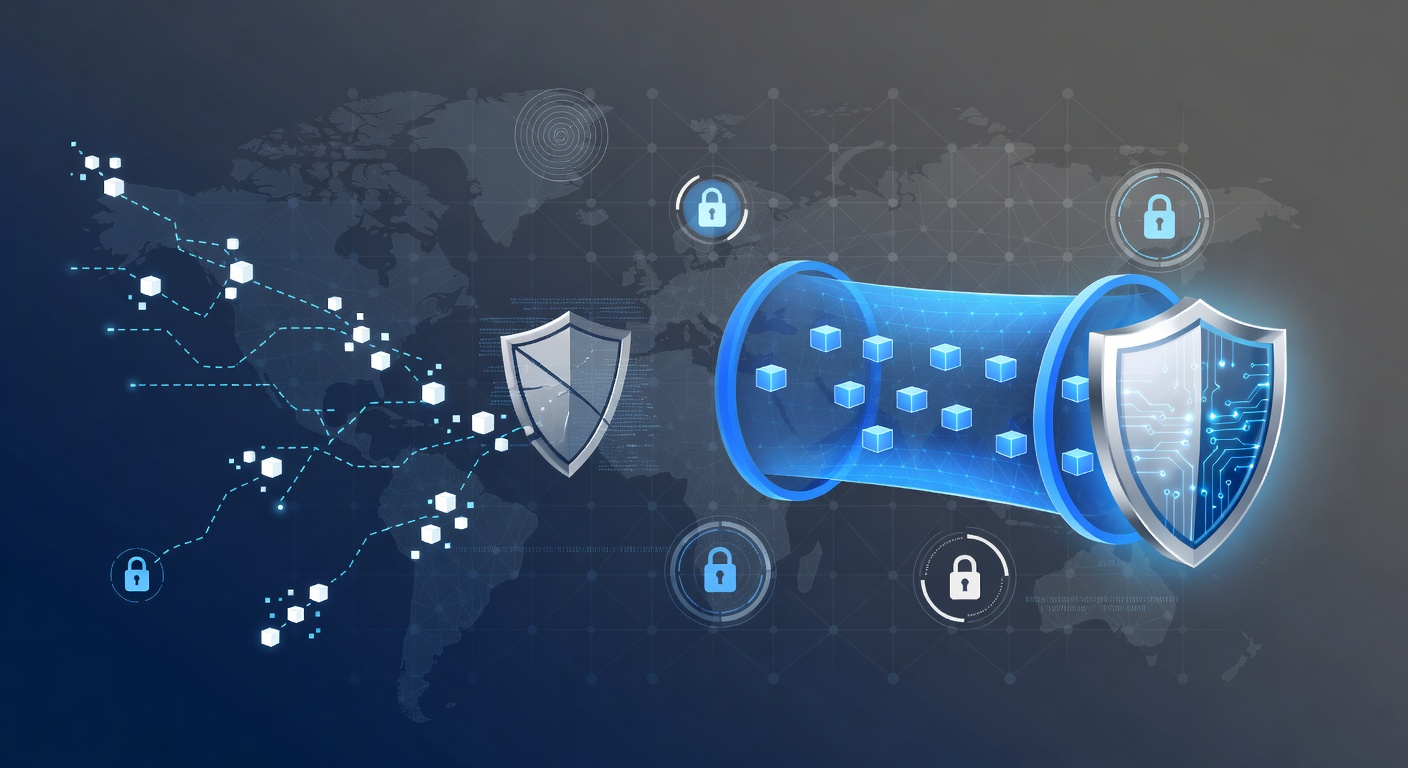
A VPN creates an encrypted tunnel for all your internet traffic. Imagine wrapping your data in a locked box before it leaves your device. Everything that travels through that tunnel—your browsing, your emails, your streaming—is scrambled and unreadable to outsiders. Your ISP can't see what you're doing. Hackers on your Wi-Fi network can't intercept your passwords. Even the websites you visit can't easily determine your true location.
A proxy, on the other hand, is more like a postal service worker forwarding your mail. It sits between you and the internet, passing your requests along with its own IP address instead of yours. But the contents of those requests? They're usually not encrypted. Anyone looking carefully can see what you're sending.
How VPNs Actually Work
When you connect to a VPN, here's what happens:
- Your device establishes a secure connection to a VPN server operated by the VPN provider
- All your traffic gets routed through that server
- Your real IP address gets replaced with the VPN server's IP address
- Your data gets encrypted using protocols like OpenVPN, IKEv2, or WireGuard
- The destination website or service only sees the VPN server's IP, not yours
From a privacy standpoint, this is powerful. Your actual location is hidden. Your real identity is masked. And your data is protected from snooping.
But here's the catch: When you use a VPN, you're placing complete trust in the VPN provider. They can see all your traffic. You've simply shifted who has visibility into your online activity—from your ISP to the VPN company. This is why choosing a reputable VPN with a no-logs policy matters so much.
Common VPN Use Cases
- Remote work security — Employees access company networks from anywhere without exposing their real location or IP
- Public Wi-Fi protection — That coffee shop Wi-Fi can't intercept your banking login when you're encrypted
- Bypassing geo-restrictions — Access content blocked in your region
- Preventing ISP monitoring — Your internet provider can't see your browsing habits
- Hiding from trackers — Advertising networks and data brokers can't build profiles based on your IP
How Proxies Work (And Why They're Less Secure)
A proxy works more simply. It's basically an intermediary server that stands between you and the internet.
When you send a request through a proxy:
- Your request goes to the proxy server first
- The proxy replaces your IP address with its own
- It forwards your request to the destination
- The response comes back to the proxy
- The proxy sends it back to you
The destination website sees the proxy's IP, not yours. You appear anonymous.
The problem? No encryption. Your data travels in plain text. A network administrator, your ISP, or anyone with access to network traffic could potentially see what you're sending and receiving. Proxies are better for hiding your IP than for protecting your data.
Two Types of Proxies You Should Know About
Datacenter proxies — These come from cloud servers or dedicated proxy farms. They use IP addresses that clearly aren't residential (they're flagged as datacenter IPs). They're fast and affordable, but easy to detect and block. Many websites actively prevent datacenter proxy traffic.
Residential proxies — These route traffic through real consumer internet connections. They use actual household IP addresses, making them much harder to identify as proxies. This also makes them attractive to people with malicious intent—spammers, fraudsters, and scrapers love residential proxies because they're difficult to block.
Where VPNs and Proxies Overlap
Both tools do accomplish similar goals in certain contexts:
- IP masking — Both hide your real IP address
- Bypassing blocks — Both can help you access region-restricted content
- Basic anonymity — Both make it harder to trace activity back to your device
- Location spoofing — Both make it appear you're in a different location than you actually are
The Security Showdown: VPN Wins
When comparing security head-to-head, VPNs offer significantly better protection:
| Feature | VPN | Proxy | |---------|-----|-------| | Encryption | Yes, full traffic | Usually not | | DNS leak protection | Yes | Often no | | Kill switch | Available on good VPNs | Not applicable | | Handles all apps | Yes | Browser-only typically | | Trust required | High (trust the provider) | High (trust the provider) | | Performance impact | Moderate | Minimal |
A quality VPN protects your entire device. Every app, every connection. A proxy typically only works for specific applications or browser traffic.
Why This Matters for Your Privacy
Understanding the difference between VPNs and proxies isn't just academic. It has real implications for your security:
If you're worried about your ISP tracking you, a VPN is essential. A proxy won't help because your ISP sits upstream of the proxy.
If you're on public Wi-Fi and want to protect your passwords, use a VPN. A proxy won't encrypt your login credentials.
If you want to appear to be in a different country, either tool works, but a VPN gives you additional encryption benefits.
If someone is trying to scrape your data, proxies are often used for this purpose. Websites block them for good reason.
The Red Flags: When These Tools Get Misused
It's important to acknowledge that both VPNs and proxies can be misused:
- Bypassing content controls on networks you don't own
- Evading detection while committing fraud or harassment
- Web scraping and data theft
- Distributing malware while remaining anonymous
- Copyright infringement through obscured torrenting
- Spam and phishing campaigns
This is why network administrators and security professionals need to detect VPN and proxy usage. It's not always nefarious, but when it is, these tools make detection difficult.
Making the Right Choice for Your Situation
Choose a VPN if you:
- Want comprehensive protection across all internet activities
- Need encryption because you use public Wi-Fi regularly
- Want to prevent your ISP from monitoring your traffic
- Need protection that works automatically for all apps
Choose a proxy if you:
- Only need to mask your IP for specific, non-sensitive activities
- Need minimal performance impact
- Are comfortable with unencrypted traffic
- Want basic anonymity for specific applications
The honest answer? For genuine privacy protection, VPNs are the stronger choice. Proxies are better suited for specific technical use cases—like web development testing or accessing region-locked content—rather than comprehensive privacy.
Final Thoughts
Your IP address is one piece of identifying information that websites and ISPs use to track you. Hiding it is worthwhile. But hiding your IP address is only part of privacy protection. A VPN that encrypts your data is significantly more powerful than a proxy that simply masks your IP.
If online privacy matters to you, invest in a reputable VPN. If you're already using a proxy thinking it's securing your data—it's not. You might want to reconsider your approach to staying private online.
Tags: ['vpn security', 'proxy anonymity', 'ip address masking', 'online privacy', 'network security', 'encryption protocols']