Why Small Businesses Struggle With AWS (And How to Fix It)
AWS is incredibly powerful, but it's also incredibly confusing—especially when you're running a small business with limited tech resources. The real question isn't whether cloud computing is right for you; it's whether you have the expertise to set it up correctly and keep costs under control.
Why Small Businesses Struggle With AWS (And How to Fix It)
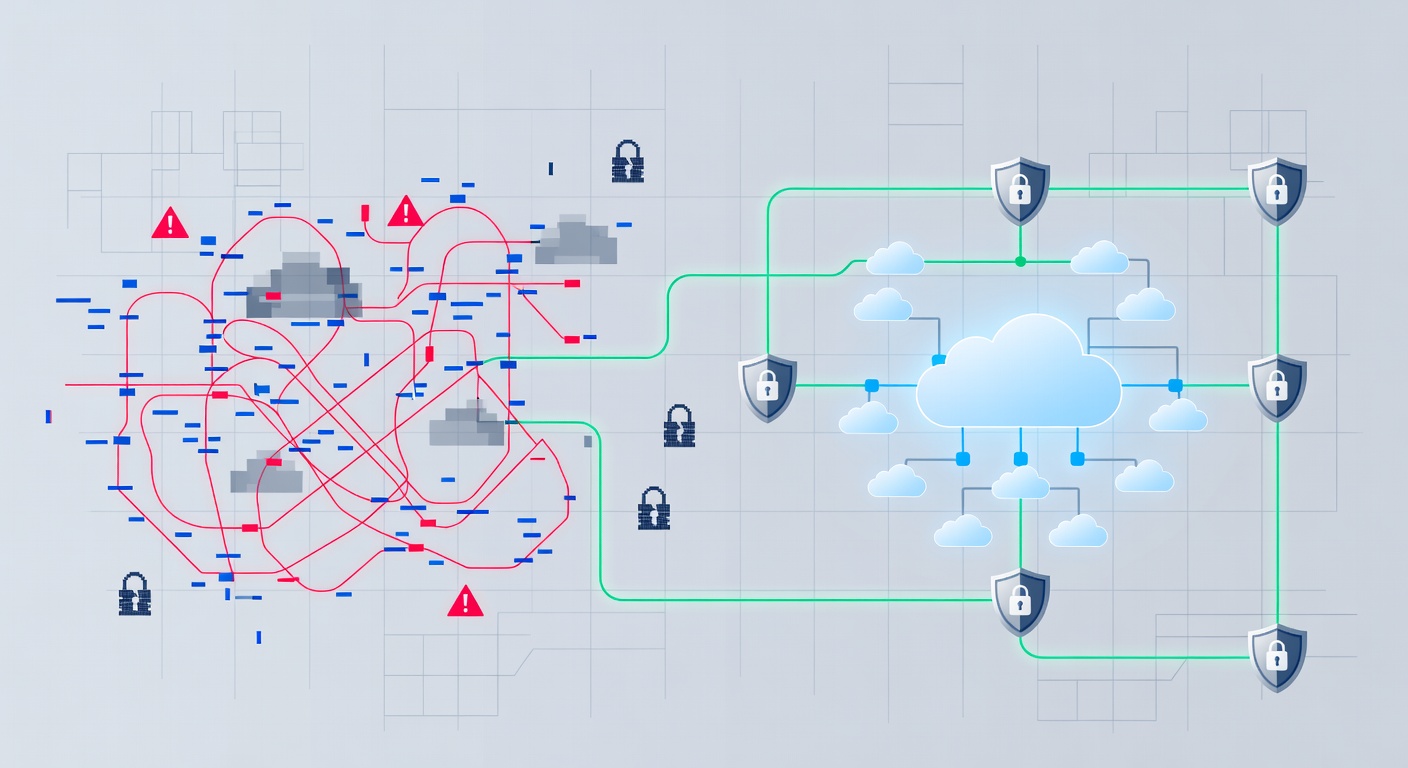
Let me be honest: I get it. You've heard AWS is amazing. You know other companies are using it to scale faster, cut hardware costs, and build redundancy into their operations. But when you actually log into the AWS console for the first time, you're faced with hundreds of products, thousands of configuration options, and a nagging fear that one wrong move could drain your budget or expose your data.
You're not alone. This is the exact scenario playing out in thousands of small business offices right now.
The AWS Paradox: Power Meets Complexity
AWS genuinely is fantastic technology. Amazon's cloud infrastructure is flexible, scalable, and cost-effective in ways that traditional on-premises servers could never be. But here's the catch: flexibility and power come with complexity.
It's like being handed the keys to a high-performance sports car when you're used to driving a Honda Civic. Sure, the car is better in almost every way—but you need to know how to actually drive it.
Most small business owners don't have the bandwidth to become AWS experts. You're already stretched thin managing operations, customer relationships, and day-to-day growth. Adding "become a cloud architecture expert" to your to-do list isn't realistic.
Three Easy Wins for Small Businesses Starting With AWS
If you're considering AWS, the good news is you don't need to boil the ocean. Start simple and build from there.
Storage That Actually Works (S3 Buckets)
The easiest AWS entry point is Simple Storage Service, or S3. Think of it as a digital filing cabinet that lives on the internet. You throw files in there—documents, images, backups, whatever—and you can access them from anywhere, anytime.
What makes S3 particularly useful? It's stupidly reliable, incredibly flexible, and you only pay for what you use. No need to guess how much storage you'll need. No equipment to buy or maintain. It just scales with your business.
Virtual Servers Without the Hardware (EC2)
Maybe you need to host a website or run a custom application. Traditionally, you'd buy physical servers, install them in a data center, configure everything, and hope nothing breaks.
With AWS EC2, you spin up a virtual server in minutes. No hardware to purchase. No data center to rent. If you need more servers next month, you add them. If you don't need them, you shut them down and stop paying.
The speed difference is staggering. Setting up physical infrastructure takes weeks. AWS takes minutes.
Disaster Recovery Without the Price Tag
Here's a scenario that keeps small business owners awake at night: what if your office burns down? What if your data center floods? What if a cyberattack wipes out your primary systems?
AWS can be your safety net. Instead of having everything in one physical location, you can maintain backup systems and critical data in AWS's cloud infrastructure. If disaster strikes locally, your business keeps running from the cloud. It's insurance and business continuity rolled into one.
The Hidden Cost of "Doing It Yourself"
This is where a lot of small businesses run into trouble.
You can absolutely set up an S3 bucket or spin up an EC2 instance yourself. The initial setup is straightforward enough. But "straightforward setup" and "secure, optimized, cost-effective setup" are two different things.
Here's what typically happens:
You create an S3 bucket to back up files. It works great. Three months later, you realize you're storing way more data than necessary, and your AWS bill is climbing every month. Or worse—you realize the bucket isn't properly secured, and sensitive data could be accessed by the wrong people.
You launch an EC2 instance to host your website. Perfect. Then traffic grows, and you don't realize you're paying for way more compute power than necessary. You could be running more efficiently for half the cost, but you don't know what you don't know.
These problems aren't catastrophic on their own, but they compound over time. Your AWS investment becomes less efficient, more expensive, and riskier.
Why You Need a Partner (Not Just a Vendor)
This is where working with someone who specializes in cloud infrastructure changes the game.
A good cloud partner does more than just set things up. They:
Monitor Your Costs Constantly — Cloud expenses can creep up without warning. A partner with specialized tools watches your usage patterns and flags opportunities to optimize. Sometimes this means changing how you're configured. Sometimes it means finding services you didn't know existed that could do the job cheaper.
Keep Security Tight — AWS is secure, but only if you configure it securely. Things like access controls, encryption, and firewall rules need to be right from day one. Once bad configurations take root, they're harder to fix. An expert catches these issues before they become problems.
Handle Ongoing Management — AWS isn't "set it and forget it." New security threats emerge constantly. Performance issues develop. Your business needs change. Having someone dedicated to AWS management means these things get caught and addressed before they impact your business.
Consult on Strategy — As your business grows, your cloud needs evolve. Should you add more servers? Switch to a managed database? Implement auto-scaling? Someone with real AWS experience can guide these decisions rather than letting you stumble through them.
The Real ROI of Cloud Expertise
I'm not going to sugar-coat it: hiring expertise costs money. But consider the alternative costs:
- Misconfigured security that leads to a data breach
- Runaway AWS costs that nobody caught because nobody was watching
- Downtime because systems weren't properly monitored
- Wasted time on tasks that would take an expert an afternoon
Suddenly, paying for expert guidance looks like one of the better business decisions you can make.
Getting Started (The Smart Way)
If you're ready to leverage AWS but want to do it right, here's my advice:
Start small. Pick one project—maybe S3 backup or a simple hosted application.
Bring in expertise early. Don't wait until everything is broken to ask for help. An expert can review your setup from the beginning and course-correct before you're locked into bad patterns.
Plan for growth. Even small deployments should be designed with your future in mind. A properly architected S3 bucket scales just as easily as a misconfigured one, but one costs less to run.
Commit to ongoing management. AWS is powerful because it's flexible and evolving. Staying on top of it requires continuous attention.
The Bottom Line
AWS is a game-changer for small businesses. The ability to launch infrastructure in minutes, scale instantly, and pay only for what you use is genuinely revolutionary compared to the old ways of doing things.
But like any powerful tool, it demands respect and expertise. The businesses winning with AWS aren't the ones trying to figure it out alone. They're the ones working with partners who understand both the technology and the business side of things.
Your job is to run your business. Let someone who specializes in AWS make sure your cloud infrastructure is doing exactly what it should: saving you money, keeping you secure, and growing with you.
Tags: ['aws', 'cloud computing', 'small business it', 'managed services', 'cloud infrastructure', 'cost optimization', 'digital transformation', 'cybersecurity']