Your iPhone feels fine running that old iOS version, right? Wrong. Sticking with outdated iOS isn't just annoying—it's a security nightmare that could drain your wallet and expose your personal data to hackers. Let's talk about why Apple stops supporting older versions and what you're actually risking by ignoring those update notifications.
Why You're Playing With Fire by Ignoring iOS Updates (And What It Costs You)
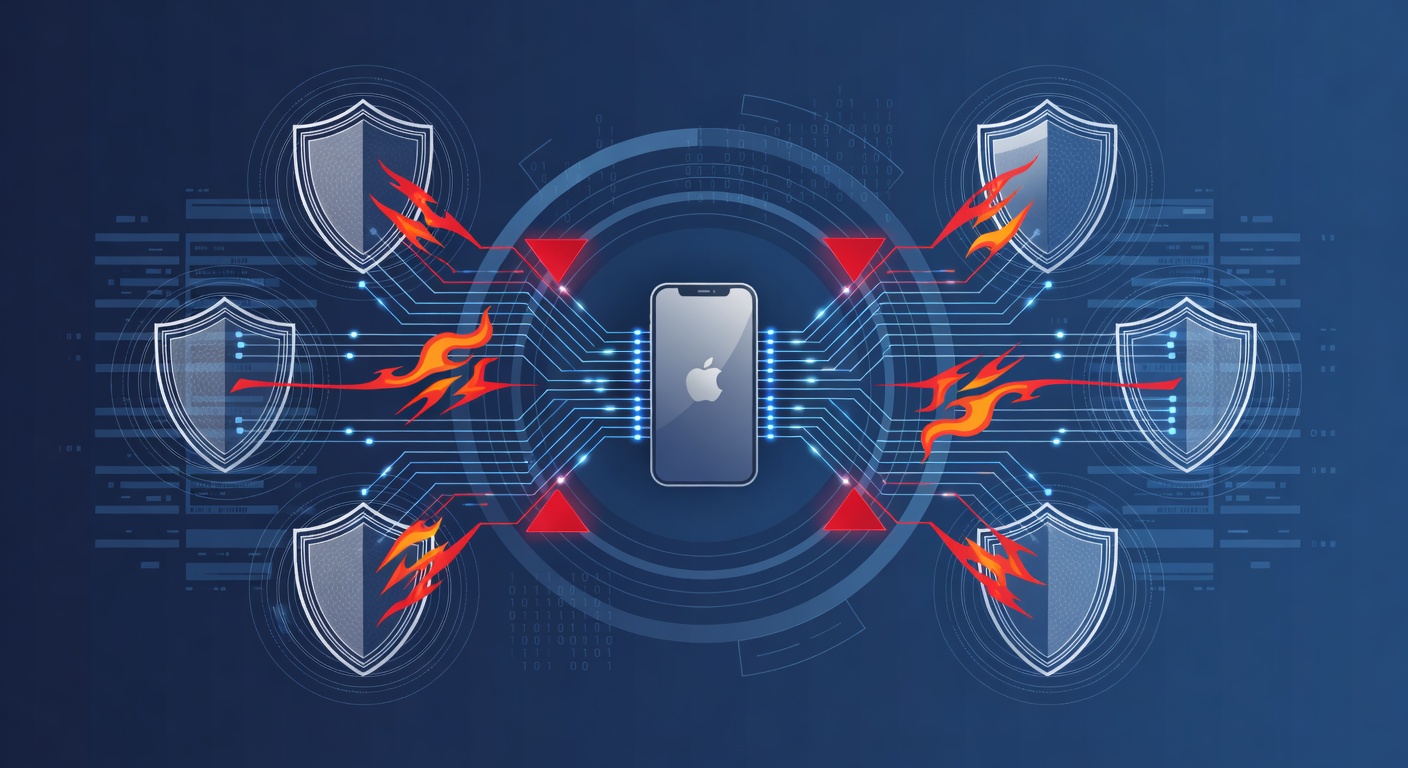
Why You're Playing With Fire by Ignoring iOS Updates (And What It Costs You)
We've all been there. You get that notification about a new iOS update, and you immediately hit "remind me later." The update seems annoying, your phone is working fine, and you've heard horror stories about updates breaking things. So why bother?
Here's the uncomfortable truth: that old iOS version you're clinging to isn't safe. And the longer you ignore it, the worse it gets.
The Real Reason Apple Stops Supporting Old iPhones
Apple doesn't end support for older iOS versions to force you into buying new phones (okay, maybe that's part of the business model, but bear with me). The real reason is that security never stops being a moving target.
Every single day, security researchers discover new vulnerabilities—tiny cracks in the code that hackers can exploit. Apple patches these holes in every new update. When a device stops receiving updates, those holes never get patched. It's like leaving your front door unlocked and hoping no one notices.
Think of it like a building. If you stop maintaining the locks, the walls, and the security system, it doesn't mean the building stays the same. It means it gets progressively weaker, and it's only a matter of time before someone finds a way in.
The App Compatibility Nightmare
Beyond security, there's a practical problem that most people don't think about: apps simply won't work on outdated iOS.
New applications require certain features and capabilities that older iOS versions just don't have. Your banking app, your email client, that productivity app you use every day—they're all designed for modern iOS. Run them on iOS 15 when the current version is iOS 18? Good luck.
You'll experience constant crashes, freezing, and apps that just refuse to launch. It's not your phone being slow—it's the software being incompatible. Over time, you won't be able to update your apps, and you'll be locked out of the latest features and services.
Your Personal Data Is the Real Target
Here's what keeps me up at night about outdated iOS: your personal data becomes increasingly exposed.
Your phone stores everything. Financial information, passwords, photos, messages, health data, location history. If your iOS isn't updated, you're essentially broadcasting an open invitation to cybercriminals.
Hackers specifically look for devices running old operating systems because they know the security holes. It's not a sophisticated targeted attack—it's automated exploitation of known vulnerabilities. Your phone is a low-hanging fruit on the tree.
And if something does get compromised? Your identity could be stolen, your bank account drained, or your private information sold on the dark web. The damage can take months or years to recover from.
The Hidden Costs of Being "Stubborn"
A lot of people think upgrading is expensive. They're not wrong—new iPhones aren't cheap. But here's what most people don't calculate: the actual cost of NOT upgrading.
- Stolen data and fraud recovery: Identity theft costs victims an average of thousands of dollars to fix, sometimes much more.
- Compromised accounts: If a hacker gets your credentials, you could face charges for fraudulent purchases.
- Productivity loss: Constant crashes and slowness mean hours wasted waiting for your phone to work properly.
- Business liability: If you're using an old device for work, a security breach could expose your company's data and create legal problems.
For businesses especially, using outdated devices isn't just a personal security issue—it's a compliance liability. Depending on your industry (healthcare, finance, legal), you might be legally required to maintain current security standards.
What You Should Actually Do
I'm not saying you need the latest iPhone 15 Pro Max with all the bells and whistles. But you do need:
A device that still receives security updates. Check Apple's official support list to see which models are still getting patches. If yours isn't on it, that's your signal.
A realistic upgrade plan. You don't need to buy new every year. But every 4-5 years? That's reasonable for a device that handles so much of your digital life.
Automatic updates enabled. Once you upgrade, turn on automatic security updates. Don't wait, don't procrastinate. Let your phone patch itself.
Basic security habits. Updates are step one. Use a strong password, enable two-factor authentication, and don't click suspicious links.
The Bottom Line
That old iOS version isn't a badge of honor. It's not proof that you don't need the latest tech. It's actually proof that you're vulnerable, and the longer you wait, the more you're exposing yourself to serious risk.
Apple stops supporting older devices because the digital landscape changes constantly. Staying current isn't optional—it's essential for keeping your data, your identity, and your peace of mind intact.
Your phone handles some of the most sensitive information in your life. It deserves better protection than a outdated operating system can provide.
Tags: ['ios security', 'mobile device management', 'cybersecurity', 'iphone updates', 'data protection', 'digital privacy', 'operating system vulnerability', 'mobile security threats']