Software deployment sounds simple until something breaks. Whether you're rolling out updates, installing new tools, or cleaning up old programs, the stakes are higher than most people realize. Here's what happens when deployment goes right—and why professionals should handle it.
Why Your IT Team Should Care About Software Deployment (And Why DIY Usually Goes Wrong)
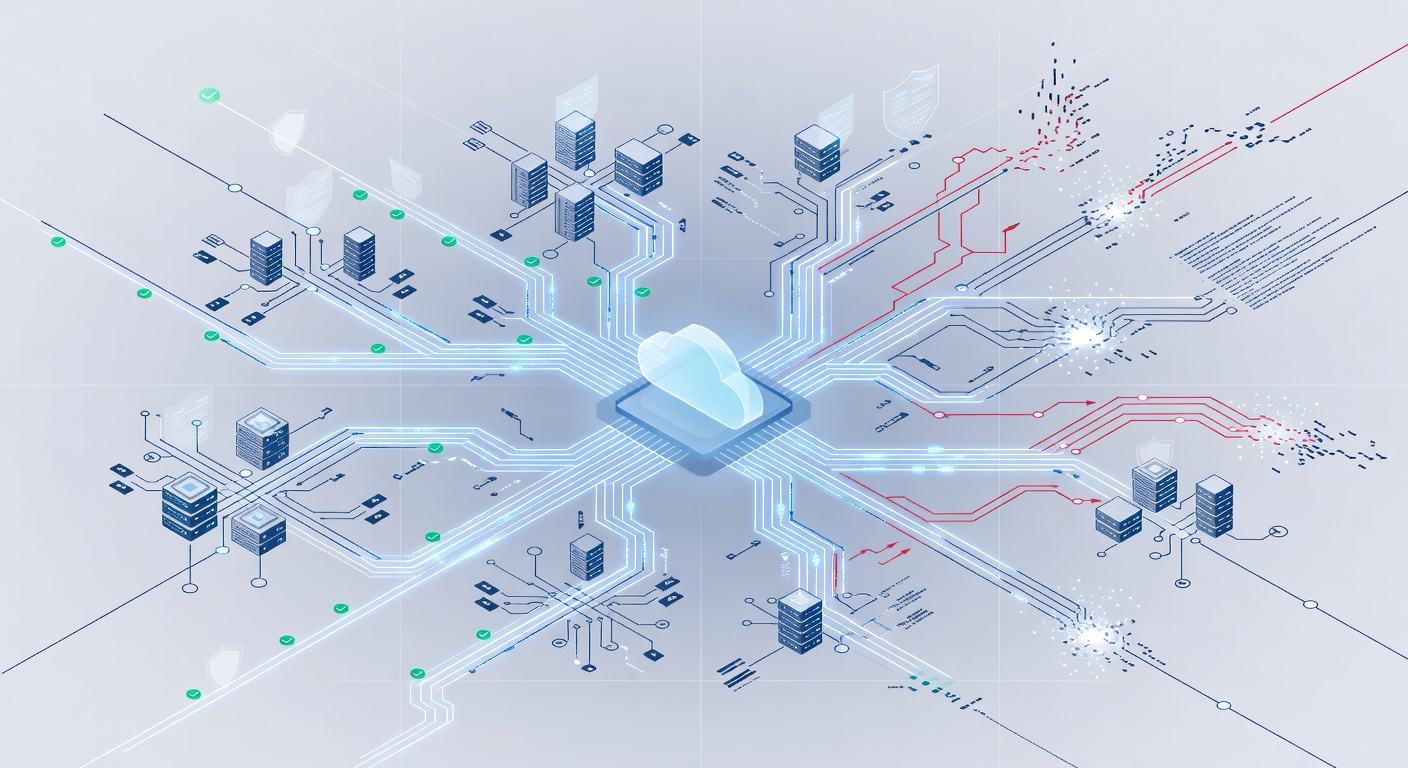
Why Your IT Team Should Care About Software Deployment (And Why DIY Usually Goes Wrong)
I see it happen all the time: a company decides to save money by having someone in the office handle software updates. What could go wrong, right? Fast forward three weeks, and suddenly half your team can't access the new accounting software, an old program is still lurking in your system eating resources, and nobody knows who did what.
Software deployment might seem straightforward—install something, remove something, update something. But the reality? It's one of those areas where cutting corners can cost you big time.
The Three Types of Software Management That Keep IT Managers Up at Night
Routine Updates: The Sneaky Culprit
Let's talk about the boring stuff first. Those regular software updates that pop up? They're not just about adding cool new features. They're often critical security patches that plug holes hackers are actively exploiting.
The problem is rolling these out across your entire organization without breaking something. You've got different devices running different versions. Some software depends on other software. One bad update on one machine can cascade into problems you didn't see coming.
When professionals handle routine updates, they're not just clicking "install." They're testing in a controlled environment first, planning rollout schedules, and making sure nothing conflicts with your existing setup. It's unglamorous work, but it's the difference between a smooth operation and a Friday afternoon disaster.
New Software Deployment: More Than Just Installation
Now imagine you've invested in new project management software, accounting tools, or collaboration platforms. You're excited. Your team is ready. You order it up, and then... what?
Here's where I see companies stumble: they think deployment is a one-day event. In reality, it's a process. You need to:
- Figure out how the new software integrates with everything else you're already running
- Plan the rollout so it doesn't disrupt daily operations
- Handle data migration if you're switching from an old system
- Train people on how to use it (okay, that's not deployment, but it's part of the bigger picture)
- Monitor for issues in the first few weeks when problems are most likely to surface
A botched deployment can set back a company weeks. The new tools that were supposed to save time end up wasting it because nobody set them up right. Professional deployment takes the guesswork out.
Software Removal: The Forgotten Security Risk
Here's something most people don't think about: old software that's still sitting on your computers is a liability.
When you uninstall something manually, you often leave behind remnants—registry entries, hidden files, permissions that are still active. These aren't just cluttering your system. They can be security vulnerabilities. An old piece of software with known exploits that nobody remembers is there? That's an open door.
Professional removal is comprehensive. It cleans up properly, frees up actual system resources, and closes potential security gaps. It's especially important when you're decommissioning old systems or swapping software vendors.
Why This Matters for Your Bottom Line
I get it—hiring someone to manage deployments feels like overhead. But think about it this way: what does downtime cost your business? What's the expense when something breaks because an update wasn't properly tested? How much productivity is lost when new software is deployed poorly?
Professional deployment isn't just about keeping things running. It's about running them efficiently. You get:
- Fewer problems because everything is tested and planned
- Faster rollouts because the process is streamlined
- Better security because updates and removals are done thoroughly
- Peace of mind because someone else is responsible if something goes wrong
The Real Talk
Your in-house IT person might be amazing, but they're probably juggling a hundred other things. Software deployment requires focus, planning, and the ability to work in controlled stages. It's the kind of work that takes longer when you rush it, but saves massive amounts of time when you do it right.
The best companies I've seen don't try to be experts at everything. They focus on their core business and let specialists handle the technical infrastructure that supports it. That includes software management.
Whether it's keeping your current software up to date, rolling out new tools your team needs, or safely removing outdated programs, professional deployment ensures your technology actually supports your business instead of getting in the way.
Stop sweating the small stuff. Let the professionals handle what they do best.
Tags: ['software deployment', 'it management', 'system updates', 'software installation', 'cybersecurity', 'business technology', 'it infrastructure']