Handing out iPhones and MacBooks looks good on paper, but without proper management, you're basically giving employees unsecured data vaults that your IT team can't even touch. Let's talk about why most companies get Apple integration wrong — and the surprisingly simple framework that actually works.
Why Your Company's Apple Devices Are Probably a Security Nightmare (And How to Fix It)
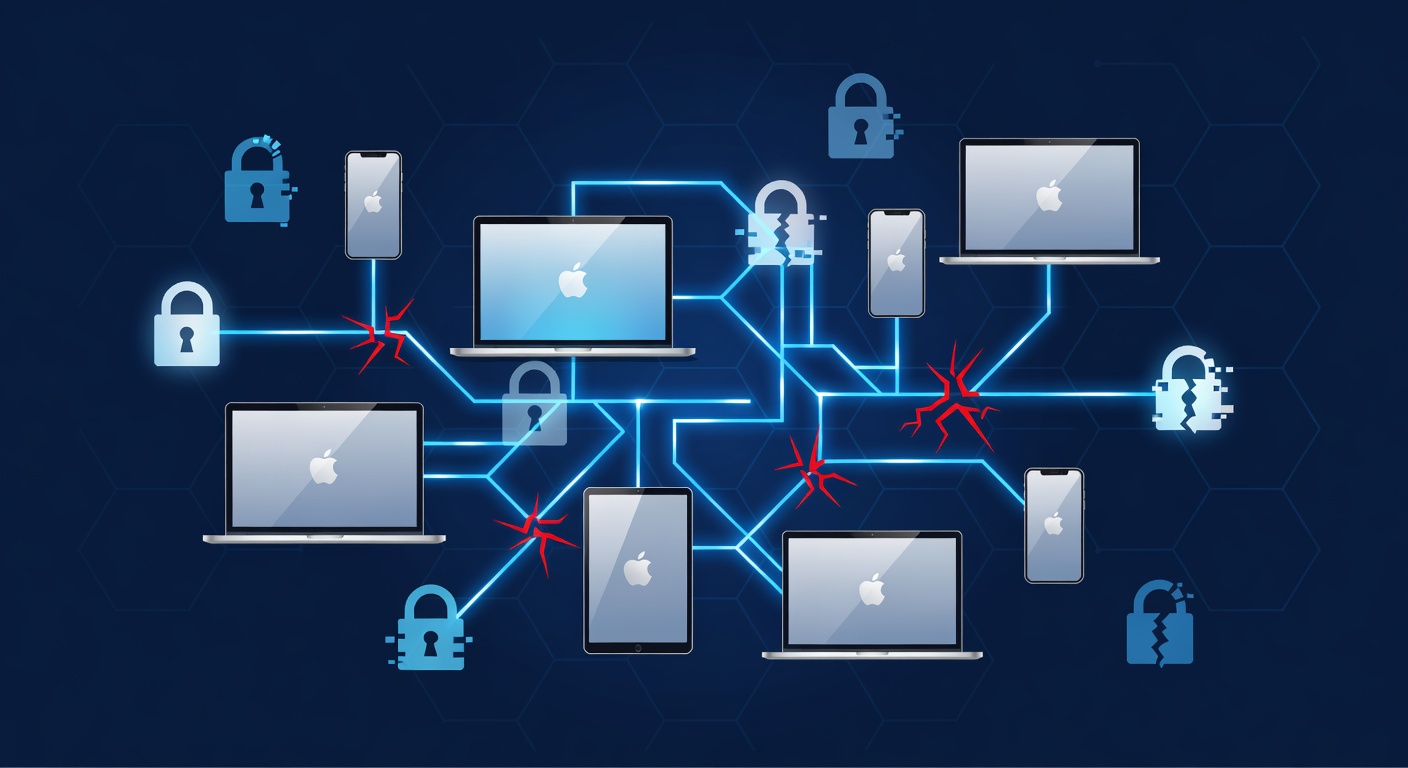
Why Your Company's Apple Devices Are Probably a Security Nightmare (And How to Fix It)
Here's something that drives IT managers crazy: your company buys a shiny new MacBook for an employee, they unbox it, turn it on, and suddenly it's a completely separate island of data that your IT team can barely manage. If that employee leaves, the device becomes essentially a paperweight. Sound familiar?
I've seen this play out a hundred times. Companies love Apple devices because they're sleek, productive, and employees actually want to use them (unlike some corporate laptops). But slapping an Apple device into a professional environment without a real management strategy? That's like buying a fancy sports car and never changing the oil.
The problem isn't Apple's fault. It's that most businesses treat Apple device management as an afterthought — a "we'll figure it out later" situation. And "later" usually arrives when someone quits, takes their personal Apple ID with them, and locks the hardware in a way that makes it completely useless to the company.
Let me break down the actual framework that prevents this nightmare.
The Three Pillars of Apple Integration That Actually Matter
Think of proper Apple device management like a three-legged stool. If one leg is wobbly, the whole thing falls over. Here's what you need:
Pillar 1: Getting Devices into Hands Without Drama
Most IT teams dread new device rollouts. You've got to image them, configure them, install software, manage settings — it's exhausting and error-prone. What if devices could arrive at an employee's desk completely ready to go, no IT intervention needed?
Zero-touch deployment makes this possible. Here's how it actually works:
You define profiles for different departments. Marketing gets certain apps, access levels, and security settings. Finance gets something completely different. These profiles live in your Apple Business Manager account (think of it as your central command center for all Apple hardware).
When you purchase devices, they're automatically linked to the right profile. An employee opens the box, connects to Wi-Fi, and — boom — their device is fully configured. It has the right apps, the right settings, the right restrictions. No IT involvement. No weird manual setup screens. Just a working device.
You have two purchasing paths here: either buy directly through your Apple Business Manager account (straightforward but requires internal procurement workflow), or use a concierge service where someone else handles purchasing and shipping. Either way, devices arrive ready.
Plus, you get a branded company app store where employees can self-serve on pre-approved software. No personal Apple IDs floating around. No licensing chaos. Just control.
Pillar 2: Identity — The Part Nobody Thinks About Until It's Too Late
Here's where most companies stumble: they let employees sign into company Apple devices with their personal Apple IDs.
I get why it seems convenient. Personal Apple ID? They already have one. It's easy. But it's also a disaster waiting to happen.
When someone uses a personal Apple ID on a device that's properly enrolled with your company, Apple's Activation Lock ties that hardware to their personal account. It's a security feature — but it becomes a nightmare when they leave the company.
Employee quits? They still own the device, cryptographically speaking. You can't wipe it. You can't repurpose it. It's locked to their personal credentials, and without their password, it's dead weight.
The solution is Managed Apple IDs. These are accounts your organization owns and controls, not personal accounts. You can reset passwords. You can revoke access instantly. If someone leaves, the device can be wiped and reassigned within minutes.
Better yet, you can federate these Managed Apple IDs with your existing identity system (Microsoft Entra ID, Google Workspace, whatever you use). Employees sign in with their regular company email and password. It feels familiar. It works seamlessly. And your IT team maintains complete control.
The golden rule: enroll every device in Apple Business Manager on day one. Do this, and you own the hardware. Skip it, and you'll regret it.
Pillar 3: Security That Actually Keeps Up
Here's something people don't realize: Apple devices need the same enterprise-grade security as Windows computers. The fact that iOS and macOS are "secure by default" doesn't mean you can just set them and forget them.
Devices need to stay updated. Policies need to be enforced. Compliance requirements need to be verified. If someone tries to jailbreak their device or install unauthorized apps, you need to know about it and be able to respond.
A proper Apple management strategy includes continuous monitoring and remediation. Think of it like a security feedback loop: devices report their status, you review compliance, you enforce policies, devices stay secure. It's not fire-and-forget. It's active management.
This is where a lot of DIY approaches fall apart. You can't just hope your devices stay compliant. You need tooling that automatically ensures encryption, verifies software versions, restricts what users can install, and gives you visibility into every device's security posture.
The Real Cost of Getting This Wrong
Let me paint a scenario that's unfortunately common:
It's Monday morning. Your VP of Sales leaves the company. Their MacBook was never properly enrolled in your device management system. It's locked to their personal Apple ID, and you don't have their password.
The device contains months of customer data. Sales contacts. Deal information. Pricing strategies. Competitor analysis.
Can you wipe it? No. Can you retrieve the data? No. Can you repurpose the hardware? No. The device is completely unusable.
Now multiply that scenario across even just five departures per year. You're looking at thousands of dollars in lost hardware and potential security breaches.
That's not hyperbole. That's what happens when you skip proper Apple integration.
Why This Matters More Than You Think
Apple devices are becoming standard in enterprise environments. More employees expect them. They're productive tools that people genuinely want to use (unlike... well, some alternatives).
But that popularity means you have to get the management right. You can't just hand out hardware and hope for the best. You need:
- Deployment automation so devices arrive ready without IT overhead
- Identity management so your organization owns the devices, not your employees
- Security oversight so compliance actually happens, not just in theory
When these three elements work together, something magical happens: employees get devices they love using, and your IT team gets the control and visibility they need. It's not a trade-off between security and experience. It's actually both.
The Takeaway
Stop treating Apple device management as optional complexity that IT will handle someday. Start by auditing how many of your current devices are actually enrolled in proper management systems. I'm betting the number is lower than you think.
Then implement the framework: automated deployment, Managed Apple IDs with federation to your identity provider, and continuous security monitoring. It's not rocket science, but it's essential infrastructure that most companies are missing.
Because here's the truth: a company that can't control its Apple devices can't really control its data. And in 2024, that's an unacceptable security risk.
Tags: ['apple device management', 'enterprise security', 'mdm', 'apple business manager', 'it infrastructure', 'mobile device management', 'corporate security', 'device enrollment', 'macbook deployment', 'managed apple ids', 'zero-touch enrollment', 'it security best practices', 'data protection']