Your old business continuity plan was built for a different world—one where everyone worked in the same office building. But now that your team is scattered across time zones and coffee shops, that plan is practically useless. Let's talk about rebuilding it for the anywhere-work era.
Why Your Business Continuity Plan Might Be Broken (And How Remote Work Changes Everything)
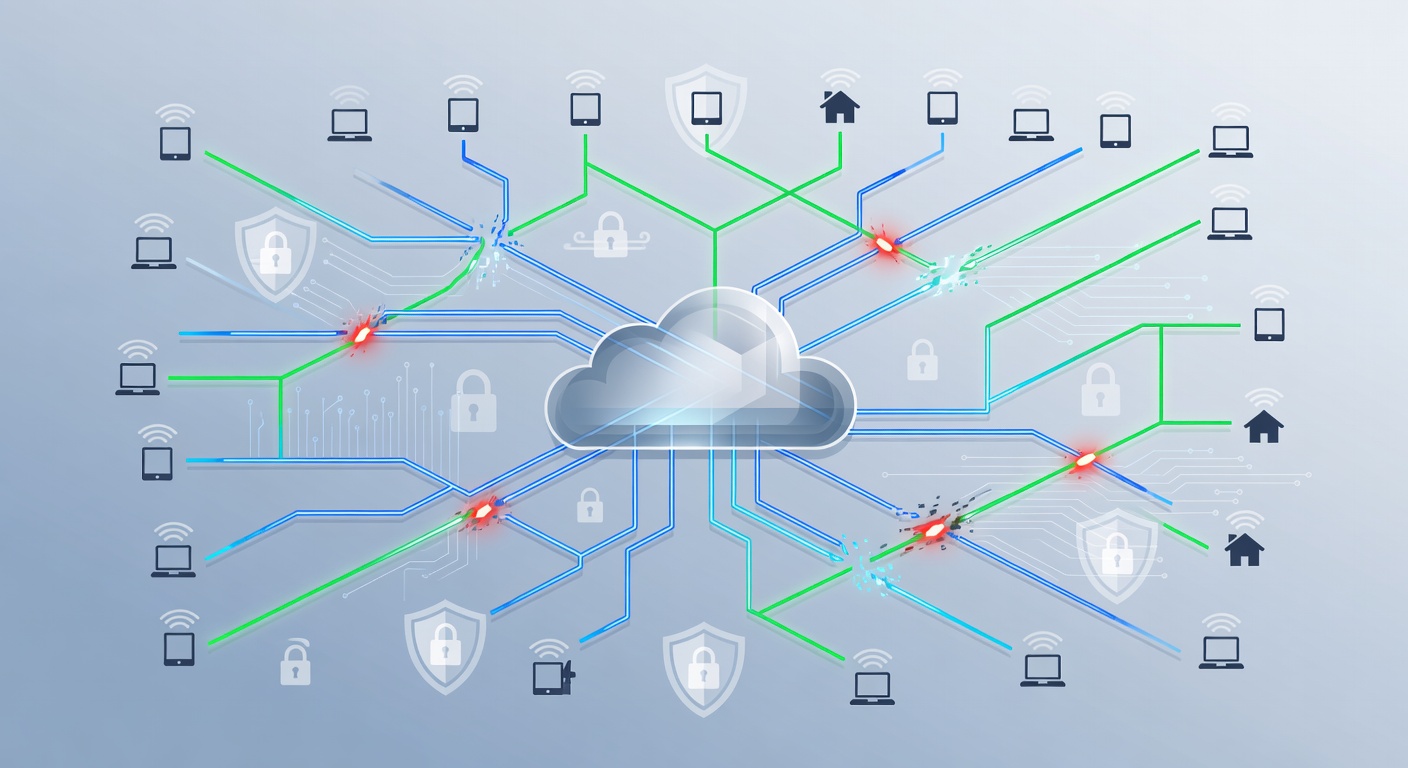
Why Your Business Continuity Plan Might Be Broken (And How Remote Work Changes Everything)
Remember when business continuity planning was simple? You'd keep backup generators in the basement, print out contact lists, and hope nobody's computer crashed on the same day the power went out. Those days are gone.
The shift to remote and hybrid work wasn't just a pandemic thing—it's become the new reality for millions of workers. And here's the thing that keeps me up at night: most companies never updated their business continuity plans to reflect this seismic shift. They're still operating with playbooks written for a pre-2020 world.
According to recent studies, over 80% of risk managers did update their plans in the last year, which sounds good. But I'd bet half of those updates were band-aid solutions, not real structural changes. The difference between your team being in one building versus spread across three continents is huge, and it requires fundamentally different thinking about how your business survives disruptions.
The Real Benefits Nobody Talks About
Before we jump into rebuilding your plan, let's be honest about why companies went remote in the first place. Yes, the pandemic forced everyone's hand, but the benefits are genuinely real.
Money matters. A single remote worker who telecommutes even part-time can save your company around $11,000 per year. That's not accounting for reduced office space, utilities, or furniture replacement. When you scale that across a team of 50 or 100 people, you're looking at serious cost savings.
Talent gets better. When you're not limited to hiring people within commuting distance of your office, you can actually find the best people for the job. No more settling for "good enough" because they happen to live nearby. The whole world becomes your hiring pool.
People actually work better. I know this sounds counterintuitive, but remote workers often experience fewer distractions and more control over their schedules. Sure, they take more breaks, but that usually means they're more focused when they're actually working, not less. Productivity often goes up, which is the opposite of what traditional managers feared.
The Uncomfortable Truth About Your Current Plan
Here's what I see happening at most companies: they have a business continuity plan that assumes a worst-case scenario (office flooded, internet down, etc.) and a recovery plan that involves getting everyone back to the office ASAP.
That's not a plan anymore. That's a fantasy.
In a true distributed workforce, your biggest continuity risk isn't a single point of failure in your office building. It's much messier than that. It's the fact that your infrastructure is now spread across dozens of internet connections, multiple cloud services, different home office setups, and varying levels of security awareness among your team.
You can't just put people back in an office and solve the problem anymore. Your continuity plan needs to embrace the distributed nature of your operations, not fight it.
1. Stop Pretending Remote Work Is Temporary
Your business continuity plan needs to explicitly account for remote and hybrid work scenarios. Not as a backup plan, but as your primary operational model.
This means:
- Clearly define essential vs. non-essential roles. During a disruption, who absolutely has to be working, and what's their minimum viable setup? Can they work from home, a coffee shop, or a library? What do they need to do their job?
- Create specific remote work protocols. Not vague guidelines—actual procedures. How do they access files? How do they stay secure? What's the communication chain if something goes wrong?
- Test these scenarios regularly. Don't just write it down and forget about it. Actually run a test where your team works completely remotely for a day and documents what breaks.
The companies that survived the last few major disruptions weren't the ones with the fanciest office disaster plans. They were the ones that had already figured out how to operate with people spread out.
2. Your IT Infrastructure Needs to Match Your Reality
This is where things get technical, but stay with me.
When your team worked in one place, your IT infrastructure was relatively simple. Network cables running through walls, servers in a closet, everyone on the same connection. When a disaster hit, you either fixed it or you didn't.
Now? Your infrastructure is fundamentally different. Your "network" includes your employees' home internet, their personal devices (probably), your cloud services, your VPN, and whatever SaaS tools you're using. That's exponentially more complex.
Your business continuity plan needs to account for this reality:
Network reliability is everything. If an employee's home internet goes down, they're useless, right? Your plan should consider backup internet options (mobile hotspots, working from different locations, etc.). It should also consider what happens if your ISP has an outage, not just your office internet.
VPN capability matters more than you think. Your remote team needs secure access to your systems. That VPN needs to scale. If half your team suddenly needs to connect at once because there's an emergency, will it hold up? Most companies haven't stress-tested this.
Device management is critical. Are your employees using company laptops, personal devices, or a mix? Your plan needs to account for how you'll access data, wipe devices if needed, or recover if someone loses their laptop. And honestly? This needs training so people actually understand the policies.
Update your acceptable use policies. If your team is working from home, what technology can they use? What about public WiFi? Are they allowed to use unsecured networks to access company data? Your plan needs to set clear boundaries here.
3. Cloud and Collaboration Tools Aren't Optional Anymore
During the disruptions of the past few years, the companies that had already invested in cloud-based collaboration tools didn't skip a beat. The ones that hadn't? They scrambled.
Your business continuity plan absolutely needs to include which cloud and collaboration tools you're using and how your team will access them during a disruption.
The obvious ones are things like Microsoft Teams, Slack, or Google Workspace. But it goes deeper than that. Where are your files stored? If your cloud storage provider has an outage, can your team still work? Do you have backups? Can you access them from anywhere?
Here's my unpopular opinion: if your critical business files are only stored on someone's desktop computer, your business continuity plan is essentially fiction. It doesn't matter what you've written down—you're going to fail when it matters.
Your plan should specify:
- Which tools are mission-critical. Not every tool gets the same treatment. Your payment processing system is more important than your internal wiki.
- How teams will communicate. Multiple channels, ideally. What if Slack is down? Do you have a backup messaging system?
- Where data actually lives. Is it backed up? Is it encrypted? Can it be accessed from anywhere?
- Training requirements. People need to actually know how to use these tools. During a crisis is not the time to figure out Zoom for the first time.
4. Cybersecurity Just Became Your Biggest Liability
Here's something that keeps security professionals awake at night: remote work dramatically increases your security risk.
The stats are scary. The average cost of a data breach is over $4 million. And remote work makes breaches more likely because:
- More endpoints mean more vulnerabilities. Every employee's home laptop is a potential entry point.
- Public WiFi is a disaster. Someone working from a coffee shop on the coffee shop's WiFi is basically broadcasting their work to anyone in the area.
- People are bad at security. This isn't mean—it's just true. Even well-intentioned employees will reuse passwords, click suspicious links, or share login information.
Your business continuity plan must include serious cybersecurity strategies:
Regular security training is non-negotiable. And I mean regular—at least quarterly. People need to understand phishing, password hygiene, and when it's okay to work from certain locations.
Keep your policies updated. Security threats change constantly. Your acceptable use policies from 2019 are probably missing half the risks that exist today.
Incident response drills are essential. Don't just write a plan. Simulate a breach and see what actually happens. You'll probably be horrified at how unprepared you are, which is exactly why you need to do this now, not when an actual breach is happening.
Use a VPN and enforce it. If your team is working remotely, they should be on a VPN. This encrypts their connection and keeps their activity (and your company data) private. Make it non-negotiable, not optional.
Multi-factor authentication is your friend. Passwords alone aren't enough anymore. If someone's password gets stolen, MFA stops them from actually getting into your systems.
5. Rethink Your Risk Management from Scratch
Your old risk management process probably looked something like this: "What could go wrong in our office building?" Now you need to think about distributed risks across a much larger surface area.
The risks in a remote-first environment are different:
- Internet outages (not just office internet, but multiple locations simultaneously)
- Cloud service disruptions (what if your email provider goes down?)
- Security breaches targeting remote workers
- Data loss from devices working outside your network
- Communication breakdowns across distributed teams
Your risk management process needs to:
Identify distributed risks. Sit down with your team and think through what could actually break your business now. Not what broke it in 2005.
Assess the likelihood and impact. Some risks are real but unlikely. Others are both likely and catastrophic. Focus on those first.
Build specific recovery procedures. For each major risk, what's the actual recovery step-by-step plan? Don't be vague.
Assign ownership. Someone needs to be responsible for each part of the plan. Not "IT should handle this"—actual names and titles.
Review and update regularly. Quarterly is reasonable. Your risk landscape changes faster than it used to.
The Bottom Line: Your Old Plan Isn't Good Enough
I'm not trying to be harsh, but if your business continuity plan was written before 2020 and hasn't been fundamentally overhauled, it's not actually protecting your business. It's just a document that exists.
The shift to distributed work isn't temporary, and it's not something you can half-implement. It requires real changes to how you think about:
- Your IT infrastructure
- Your security
- Your communication protocols
- Your risk management
The good news? Companies that have done this work properly have become more resilient, not less. They can weather disruptions that would have destroyed them a decade ago.
The question is: which kind of company do you want to be?
Tags: ['business continuity', 'remote work', 'disaster recovery', 'cybersecurity', 'business resilience', 'it infrastructure', 'risk management', 'hybrid work', 'data security', 'network security']