So you've decided to outsource your IT management. Smart move — but what exactly changes on your devices, servers, and cloud accounts? Let's break down the behind-the-scenes magic that happens when a managed IT provider takes the wheel, and why each change actually matters for your business.
What Actually Happens When You Hand Your IT Infrastructure to a Managed Service Provider
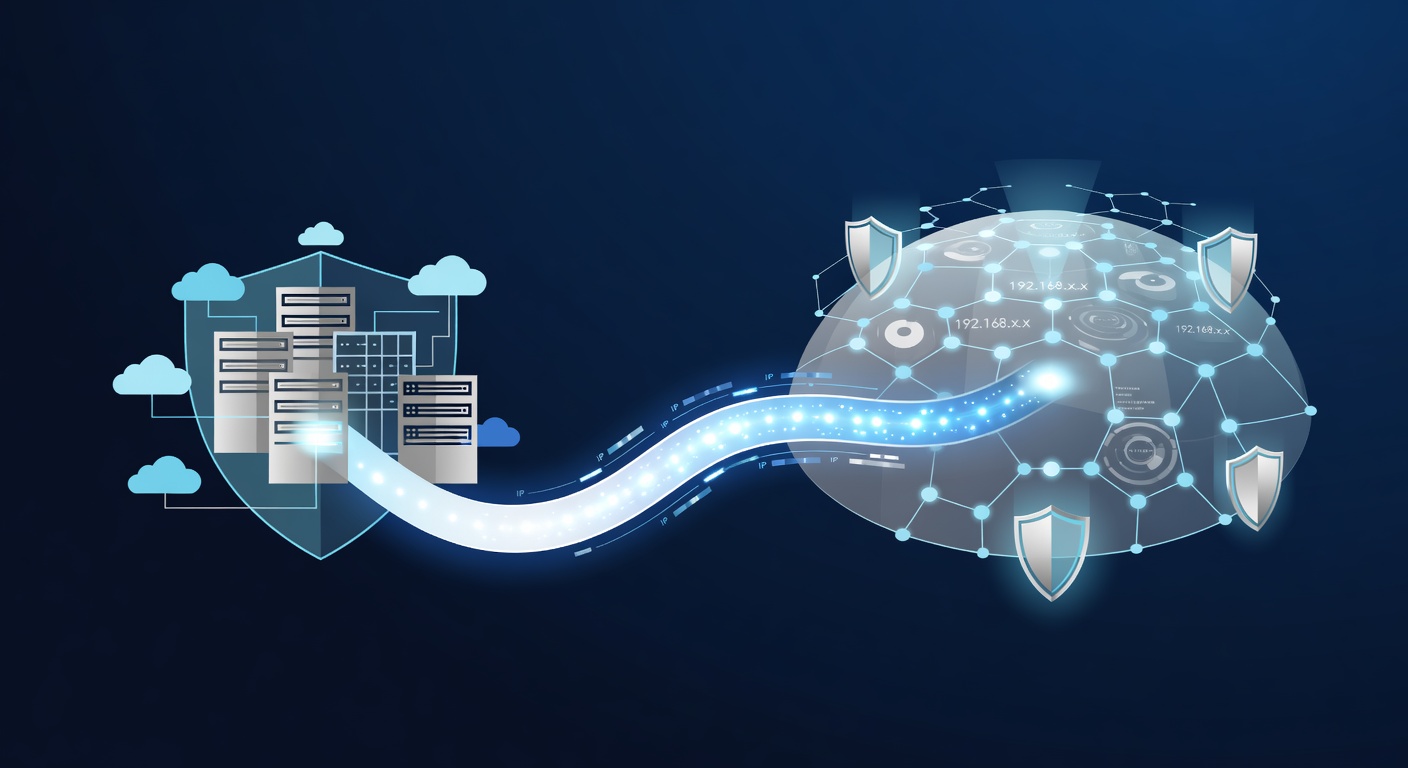
The Big Picture: You're Not Losing Control, You're Gaining a Safety Net
Here's the thing about managed IT services that confuses a lot of business owners: it sounds invasive. You're letting someone else install software on your computers, access your servers, and manage your Microsoft 365 account. I get it — that feels risky at first.
But here's the reality check: you're not losing control, you're gaining visibility and protection. The changes a managed service provider makes are specifically designed to help them do three things: see what's happening on your network, protect it from threats, and fix problems before they become disasters.
Let me walk you through exactly what gets installed and why.
Your Workstations: The First Line of Defense
When a managed IT provider takes over your computers, they typically add a few key things:
Remote Management Software
This is the bread and butter. They need a way to connect to your devices remotely to troubleshoot issues, install updates, and maintain security. Without this, they'd have to physically visit every single computer when something goes wrong. This software lets your IT team help your employees without leaving their office — or even their home.
Endpoint Detection & Response (EDR) Software
This is where things get serious. Traditional antivirus software is like a security guard who checks IDs at the door. EDR software is like having a security team that's actively watching everyone inside the building, looking for suspicious behavior.
The difference matters more than you'd think. Antivirus watches for known threats. EDR watches for unknown threats. It monitors how programs behave on your device in real time. If something tries to steal data or encrypt your files, EDR catches it and alerts your IT team — sometimes before you even notice something's wrong.
Backup Software (If You're Smart)
If you've opted for device backups — and honestly, you should — they'll add software that automatically backs up your workstations. This isn't just about recovering from ransomware attacks. It's about those moments when someone accidentally deletes the spreadsheet they've been working on for three weeks. You need a safety net.
Your Servers and Network: The Vault
Servers are where the crown jewels live. Your databases, your files, your business-critical applications — they all live here. This is where a managed provider focuses their most intense attention.
Network Discovery and Inventory
First, they need to know what they're protecting. They'll install monitoring software that creates a complete map of your IT environment. What servers do you have? What applications are running? What devices are connected? Think of this as taking an X-ray of your entire network.
Cortex on Your Server
Just like on your workstations, EDR software goes on servers too — because servers are targets. In fact, attackers often skip workstations entirely and go straight for servers because the payoff is bigger.
Active Threat Scanning
Beyond just installing software, managed providers run continuous scans looking for signs of active threats, vulnerabilities, and misconfigurations. They're not just waiting for problems; they're actively hunting for them.
Microsoft 365: The Keys to the Kingdom
This one trips people up because it feels like they're taking over your Microsoft account. And technically, they are — but with boundaries.
Granular Delegated Administration Permissions (GDAP)
This is a formal permission structure that Microsoft built specifically for situations like this. Instead of handing over your password (the old, bad way), you grant your managed provider specific administrative rights. They can manage licenses, reset passwords, configure security policies, and handle issues — but only in the specific areas you've authorized.
It's like giving your accountant access to your checking account, but they can only move money within specific limits. You maintain control, they handle the day-to-day.
License Management
Microsoft licenses are complicated. You've got different user types, different features, different renewal dates. When a managed provider takes these over, they're optimizing your licensing structure to save you money and ensure everyone has the right tools.
Why This Matters More Than You Think
I know this all sounds like someone else is basically running your IT department. And in a way, they are. But here's what's actually happening: you're getting round-the-clock monitoring, threat detection, and proactive maintenance that most small and medium-sized businesses couldn't afford to hire in-house.
The software they install isn't there to spy on you or lock you out of your own systems. It's there to:
- Catch problems before they impact your business — The EDR software detects threats faster than a human ever could
- Enable faster troubleshooting — Remote management software means issues get fixed in minutes, not hours
- Automate tedious tasks — Updates, backups, and license management happen without anyone having to think about it
- Give you audit trails — You can see exactly what was changed, when, and by whom
The Trust Factor
Look, I won't pretend this doesn't require trust. You're giving someone access to your sensitive business systems. That's why it matters that you choose a managed provider carefully — someone transparent about what they do, someone who respects boundaries, someone with actual security certifications.
But honestly? The risk of not having professional management is almost always worse than the risk of bringing one in. An unmanaged network is an open invitation to attackers.
The Bottom Line
When a managed IT provider makes these changes to your workstations, servers, and cloud accounts, they're essentially installing a security system, hiring a 24/7 monitoring team, and creating a maintenance schedule — all at a fraction of what it would cost to hire that team in-house.
Sure, your computers and networks look a little different under the hood. But you're trading complexity for peace of mind. And honestly, that's a deal I'd take every single time.
Tags: ['managed it services', 'it infrastructure', 'endpoint security', 'edr software', 'microsoft 365 management', 'cybersecurity', 'business it', 'network security', 'smb technology']