Windows 11 isn't just asking nicely for TPM 2.0—it's a hard requirement. If you're clinging to an older machine, you might be locked out of the upgrade. Here's the 30-second check that tells you exactly where you stand.
Is Your Computer Ready for Windows 11? The TPM 2.0 Check You Can't Skip
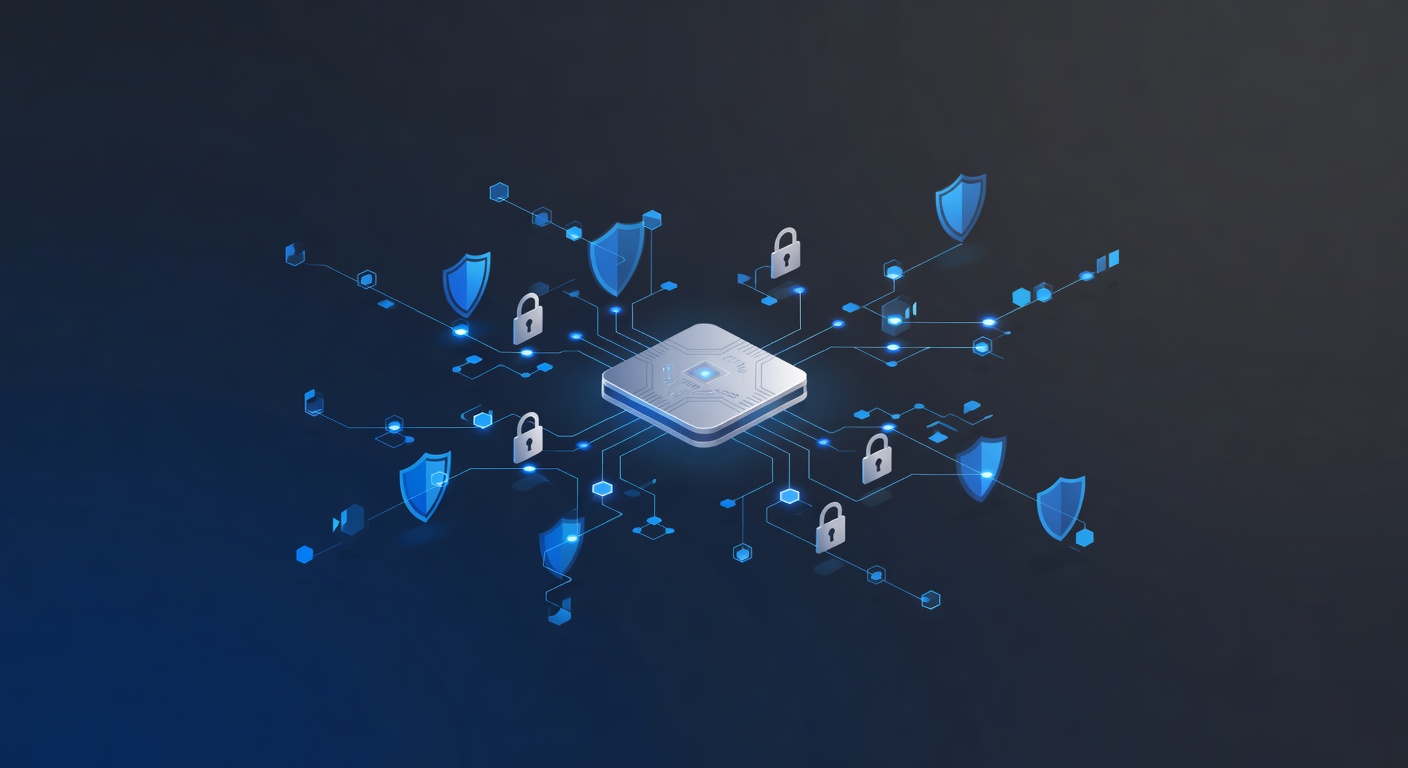
The TPM Requirement Nobody Talks About (Until It's Too Late)
You've probably heard that Windows 11 has some strict hardware requirements. Yeah, yeah—newer processor, more RAM, all that stuff. But there's one small detail that trips up a lot of people: TPM 2.0.
I'm not exaggerating when I say this is a dealbreaker. If your computer doesn't have it, you're not getting Windows 11. Period. And honestly? Most people have no idea whether they have it or not.
Here's the thing that frustrated me for years: TPM sounds like something that only IT professionals should worry about. It's got "module" in the name. There's cryptography involved. It sounds complicated. But checking whether you have it? That part is dead simple.
What Even Is This TPM Thing?
Let me break it down without the tech jargon.
Think of your computer like a house. A TPM chip is basically a security guard that stands at the door 24/7, watching for intruders. Every time your computer starts up—and actually, multiple times while you're using it—this security guard is checking that nothing fishy is going on. No one broke in and messed with your stuff. No malware snuck past the gates.
Windows 11 decided that every computer should have this security guard. Microsoft calls it a "root of trust" or a "trust anchor," which is fancy speak for "the thing we absolutely trust to tell us if your computer is legit."
Why does this matter? Because modern security isn't just about having a good password or antivirus software anymore. It's about making sure your entire device—from the moment it powers on—is clean and hasn't been tampered with. The TPM is the foundation that makes this possible.
How to Check If You Have TPM 2.0 (Takes 30 Seconds, I Promise)
Seriously, this is easier than finding your Wi-Fi password.
Step 1: Click on the Windows search bar (bottom left of your screen)
Step 2: Type tpm.msc and hit Enter
Step 3: A window called "Trusted Platform Module Management" pops up
Step 4: Look in the middle of the window for two things:
- Status: Should say "The TPM is ready for use"
- Specification Version: Should say "2.0"
If both of those things are there? Congrats. You're good. Close the window and move on with your life.
If one or both are missing? Well, we need to talk about what that means.
The Bad News (And Why I'm Being Honest About It)
Here's where I have to level with you: if your computer doesn't have TPM 2.0, you cannot upgrade to Windows 11. This isn't a negotiation. This isn't something you can work around with a clever hack.
Now, technically, you could buy a TPM 2.0 chip, find someone to install it, and hope Windows recognizes it. But let's be real—that's annoying, expensive, and might not even work depending on your motherboard. For most people, it's just not worth it.
If you're running an older business laptop or a personal computer from 5-7 years ago, this is probably you. And that means you're staying on Windows 10. Windows 10 is still solid and supported through 2025, so it's not like you're on borrowed time immediately. But you're on a clock.
Why Microsoft Is Being So Strict About This
Here's what I respect about Microsoft's approach (even though it's frustrating): they're not being arbitrary. They're genuinely trying to fix something that's broken about how we do security.
The old way? You had antivirus software, firewalls, and passwords. That's still the standard. But that system assumes your device isn't already compromised. If a really sophisticated piece of malware gets in at a deep level—below the operating system—traditional security tools can't help you. The malware becomes invisible.
A TPM chip changes that game. It's like having a security camera that's watching from before anyone can even enter the building. It can verify that your drive encryption is working (that's the BitLocker feature built into Windows). It can confirm that no one tampered with your system files. It makes Zero Trust security actually possible.
Is it inconvenient? Yeah. Is it necessary? Also yeah.
What You Should Actually Do Right Now
If you have TPM 2.0: You're fine. Windows 11 is waiting for you whenever you want to jump over. No rush.
If you don't have TPM 2.0: Don't panic. Windows 10 still works, still gets updates, and you've got a few years before that support actually ends. But start thinking about your upgrade path now, because waiting until the last minute is stressful and expensive.
If you're unsure: Run that tpm.msc check. It literally takes 30 seconds.
The Bottom Line
TPM 2.0 isn't some esoteric requirement that only enterprise IT people care about. It's actually a pretty smart security move, even if the implementation is a bit heavy-handed. Your computer's security is only as good as its foundation, and TPM 2.0 is basically the foundation-checker.
Do yourself a favor: check your TPM status today. Five minutes spent now beats finding out you're incompatible six months from now when you really need that upgrade. Trust me on that one.
Tags: ['tpm 2.0', 'windows 11', 'computer security', 'system requirements', 'device integrity', 'bitlocker encryption', 'windows 10', 'hardware compatibility']