La mayoría de las empresas ni se imaginan cuántas vulnerabilidades de seguridad acechan en sus sistemas en este momento. El escaneo de vulnerabilidades es como una auditoría que detecta los puntos débiles antes de que lo hagan los hackers. Y no es opcional si quieres dormir tranquilo por las noches.
Los agujeros de seguridad de tu negocio (y dónde carajo están escondidos)
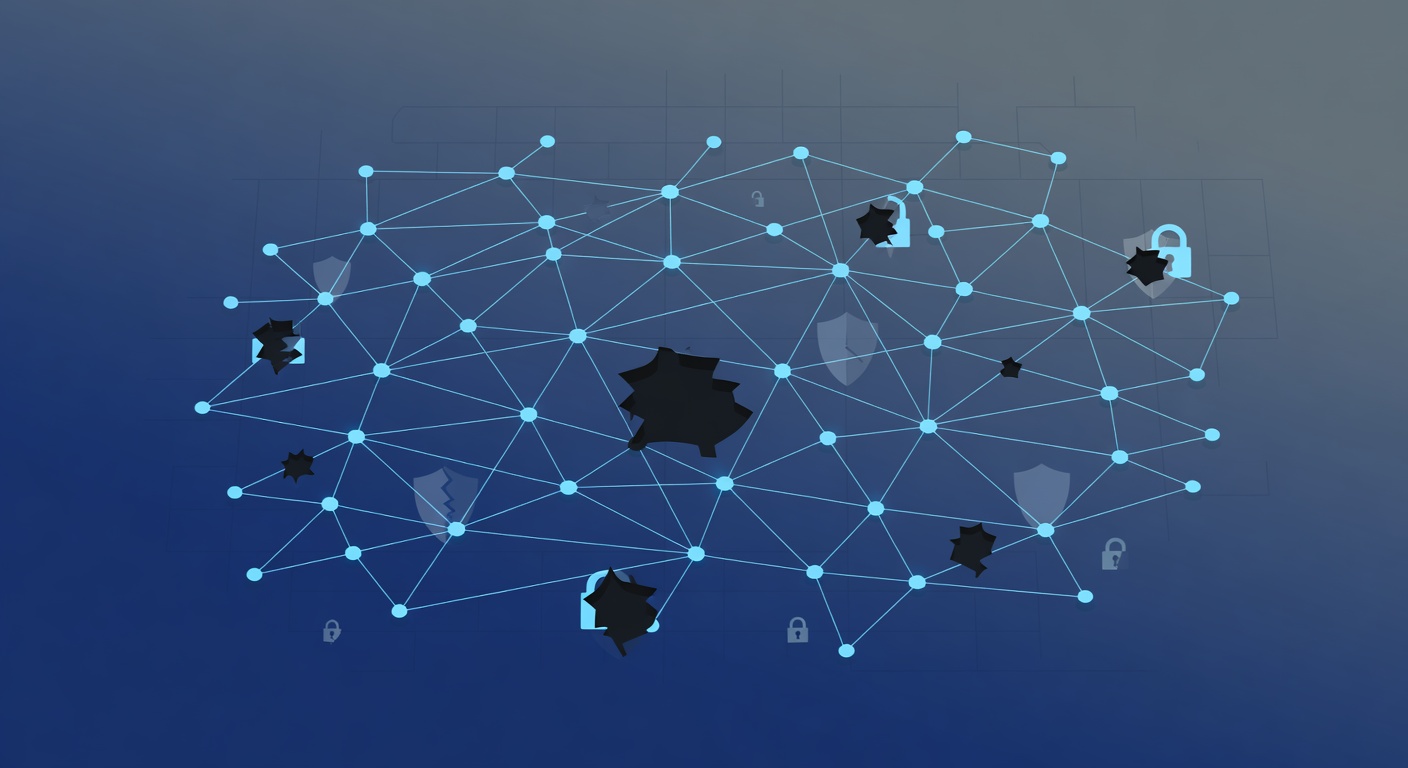
Tus Negocios Tienen Agujeros de Seguridad (Y Seguro No Sabes Dónde Están)
¿Sabes qué software corre en la red de tu empresa en este preciso instante? ¿O esas apps antiguas que nadie actualiza? ¿Y ese servidor olvidado de hace tres años?
No, claro que no.
La cruda realidad es que la mayoría de las empresas acumulan fallos de seguridad invisibles. Mientras tu equipo de TI lidia con lo cotidiano, los hackers buscan justo esos puntos débiles.
Ahí entra el escaneo de vulnerabilidades. Si no lo haces, ponlo en tu lista ya.
¿Qué Rayos Es un Escaneo de Vulnerabilidades?
Imagina un chequeo médico completo para toda tu infraestructura TI. Como un doctor que detecta males ocultos con pruebas, este escáner revisa de forma automática dispositivos, servidores, programas y redes para hallar grietas de seguridad.
Barre todo en busca de:
- Software viejo con fallos conocidos
- Sistemas sin parches que necesitan updates urgentes
- Configuraciones flojas que invitan a intrusos
- Contraseñas débiles o problemas de acceso
- Puertos abiertos y servicios abandonados
Al final, te entrega un informe claro: qué falla, cuán grave es y cómo arreglarlo.
Simple, pero brutalmente efectivo.
Por Qué No Puedes Ignorarlo en Tu Empresa
Entiendo: otra tarea más en una agenda a reventar. Pero mira qué pasa si lo saltas:
Los atacantes llegan primero.
No es cuestión de "si", sino de "cuándo". No te avisan; roban datos, encriptan todo con ransomware o usan tu red para golpear a otros.
El precio de un hackeo va más allá del daño inicial: paradas en producción, abogados, multas, mala fama y clientes que se van. Un solo lío cuesta más que años de herramientas de seguridad.
Escaneo es como un seguro proactivo: evitas el desastre, no solo limpias después.
Cuándo Escanear Sin Excusas
Lo ideal es hacerlo a menudo: mensual o trimestral, según tu tamaño y riesgos. Pero hay momentos clave:
Tras instalar software nuevo — La novedad trae sorpresas. Escanea de inmediato para cazar problemas tempranos.
Después de un incidente — Si te hackearon, averigua cómo y qué más está en riesgo.
Antes de auditorías — Cumplir GDPR, HIPAA o PCI exige esto. Sin escaneo, fallas y pagas caro.
Al aplicar parches — Verifica que los updates realmente taparon los hoyos.
Cuando alguien se va — Cambios de personal dejan accesos sueltos.
Qué Te Dice el Informe de un Escaneo
Aquí está lo jugoso. No es una lista de errores; es un plan de batalla.
Incluye:
- Fallos detectados — Debilidades concretas en tus sistemas
- Nivel de peligro — Críticos vs. menores
- Ubicación exacta — Dispositivos, apps o redes afectadas
- Por qué importan — Riesgos reales e impactos posibles
- Soluciones paso a paso — Parches, ajustes o limpiezas
No es jerga técnica. Es tu guía para blindarte: prioriza, parchea y mide avances.
La Verdad a la Cara: Sin Verlo, No lo Arreglas
Mi opinión directa: escanear no te hace invencible. Pero no escanear es como invitar al desastre porque nadie miró.
Es cerrar puertas en vez de fingir que no existen.
¿Lo mejor? No cuesta un ojo de la cara ni es rocket science. Con presupuesto TI básico, automatizas todo. Si los informes te marean, un experto te los traduce en acciones.
No hay excusa. Tus datos, los de tus clientes y la supervivencia de tu negocio lo piden a gritos.
¡Empieza ya! Tu yo del futuro te lo agradecerá.
Etiquetas: ['vulnerability scanning', 'cybersecurity', 'network security', 'risk management', 'compliance', 'data protection', 'security best practices', 'it infrastructure']