Οι περισσότεροι ιδιοκτήτες μικρών επιχειρήσεων νομίζουν πως η κυβερνοασφάλεια είναι πρόβλημα κάποιου άλλου — μέχρι να γίνει δικό τους. Η αλήθεια; Το 54% δεν έχει καν σχέδιο προστασίας, και οι χάκερ το ξέρουν καλά. Δείτε γιατί το μέγεθος δεν παίζει ρόλο για τους εγκληματίες, και τι σε σώζει πραγματικά.
Γιατί οι μικροί επιχειρηματίες πέφτουν θύματα χάκερ (και τι δουλεύει επιτέλους)
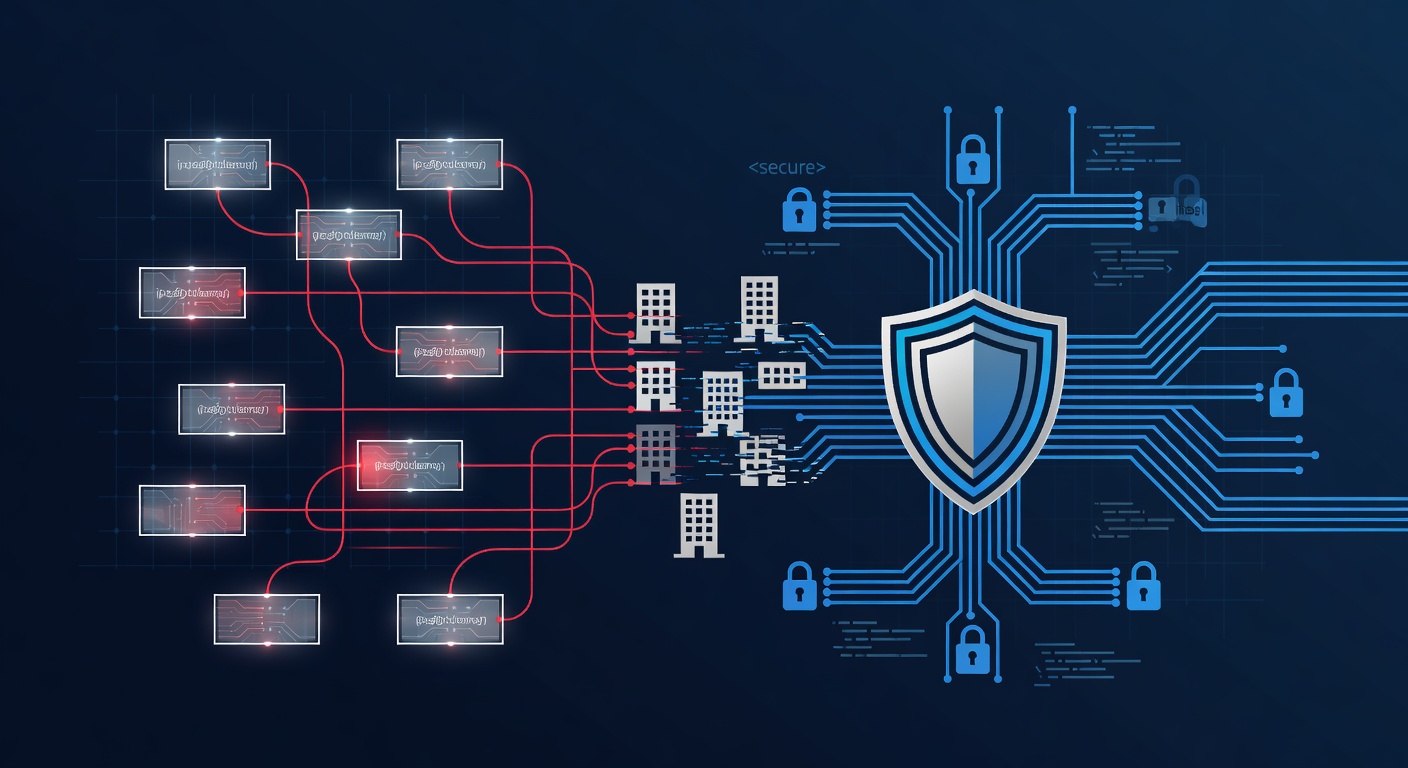
Η Σκληρή Αλήθεια για την Ασφάλεια των Μικρών Επιχειρήσεων
Μιλώ χρόνια με ιδιοκτήτες μικρών εταιρειών. Όλοι λένε το ίδιο: «Είμαστε μικροί, δεν μας κυνηγάνε οι χάκερς».
Λάθος. Και πολύ επικίνδυνο λάθος.
Οι εγκληματίες του διαδικτύου λατρεύουν τα μικρά μαγαζιά. Είστε εύκολος στόχος. Χωρίς βαριά συστήματα άμυνας. Και κρατάτε δεδομένα πελατών ή λεφτά που πουλιούνται ακριβά στο dark web.
Τα νούμερα το δείχνουν. Πάνω από το μισό των μικρών επιχειρήσεων δεν έχει καν σχέδιο προστασίας. Καμία στρατηγική. Οι χάκερς το εκμεταλλεύονται καθημερινά.
Τι Θέλουν Πράγματι οι Χάκερς
Πριν δούμε λύσεις, δες τι κινδυνεύει:
Δεδομένα πελατών. Ονόματα, email, κάρτες, διευθύνσεις. Ένα leak κοστίζει λεφτά και σκοτώνει την εμπιστοσύνη. Η φήμη σου εξαφανίζεται σε μία νύχτα.
Οικονομικά σου. Τραπεζικοί λογαριασμοί, φόροι, συστήματα πληρωμών. Οι απάτες με ψεύτικα email χτυπάνε εσένα, γιατί το λογιστήριο δεν ελέγχει καλά.
Τις λειτουργίες σου. Ransomware κλειδώνει αρχεία. Σταματάς δουλειά. Πληρώνεις χιλιάδες ή ξαναφτιάχνεις από backup – αν έχεις.
Το δίκτυό σου σαν σκάλα. Μερικές φορές δεν σε θέλουν εσένα. Χρησιμοποιούν εσένα για να χτυπήσουν μεγάλους. Και εσύ μπλέκεις άθελά σου.
Γιατί το «Δεν Θα Μου Συμβεί» Είναι Κακός Στοιχηματισμός
Καταλαβαίνω. Δεν είσαι πολυεθνική. Χωρίς ομάδα IT. Και τα λεφτά σου είναι μετρημένα.
Αλλά μια επίθεση κοστίζει πολύ περισσότερο από πρόληψη.
Ransomware; 5-15 χιλιάδες ευρώ λύτρα. Πρόσθεσε downtime, ειδοποιήσεις πελατών, πρόστιμα. Μπορεί να κλείσεις.
Data breach; Πρόστιμα, δικαστήρια, αποζημιώσεις. Καταστροφή.
Φτιάξε Σχέδιο Ασφαλείας (Φτηνά και Έξυπνα)
Πρέπει να προστατευτείς. Από πού ξεκινάς;
Βήμα 1: Κάνε Έλεγχο Κινδύνων
Μην μαντεύεις. Βρες ακριβώς τα αδύνατα σημεία σου.
Ποια συστήματα είναι κρίσιμα; Πού κρύβονται τα ευαίσθητα δεδομένα; Ποιος έχει πρόσβαση; Τι γίνεται αν πέσουν για μέρες;
Ένας σωστός έλεγχος φτιάχνεται στα μέτρα σου. Όχι γενικό template.
Βήμα 2: Κλείδωσε τα Servers
Αν έχεις δικά σου servers, φρόντισέ τα:
- Ενημερώσεις. Κλείνουν τρύπες. Βάλ' τες έξυπνα, χωρίς να σπάσεις δουλειές.
- Ρυθμίσεις. Κάνε τα servers άθραυστα. Παρακολούθηση συνέχεια.
- Ανίχνευση ιών. Πιάσε απειλές αμέσως.
- Ελέγχους. Δοκίμασε με penetration testing τακτικά.
Στόχος: Σταθερά συστήματα, με πλήρη προστασία.
Βήμα 3: Παρακολούθηση 24/7
Οι επιθέσεις έρχονται τα ξημερώματα. Εσύ κοιμάσαι, τα συστήματά σου όχι.
Τι δίνει;
- Άμεση ανίχνευση ύποπτων κινήσεων.
- Γρήγορη αντίδραση.
- Αποδείξεις για ασφάλειες και δικαστήρια.
- Σταμάτα ransomware πριν εξαπλωθεί.
Χρησιμοποίησε υπηρεσίες MDR. Ειδικοί φυλάνε χωρίς να προσλάβεις ομάδα.
Βήμα 4: Εκπαίδευσε τον Κόσμο Σου (Κλειδί Επιτυχίας)
Η μεγαλύτερη τρύπα είσαι εσύ και οι υπάλληλοί σου. Όχι από κακία. Από ανθρώπινο λάθος.
Phishing φαίνονται αληθινά. Ψεύτικα email από «συνάδελφο». Ίδιοι κωδικοί παντού.
Κάνε σωστή εκπαίδευση:
- Προσομοιώσεις phishing. Πραγματικά, όχι παιχνίδια.
- Προσαρμοσμένη. Λογιστήριο μαθαίνει απάτες λεφτών. IT ρυθμίσεις.
- Συνέχεια. Γίνεται συνήθεια.
- Μέτρηση. Βλέπεις πού βελτιώνεσαι.
Με έξυπνη ομάδα, κανείς δεν μπαίνει.
Βήμα 5: Φτιάξε Σχέδιο Αντιμετώπισης
Κάτι θα πάει στραβά. Έχεις σχέδιο;
- Ρόλους: Ποιος κάνει τι.
- Γρήγορη αντίδραση.
- Ελάχιστη ζημιά.
- Ανάκαμψη.
Backup, διαδικασίες, επικοινωνίες με πελάτες και αρχές.
Ταιριάξ' το στα Λεφτά Σου
«Ακριβά όλα αυτά». Όχι απαραίτητα.
Ξεκίνα από τα κρίσιμα για σένα. Έλεγχος δείχνει προτεραιότητες.
Πρώτα servers και παρακολούθηση. Μετά εκπαίδευση. Σταδιακά προχωράς.
Καλύτερα λίγα έξυπνα, παρά τίποτα.
Το Ζουμί
Η ασφάλεια δεν θέλει εκατομμύρια. Θέλει μυαλό, σχέδιο, συνέπεια.
Το μέγεθός σου σε κάνει στόχο. Πρόληψη φτηνότερη από καταστροφή.
Οι εταιρείες που σώζονται δεν έχουν τύχη. Έχουν προνοήσει.
Αν σκέφτεσαι «δεν είμαστε μεγάλοι», τώρα είναι η ώρα να ξεκινήσεις.
Ετικέτες: ['small business cybersecurity', 'cyber threats', 'data protection', 'ransomware prevention', 'business security strategy', 'employee security training', 'phishing prevention', 'compliance']