Přechod na práci z domova přinesl nečekaný problém: zaměstnanci si do práce berou svá soukromá zařízení, často bez pořádné ochrany. Co začalo jako nouzové řešení v pandemickém chaosu, změnilo se v pořádnou bezpečnostní bolest hlavy. A spousty firem to pořád nevyřešily.
Když si domů vynášíte práci: Skryté nástrahy BYOD v home office
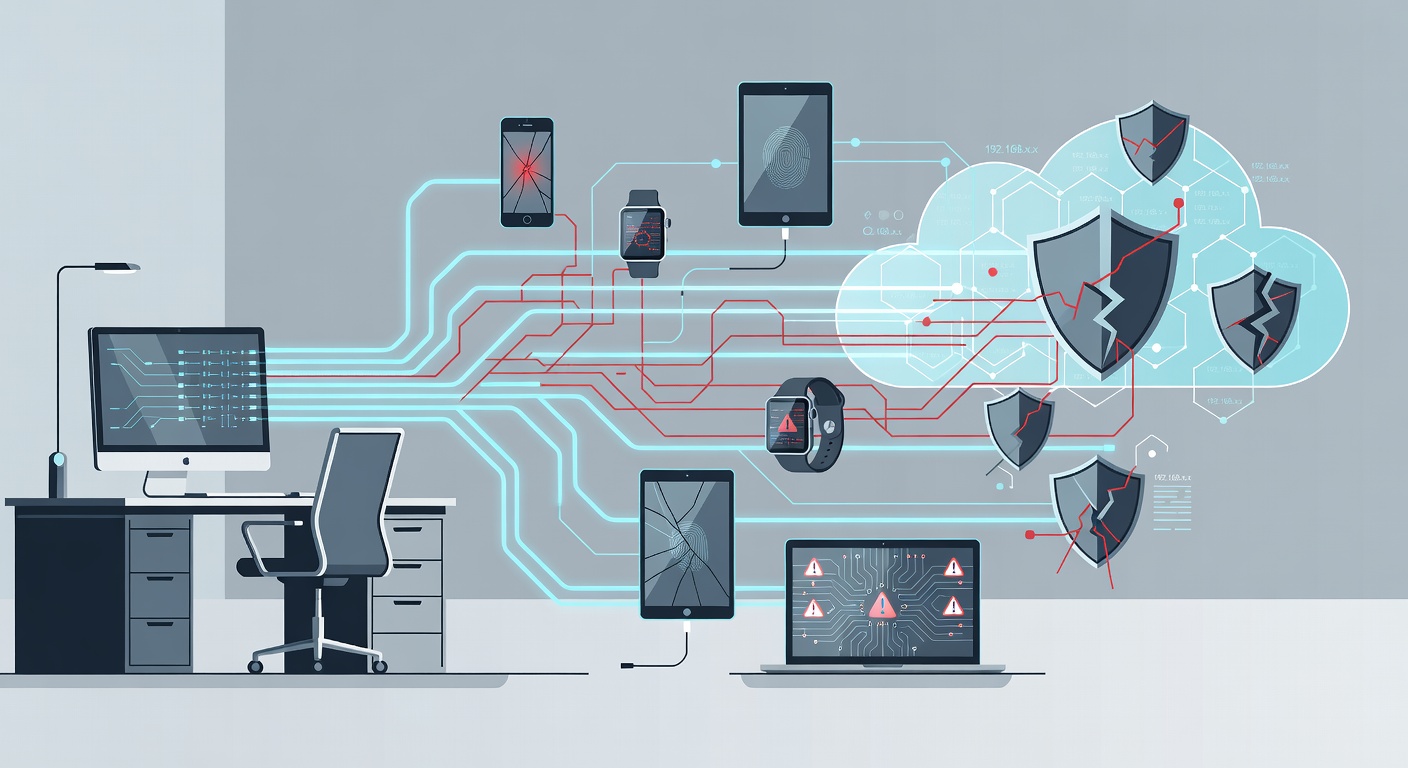
Když domácí notebook jede do firmy: Past BYOD v home office
Pamatujete na rok 2020? Lidi se najednou všichni schovávali doma a firmy si říkaly, že to projde za měsíc dva. Nestalo se. Místo toho se otevřela obrovská díra v bezpečnosti. A spousta firem s ní bojuje dodnes.
Problém se jmenuje „mezery v zařízeních“. Jednoduše: firmy neměly dost bezpečných notebooků pro práci z domova. Zaměstnanci tedy brali své soukromé tablety, mobily i laptopy. Hotovo, ne? Vůbec ne.
Skutečný problém, o kterém se nemluví
BYOD – tedy „přiveď si svůj vlastní zařízení“ – není samo o sobě zlo. Ale když se to nasadí chaoticky, bez dohledu a jako dočasné řešení, které se protáhlo na léta, vznikne katastrofa.
Váš domácí laptop nemá firemní šifrování. Používáte ho na Netflix, děti na něm dělají úkoly. Sedíte v kavárně s pochybným wifiem. Samotné to není konec světa. Ale dohromady? To jsou dveře dokořán pro hackery do firemní sítě.
Největší sranda: IT oddělení často neví, co se děje. Neví, kolik lidí používá soukromé věci. Je to jako nechat v kanceláři všechny zámky otevřené.
Proč to bolí víc, než si myslíte
Soukromý hardware není stvořený pro firmu
Váš osobní notebook je o pohodlí, ne o bezpečí. Většina lidí nemá šifrování disku. Záplaty? Zapomenuté. Antivir? Buď starý, nebo žádný. Připojíte se přes VPN do firmy – a najednou máte zadní vrátka pro útoky.
Jedna nakazeno soubor na vašem stroji a firemní data jsou v ohrožení. Nedopatřené díra? Hackeři si vezmou e-maily i soubory. Pokud řešíte zákaznická data nebo finance, čeká vás ještě i trest od úřadů.
Práce a soukromí se míchají
Doma je oddělit práci od života nemožné. Dítě si na vašem notebooku dělá domácí úkol, vy si čtete soukromé e-maily. Nakoupíte online během pauzy. Každý takový krok přitahuje malware. Sdílené zařízení? Riziko se násobí. Stačí chyba souseda po síti a je po všem.
Produktivita, kterou nikdo nečekal
Málo se mluví o tomhle: bez správných nástrojů klesá výkon. A frustrovaní lidé dělají chyby.
Nemáte firemní telefon? Zmeškáte meeting. Jste mimo rozhodování. Zlobíte se, sdílíte hesla, obcházíte pravidla. Šetření na vybavení se obrátí proti firmě – méně práce, lidé odcházejí, pak ještě bezpečnostní průšvih.
Co s tím dělat hned
Používáte soukromý notebook? Nepropadejte panice. Ale jednejte:
Řekněte IT. Musí vědět, co se honí po síti. Lepší teď než po hackerovi.
Zabezpečte si to. Zapněte šifrování disku. Používejte správce hesel. Aktualizujte systém i programy. Instalujte slušný antivir. To není luxus, to je základ.
Nastavte hranice. Oddělte práci od osobního. Vytvořte si samostatný účet na notebooku. Nedávejte ho jiným na firemní věci bez souhlasu.
Firmy, pozor! Pokud ještě visíte na BYOD, zvažte to znovu. Zmapujte zařízení. Zaveďte MDM – správu mobilních zařízení. Pište jasná pravidla a sdělte je všem.
A ano, možná budete muset koupit hardware. Drahé? Jasně. Ale levnější než útok, pokuta nebo ztráta důvěry.
Závěr
BYOD tady zůstane. Mnoho firem na tom jede. Ale pokud to řešíte napůl, čeká vás katastrofa. Klíč je v plánu: kontroly, dohled, školení.
Pandemie nás přepadla. Ale už není výmluva pro dočasná řešení. Buď investujte do systému, nebo riskujte data zaměstnanců i firmy.
Vyberte si – ale vědomě.
Štítky: ['byod security', 'work from home risks', 'remote work vulnerabilities', 'cybersecurity best practices', 'employee device management', 'wfh security']