Všichni mluví o těch sofistikovaných bezpečnostních nástrojích, ale realita? Největší díra v bezpečnosti chodí na dvou nohách. Rozložíme pět praktických kroků v kyberbezpečnosti, které opravdu fungují – a proč je investice do lidí tou nejchytrější obranou proti hackerům.
5 bezpečnostních kroků, které hackery opravdu zastaví (a proč je klíčový váš tým)
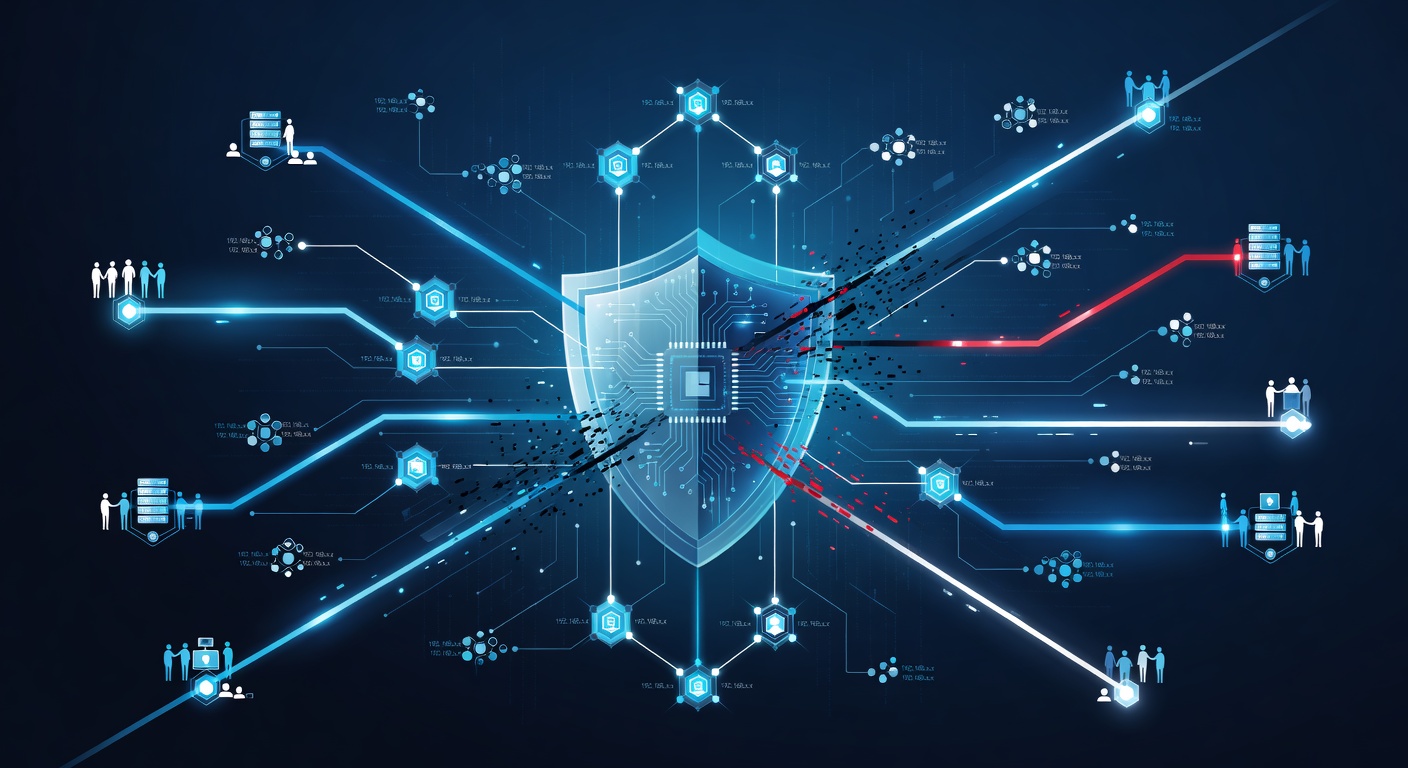
5 kroků v kyberbezpečnosti, které hackery opravdu zastaví (A proč je klíčový váš tým)
Kyberbezpečnost často působí jako houževnatý ořech. Hrozby se valí ze všech stran, nástrojů je plno a rady se líbí-li nelíbí. Snadno se člověk vzdá a doufá v to nejlepší. Ale já to vidím jinak: bezpečnost nemusí být složitá. Stačí, když je promyšlená.
Většina útoků nepadne kvůli geniálnímu triku. Stačí špatný klik na odkaz, opakované heslo nebo mlčení o podezřelém. Proto je nejlepší strategie ta, co staví na lidech. Nástroje přijdou až potom.
Pojďme na pět jednoduchých kroků, které opravdu fungují.
1. Zabezpečte e-mail (než se stane vstupní branou)
E-mail je jako hlavní vchod do firmy. Útočník tudy prosmugluje podvrhy, malware nebo vyláká přihlašovací údaje.
Běžné filtry nestačí. Jsou jako plot bez zámku na brance. Hackeři je obcházejí snadno. Potřebujete chytřejší řešení.
Cloudové filtry s umělou inteligencí se učí na útocích a blokují je dřív, než dorazí. Není to stoprocentní, ale chytí, co staré metody propustí.
Můj tip: Nastavte ověřování e-mailů. SPF, DKIM a DMARC fungují jako digitální průkaz totožnosti. Podvést e-mail od šéfa pak hackeři nemají šanci.
2. Vícefaktorové ověřování je povinnost
Bez MFA jste v otevřeném poli. Tečka.
Hesla nestačí. Dají se vylákat, koupit na černém trhu nebo uhádnout. MFA vyžaduje ještě kód z mobilu. Útočník potřebuje fyzicky zařízení.
Je to jednoduché a brutálně účinné. Těžko se obejde bez rukou na zařízení.
Pozor: Zapněte ho všude – e-mail, cloud, interní systémy. Jedna díra a jste v prdeli. Navíc sledujte dark web. Služby vás upozorní na uniklé hesla. Stihnete je změnit dřív, než zaútočí.
3. Vrstvite ochranu zařízení (nevsaděte na jednu kartu)
Bezpečnost zařízení je jako u domu. Neuspokojíte se jen s jedním zámkem. Chcete alarm, světla s pohybovým senzorem.
Začněte šifrováním. Ukradený notebook ukáže jen kašpar. Windows má BitLocker, Apple FileVault – zapněte.
Přidejte antivir. Starý dobrý, ale chytá spoustu malware, co lidé stáhnou.
Pak vrstva s AI. Hledá podezřelé chování, ne jen známé viry.
Na mobily vezměte MDM nástroje. Řídíte appky, mažete na dálku, nutíte silná hesla.
Shrnuto: Vypadá to draho? Breache stojí víc. Vrstvy znamenají, že když jedna selže, ostatní drží.
4. Školení v bezpečnosti berte vážně (ne jako formalitu)
Mnoho firem to pokazí tady. Školení je jen na úvod a pak zapomenuto.
Vaši lidé jsou na frontě. Phishing projde filtrem? Musí ho někdo kliknout. Politika hesel? Bez znalosti nefunguje. Plán na krizi? Bez reportingu je na nic.
Klíč: Nováčci dostanou školení hned první den. Pak pravidelné opakování. A testujte je falešnými phishingy. Ukáže slabiny, lidé se poučí. Berou to pak vážněji.
5. Cvičte reakci na incident (než přijde opravdový)
Tohle většina přeskakuje. Chyba.
Podezřelá aktivita v síti. Koho volat? Co vypnout? Jak shromáždit důkazy? Jak informovat klienty?
Přemýšlet během útoku? Jste prohraní.
Cvičení je jako požární evakuace. Trénujete postup, krize je jen realizace.
Dále: Mějte monitoring v reálném čase. Většina útoků trvá měsíce neodhalená. Rychlé alarmy to zkraťují.
Pravý klíč k bezpečnosti? Lidé
Všechny tyhle kroky vedou k jednomu: chráníte lidi a děláte z nich strážce.
Nejdražší nástroje bez pochopení týmu? Mrhání. Trénovaný tým s dobrými nástroji? To hackery láme.
Začněte těmito pěti kroky. Postupně. Dokonalá bezpečnost neexistuje. Ale ta procvičená, zakořeněná v kultuře, funguje.
Štítky: ['cybersecurity', 'email security', 'multi-factor authentication', 'network security', 'employee training', 'incident response', 'data protection', 'password security']