Всички сме били там – пишем още един „P@ssw0rd123!“, а след две седмици го забравяме. Но какво ще кажете, ако ви кажа, че този досаден цикъл може най-накрая да свърши? Нова технология на име passkeys тихичко променя начина, по който влизаме онлайн, и е много по-интересна, отколкото си мислим.
Паролите са мъртви – какво ще ги замени?
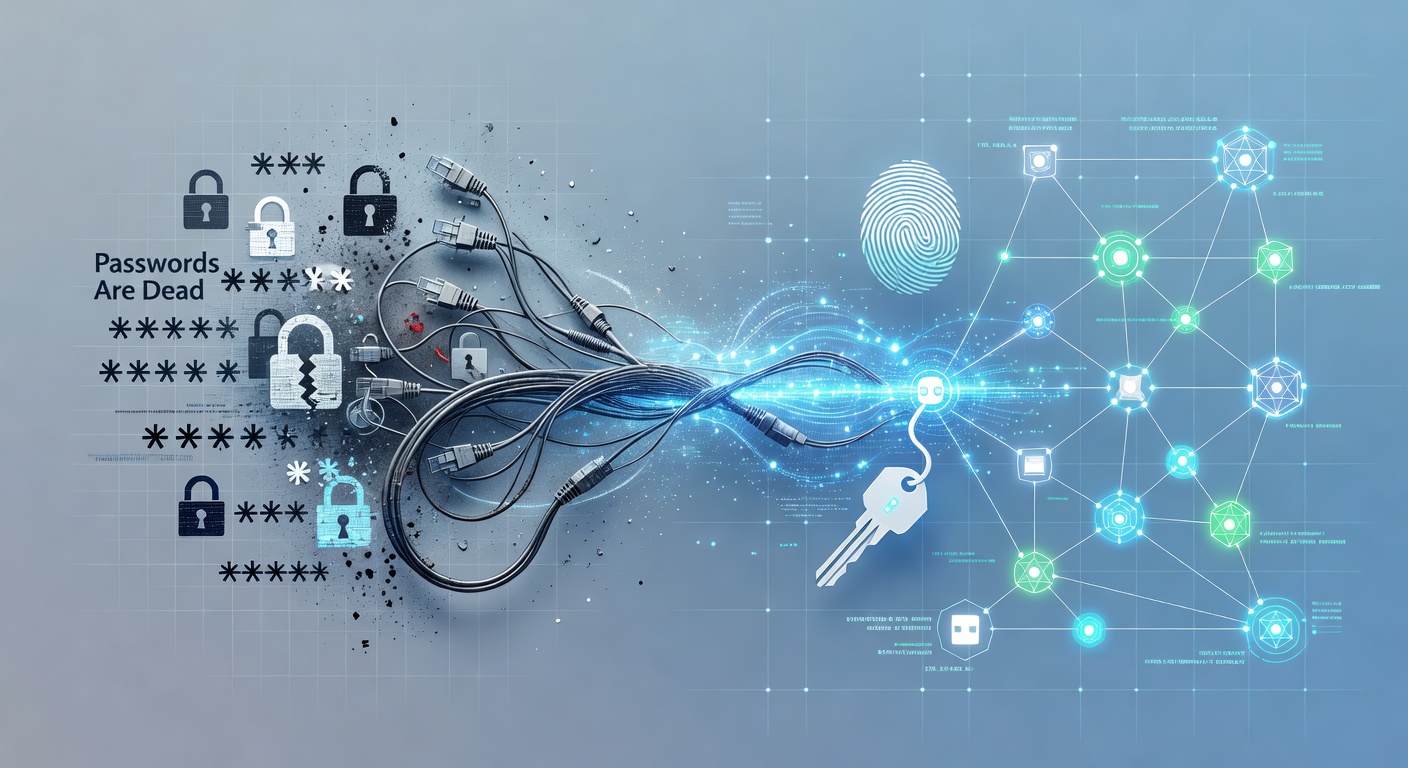
Защо Паролите Са Мъртви (И Какво Ще Ги Замени)
Паролите са пълен провал. Честно казано.
Целият ни дигитален свят върти около тях. Събуждаш се, проверяваш пощата (парола), преглеждаш социалните мрежи (парола), виждаш сметката в банката (парола), влизаш на работа (парола). До вечерта си набелязал десетки. Ако правиш всичко правилно – което рядко се случва – всяка трябва да е уникална и невъзможна за отгатване.
През 1995 г. това работеше. През 2025? Катастрофа.
Паролният Ад Е Наш Ад
Най-злият проблем с паролите е, че всичко е на нас. Трябва да сме криптографи, а същевременно – обикновени хора с ограничена памет.
Искаме от нас:
- Минимум 12 символа
- Големи и малки букви
- Цифри
- Специални знаци
- Нищо лично
- Нищо подобно на другите пароли
И още: не ги пиши никъде. Успех.
Всъщност? Повечето хора ги преупотребяват на сайтове, правят леки вариации ("Парола123" vs "Парола124") или ги лепят на постик. Според проучвания, 60% признават, че преупотребяват – и това са само честните.
Когато забравим? Започва цирка с възстановяване, имейли и "старата парола с 2 накрая".
Паскиите: Наистина Революция
Тук идват паскиите и аз съм направо ентусиазиран. Те решават куп проблеми наведнъж.
Идеята е проста: устройството ти (телефон, лаптоп) създава уникална крипто двойка – публичен и частен ключ. При вход устройството доказва, че си ти с частния ключ. Сайтът никога не вижда парола.
Звучи сложно? Изживяването е детска игра. Без кушане. Без запаметяване. Само пръстов отпечатък, лице или ПИН от отключването на телефона. Готово.
Защо това променя всичко:
Няма преупотреба – Всеки сайт има своя уникална паския. Невъзможно е да я прехвърлиш.
Няма фишинг – Хакер не може да те измами, защото нищо не "даваш". Устройството всичко прави тихо.
Няма кражби от пробиви – Ако сайтът е пробит, хакерите взимат само публичния ключ – бесполезен без частния, който остава на твоето устройство.
Ето реална сигурност – Не е измама. Това е чиста математика, без да разчита на твоята памет.
Но Все Още Ползваме Пароли, Нали?
Да, и това дразни.
Големите играчи (Apple, Google, Microsoft, банки, социални) въвеждат паскии, но е доброволно. Много сайтове и приложения още не са готови. Седим в тази тромава преходна фаза – пароли плюс паскии.
Аз започнах с Gmail, Apple акаунти и някои банкови приложения. Разликата с обикновените сайтове? Небеса и земя.
Проблемът: Зависиш От Устройството
Сега ще си споря сам. Паскиите правят нова зависимост: устройството. Загубиш телефон или компютър – трябва възстановяване.
Повечето платформи позволяват няколко устройства за резерв или кодове. По-сигурно от имейл-възстановяване (което е слабо), но добавя стъпки.
Ами ако имаш само един телефон и умре? Трябва план Б.
Какво Да Правим Сега
Моят съвет: Започни с паскиите, където има. Телефонът ти вече е готов с биометрия – не трябва да учиш нищо ново.
Ето стъпките:
Провери акаунтите – Виж email, банка, социални. Ако поддържат паскии – настрой ги. Инструкциите са лесни.
Защити устройството – Сигурен ПИН или биометрия. Сега е още по-важно.
Направи резерв – Използвай кодовете от платформата. Съхрани в мениджър на пароли, не на хартия.
Не зарекай паролите – Още са нужни за стари сайтове. Преходът е бавен.
Бъдещето Е Тук
Паскиите ме вълнуват не само със сигурността, а със простотата. Досега учехме милиарди да са експерти с сложни пароли. Сега технологията поема мръсната работа, ние само сканираме пръст.
Паролите ще изчезнат ли напълно? Не скоро. Но след 10 години ще се чудим как сме търпели тези имейли за "забравена парола", безкрайните кликвания и постиците под клавиатурите.
Край на ерата. И аз съм за.
Тагове: ['passkeys', 'password security', 'authentication', 'cybersecurity', 'online privacy', 'biometric security', 'digital identity', 'password management']