طوارئ الـ IT مش بتستنى ساعات العمل، وفريق الدعم بتاعك ما يستنى كمان. بس إيه اللي يفرّق شركة تقدر تتعامل مع الأزمات بجد عن واحدة بتقول كده بس؟ خلينا نشوف هتعمل إزاي الاستجابة الحقيقية للطوارئ، وليه خطة دعم الـ IT أهم مما تتخيّل.
شبكتك انقطعت الساعة 2 الفجر.. إيش يصير ورا الكواليس؟
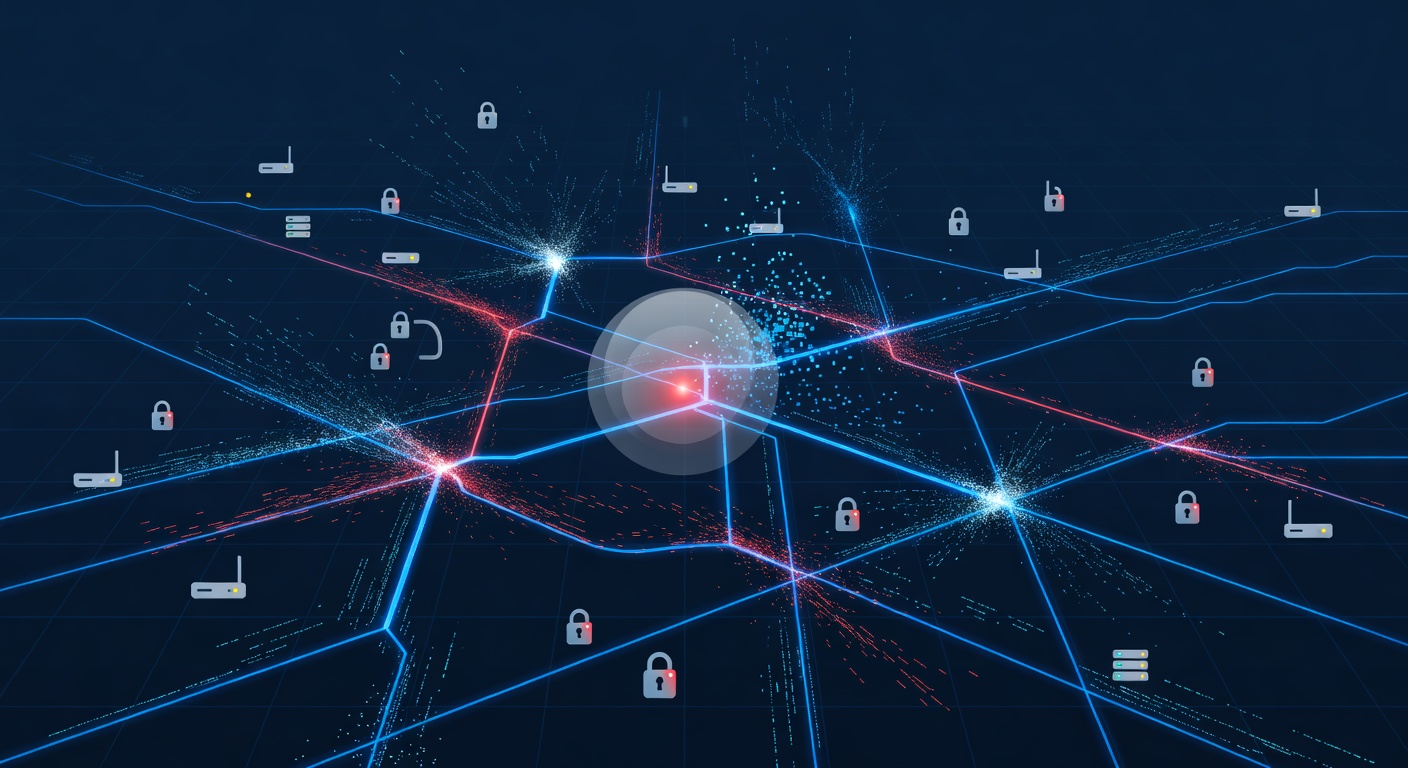
لما الشبكة تقطع الساعة 2 الفجر: شو بيصير ورا الكواليس؟
تخيل معي: الشبكة كلها وقفت فجأة. الإيميل مش شغال. الوصول للسحابة انقطع. والساعة 2 الفجر يوم أحد. قلبك يغوص، عشان تعرف إن الصباح الاثنين هيبقى كابوس.
المشكلة مش إن الحوادث بتحصل – دي حاجة مضمونة. السؤال الحقيقي: مزود الدعم التقني بتاعك جاهز يتعامل مع الكارثة ولا لأ؟
أسطورة "الدعم 24/7"
في عالم الدعم التقني، كتير من الشركات بتقول إنها متوفرة طول الوقت. بس الفرق كبير بين خط هاتف يرن في 3 الفجر، وبين حد متخصص جاهز يحل المشكلة على طول.
الاستجابة الحقيقية تحتاج بنية تحتية قوية. تحتاج ناس مدربة. تحتاج نظام يفهم المشكلة فوراً ويوصلها للخبير المناسب في دقايق، مش ساعات.
لما كارثة تقنية تضرب، الوقت بيعدّ سريع. كل دقيقة الشبكة وقفة بتكلف فلوس، بتضر الإنتاجية، وبترهق الجميع. لازم مزود الدعم يكون نظام استجابته محكم زي الساعة.
ازاي نظام الطوارئ السليم بيشتغل؟
فكّر في نظام طوارئ تقني زي غرفة الإسعاف في المستشفى. لما المريض يدخل، مش بيرموه في طابور عام. بيصنّفوه فوراً. الحالات الخطرة تاخد أولوية. الدكتور المناسب ينادى. الموارد تتحرّك حسب الخطورة.
نفس الشيء في الدعم التقني.
لما الطارئ يدخل، لازم:
يتصنّف حالا – التذكرة تتحوّل لأولوية عالية من أول لحظة، مش تنتظر حد يقراها الصبح.
يروح للشخص الصح – التقني الأفضل المتوفر ياخدها، مش أي حد يرد على الهاتف. مشكلة سيرفر قاعدة بيانات تحتاج خبير قواعد، مش مبتدئ.
يتصعّد بسرعة – لو التقني الأول مش قادر يحلها في وقت معقول، باقي الفريق يدخل فوراً. ده مش عرض عضلات، ده عشان الشبكة ترجع شغّالة.
يتراقب كل خطوة – حد يتابع التقدم دايماً، يحدّثك، ويعدّل الخطة لو لزم.
فخ الرسوم اللي محدش بيتكلم عنه
هنا الجانب المظلم في صناعة الدعم التقني، وهقولها صريحة.
بعض الشركات بتحب الطوارئ. مش عشان بيحبوا يساعدوا، لكن عشان بيفرضوا رسوم إضافية عالية. رسوم خارج الدوام. رسوم تقنيين إضافيين. رسوم زيارة ميدانية. كل ده بيتراكم بسرعة.
سمعت قصص مرعبة من أصحاب شركات صغيرة دفعوا 5000 دولار أو أكتر على دعم طارئ كان المفروض مغطّى بعقدهم. ده مش دعم طوارئ، ده استغلال.
الدعم الحقيقي لازم يشمل الطوارئ في اتفاقية الخدمة. بدون رسوم مفاجئة. بدون "ثلاثة تقنيين يعني تكلفة ثلاثة أضعاف". لو بتدفع مقابل دعم شامل، الطوارئ جزء من الصفقة. نقطة.
إيه اللي تدور عليه في دعم الطوارئ؟
لو بتقيّم مزود دعم تقني (أو خايف من اللي عندك دلوقتي)، ركّز على ده:
ضمانات وقت الاستجابة – بيضمنوا رد في دقايق للطوارئ؟ مش ساعات. لو مش ملتزمين، ده إشارة حمراء.
إجراءات التصعيد – لو التقني الأول مش قادر، إيه الخطة؟ يقدروا يجيبوا موارد إضافية حالا؟
بدون رسوم طوارئ مفاجئة – شرط أساسي. العقد لازم يحدّد إن الطوارئ مغطّاة.
دليل على القدرة – اسألهم عن فريقهم. كام تقني عندهم؟ إيه الشهادات؟ يقدروا يتعاملوا مع طوارئ متعددة مرة واحدة؟
تواصل مستمر – مش هيسيبوك في الظلام. تحديثات منتظمة عن اللي بيحصل وعن موعد رجوع الشبكة.
الخلاصة
حوادث الشبكة حتمية. بس اللي هتقع في فخ فريق دعم مش مستجيب وشركتك تخسر فلوس؟ ده اختيار.
أحسن وقت تقيّم دعمك التقني مش لما كل حاجة تمام – ده قبل الكارثة. شوف بروتوكولات الطوارئ. اسأل أسئلة صعبة. راجع اتفاقية الخدمة. تأكّد إنهم جاهزين للأسوأ، مش بس التذاكر اليومية.
عشان لما 2 الفجر يضرب وكل حاجة تخرب، مش هتهتم بالمميزات الأساسية. هتهتم بحاجة واحدة: الفريق ده يقدر يصلّحها، وسريع؟
اختار كويس.
الكلمات الدالة: ['it support', 'emergency response', 'network downtime', 'it infrastructure', 'business continuity', 'sla agreements', 'cybersecurity readiness']