Why Hackers Aren't Just Locking Your Data Anymore—They're Threatening to Sell It

Why Hackers Aren't Just Locking Your Data Anymore—They're Threatening to Sell It

Ransomware has evolved into something scarier: leakware. Instead of just encrypting your files, attackers are stealing sensitive data and threatening to expose it publicly unless you pay. Here's what you need to know to protect yourself.

The Ransomware Threat Just Got Personal (And Scary)

Remember when ransomware was "just" about hackers locking up your files and demanding payment? Yeah, those were the days. Things have gotten darker.

A few years back, cybersecurity experts noticed a shift in how attackers operate. It's not about speed anymore—it's about leverage. The new playbook is called leakware, and it's way more sinister than traditional ransomware because it preys on something worse than losing access to data: the fear of exposure.

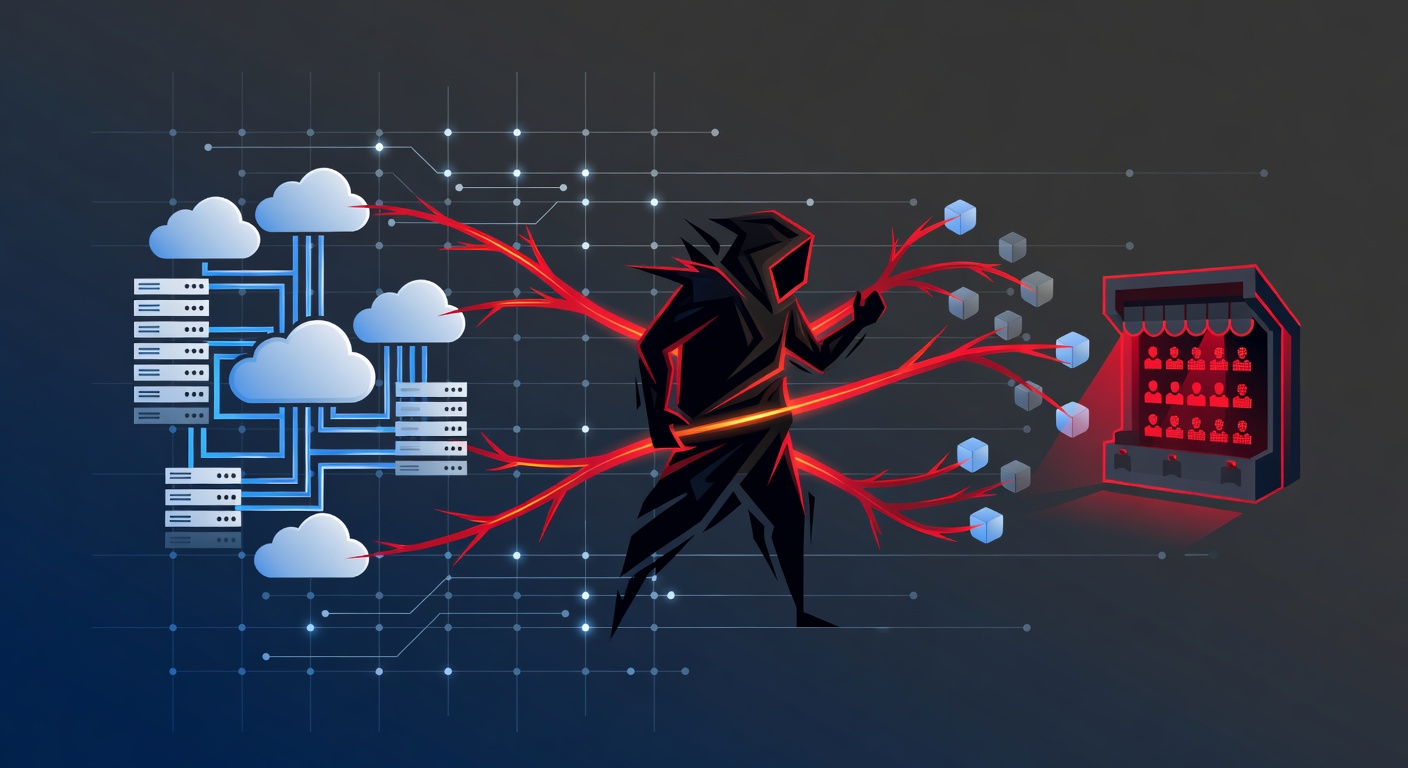
Here's the nightmare scenario: Attackers break into your network, quietly copy sensitive files, encrypt your systems, and then... they don't just ask for money to unlock your files. They threaten to publicly release everything they found unless you pay. Customer data. Financial records. Private emails. All of it.

And unlike the old-school ransomware that just wanted a quick payday, these attackers are patient. They're willing to spend weeks or months inside your network, mapping out valuable assets and gathering the kind of data that will really hurt if it gets out.

Why Hospitals, Law Firms, and Financial Companies Are in the Crosshairs

Let me be honest: if you work in healthcare, law, or finance, you're basically on every hacker's target list. Why? Because you hold the crown jewels of sensitive information—other people's private data.

Think about what a hospital has:

  • Patient medical records
  • Insurance information
  • Social Security numbers
  • Billing details

Now imagine that data on the dark web. Or worse, imagine hackers threatening to release it unless the hospital pays up. It's a lose-lose situation because even if the hospital pays, the hackers might release the data anyway, or sell it to someone else.

Law firms? They're sitting on attorney-client communications, legal strategies, and confidential case information. Financial institutions hold account details, transaction histories, and personal financial information. These aren't just important files—they're valuable to hackers because victims will pay almost anything to keep them private.

Some attackers have gotten creative. The group known as Cl0p started leaking the personal communications of company executives and managers—not just customer data. Why? Because they figured out that when you're threatening to expose a CEO's emails or a manager's private messages, the person signing off on the ransom payment gets a lot more motivated.

Others have even taken out Facebook ads to notify a company's clients and customers that their data was compromised, effectively turning victims' own customers into pressure points.

How These Attacks Actually Happen

The scary part? These attacks don't require some Hollywood-level hacking scenario. It usually starts with something mundane: a phishing email.

Here's the typical progression:

Step 1: The Hook An attacker sends a convincing phishing email to an employee. Maybe it looks like it's from IT support, or a vendor, or someone in leadership. The employee clicks a malicious link or downloads an infected attachment. Boom—they're compromised.

Step 2: The Reconnaissance Instead of immediately encrypting everything, the attacker stays quiet. They use the compromised account to probe the network, discover other user credentials, and identify what systems are most valuable. This is the "lateral movement" phase, and it can take weeks.

Step 3: The Heist Once they've mapped out the network and found the data goldmine, they copy everything important. Patient records. Client files. Executive emails. Financial data. Anything that would be embarrassing or damaging if released.

Step 4: The Extortion Finally, they encrypt the files and make contact. "We have your data. Pay us, or we release it." Now the victim is stuck between two awful choices: pay the ransom (and hope the attackers delete the copied data—they often don't), or refuse and hope the attackers don't follow through on the threat.

So How Do You Actually Stop This?

The good news is that leakware, while sophisticated, has exploitable weaknesses. The entire attack depends on getting that initial foothold through a phishing email and then having time to quietly move around your network undetected.

Defense Strategy #1: Stop the Initial Infection

This starts with email security. I'm not talking about basic spam filters. I mean advanced email filtering systems that can:

  • Detect suspicious links and attachments before they reach inboxes
  • Use machine learning to catch new phishing tactics
  • Quarantine and analyze suspicious emails
  • Even remove malware from emails that somehow get through

But technology alone isn't enough. You need regular employee training that teaches people what phishing attempts actually look like. Most phishing emails are pretty obvious once you know what to look for—urgent language, suspicious sender addresses, requests for credentials, unusual attachments.

Defense Strategy #2: Detect the Lateral Movement

If an attacker does get in, you need systems that can spot them moving around your network. This is where Endpoint Detection and Response (EDR) tools come in.

EDR software runs on every computer and server in your organization, watching for suspicious behavior patterns. When an attacker tries to access unusual files, dump credentials, or access cloud systems, EDR catches these patterns and alerts your security team.

The catch? EDR only works if someone is actually paying attention to the alerts, or if you've automated the response process. A security tool that triggers alerts nobody's reading is basically useless.

Defense Strategy #3: Have a Response Plan

This is the part most organizations skip, and it's critical. If you detect suspicious activity, do you know what to do? Can you isolate the infected device? Can you trace what was accessed? Can you identify which data might have been compromised?

Organizations serious about preventing leakware attacks need either a dedicated security team actively monitoring for threats, or automation systems that can respond to suspicious activity without waiting for a human to notice.

The Reality Check

Here's what keeps me up at night about leakware: it's not a bug in some software that will get patched. It's a fundamental change in how attackers think about their work.

The old ransomware mentality was "break in, encrypt, and get paid fast." Leakware is different. It's patient. It's strategic. It treats your network like a crime scene, taking time to understand what's valuable before making a move.

And because the threat isn't just about losing access to your data—it's about exposure, reputation damage, regulatory fines, and loss of customer trust—people will pay. Some organizations will pay even if they absolutely shouldn't, because the cost of the ransom seems cheaper than the cost of a data breach.

That's why prevention isn't optional anymore. It's essential.

What Should You Do Right Now?

If you're reading this and thinking "we probably aren't ready for an attack like this," you're probably right. Most organizations aren't.

Start by auditing your email security. Is it actually sophisticated, or are you relying on basic filtering? Can your team easily distinguish between a legitimate and phishing email?

Then look at your endpoint security. Do you have EDR running on all your devices? Is someone actually monitoring it?

Finally, ask yourself: if we detected a breach tomorrow, could we respond quickly? Do we have incident response procedures in place?

You don't need to be perfect. But you need to be better than the low-hanging fruit that attackers are targeting right now.

Because unlike regular ransomware, leakware isn't just about disruption—it's about extracting value from your worst fears. And that's a threat worth taking seriously.

Tags: ['ransomware', 'leakware', 'cybersecurity', 'data breach', 'email security', 'endpoint detection', 'phishing', 'healthcare security', 'law firm security', 'financial security', 'incident response', 'edr tools', 'data protection', 'edr', 'hospital security', 'cyber attacks']