Working from home has become the norm, but most people are doing it completely wrong when it comes to security. Your couch isn't a fortress—yet. Let me show you how to actually protect your data when you're working remotely.
Your Home Office Is Your Weakest Security Link (And Here's How to Fix It)
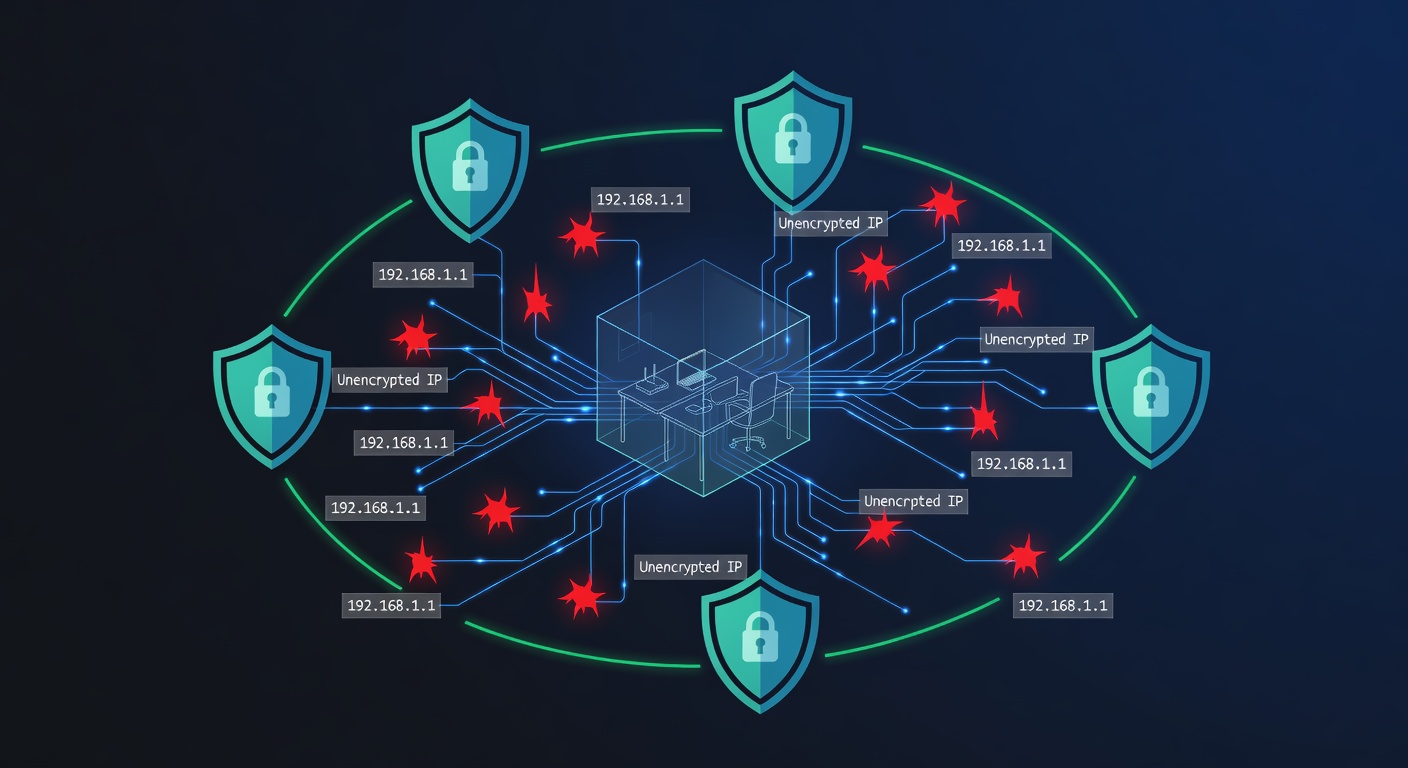
Your Home Office Is Your Weakest Security Link (And Here's How to Fix It)
Here's the uncomfortable truth: your home office is probably less secure than your workplace was. And you know what? That's not entirely your fault. Most people never learned how to set up remote work properly.
When you were in an office building, IT handled everything. The network was secure. Someone changed passwords regularly. There was actual physical security. But now? You're sitting at your kitchen table on your personal Wi-Fi, accessing company files through whatever browser happened to be open.
It's time to change that.
Stop Pretending Your Home Network Is Safe
Let me be blunt: if you're using your home Wi-Fi without thinking about security, you might as well be working in the middle of a coffee shop. Actually, scratch that—a coffee shop might have better security.
Here's what needs to happen:
First, your home router probably came with a default name and password. If you haven't changed them, literally anyone with 30 seconds on Google could access your network. Go into your router settings right now. Change that default admin password to something strong. Then change your Wi-Fi network name (SSID) to something that doesn't broadcast "Linksys" or "NETGEAR" to the world.
Next, actually use encryption. Your router likely supports WPA3 (or at least WPA2). This scrambles your data so anyone trying to snoop on your Wi-Fi traffic just sees gibberish. It's not a perfect solution, but it's exponentially better than nothing.
But here's the real game-changer: get a VPN.
Not just any VPN—your company should provide one. A VPN creates an encrypted tunnel between your device and your company's network. Everything you send gets scrambled up so thoroughly that even if someone intercepts it, they can't read it. It's the difference between sending a postcard in the mail (everyone can read it) and putting that postcard in a locked box (only the right person can open it).
This matters especially if you work from cafes, libraries, or anywhere with public Wi-Fi. Public networks are hunting grounds for data thieves.
Your Internet Connection Probably Isn't Good Enough
Let's talk about something nobody warns you about: your home's electrical and internet infrastructure might not be ready for you to work from it full-time.
Think about what happens during an important client call and your internet cuts out. Or you're uploading critical files and the power flickers. These aren't just annoying—they're vulnerabilities.
First, check with your internet provider about your actual speeds. Most people aren't getting what they're paying for. If your connection feels slow, that's a real problem. Slow internet doesn't just kill productivity—it also makes people cut corners on security.
Second, consider getting an uninterruptible power supply (UPS). This is basically a battery that keeps your devices running for a few minutes if the power goes out. That's enough time to save your work and shut down properly instead of losing everything mid-document.
Third—and I can't stress this enough—have a backup internet plan. This could be your phone's hotspot, a backup internet line, or a nearby co-working space you can access when your main connection fails. One dead router shouldn't kill your entire workday.
The Clean Desk Policy Isn't Just About Neatness
This might sound old-fashioned, but it actually matters. A clean desk policy means you're not leaving sensitive documents on your desk, you're logging out of your computer when you step away, and you're not leaving your webcam uncovered (okay, that's more paranoia than policy, but still).
When you work from home, your workspace is your responsibility. No IT staff walking around checking things. No locked office building. Just you and whatever security habits you've actually developed.
Before you leave your desk—even just for coffee—close sensitive applications. Log out. Lock your computer. If you printed anything (which you shouldn't often), don't leave it sitting around. Shred it when you're done.
This sounds basic because it is basic. But basic security is where most breaches start. Someone walking by your desk, peeking over your shoulder, or accessing your unlocked computer while you're grabbing lunch.
Passwords and Multi-Factor Authentication Are Non-Negotiable
I know you've heard this a thousand times, but I'm going to say it again because people still use "Password123" or "CompanyName2024."
Stop.
Get a password manager. Seriously. Services like Bitwarden, 1Password, or Dashlane generate random, complex passwords and remember them for you. Your passwords should be at least 12 characters and include uppercase, lowercase, numbers, and symbols. Things like "MyCompany$2024#Secure!" instead of "MyCompany2024."
But passwords alone aren't enough anymore. Multi-factor authentication (MFA) adds a second layer. Even if someone gets your password, they can't log in without that second factor—usually a code on your phone or a biometric scan.
Enable MFA on everything important. Your email, your company accounts, your financial accounts. Everything. It takes an extra 5 seconds, but it stops most attacks dead.
Your Daily Security Ritual
Make this a habit: before you shut down for the day, run through a mental checklist.
- Is my computer locked?
- Did I close all sensitive applications?
- Are documents put away or destroyed?
- Did I disconnect my VPN? (Just kidding—keep it connected.)
- Are passwords saved properly in my password manager?
This takes 30 seconds. Thirty seconds to prevent a data breach that could cost your company hundreds of thousands of dollars.
The Reality Check
Working from home is amazing. Flexible schedules, no commute, your own coffee. But it only works if you're actually secure. The moment your data gets compromised, everything falls apart.
Your job depends on protecting company information. Your financial security depends on protecting your personal accounts. The difference between a disaster and business as usual is usually just a few smart security decisions.
Don't be the person who loses everything because they thought home office security "wasn't that important."
Tags: ['work-from-home security', 'home office cybersecurity', 'vpn', 'network security', 'password management', 'remote work', 'mfa', 'home wi-fi security', 'data protection', 'cyber threats', 'it security policy']