Dina anställda hanterar företagsdata på enheter som hackare jagar dygnet runt. Ser du på mobilsäkerhet som en parentes? Då står din affärs ingångsporten på glänt. Så här fixar du det på riktigt.
Din smartphone är en säkerhetsbomb – och du anar inte hur illa det är
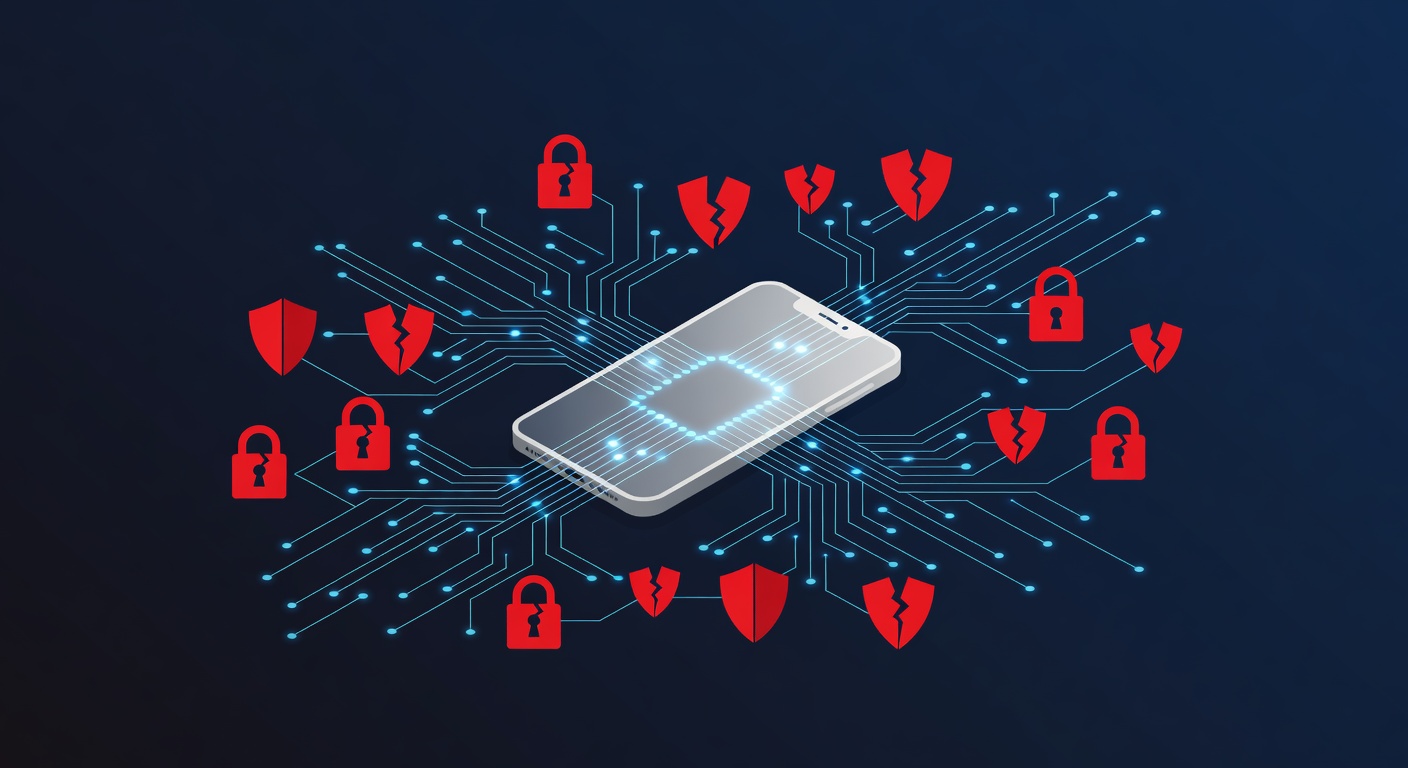
Din Smartphone ÄR Ett Säkerhetshål (Och Du Har Missat Det)
Rakt på sak: ditt företag är mer utsatt för cyberattacker än du tror. De anställdas mobiler är den svagaste länken.
Tänk efter. Nästan alla har sin smartphone med sig överallt. Vi kollar mejl på fikarast, öppnar företagsfiler i tunnelbanan, kör möten hemifrån. Superbekvämt. Men ett jäkla säkerhetsproblem som de flesta chefer ignorerar.
Siffrorna Som Får Säkerhetsexperter Att Svettas
Smartphones är numera brottslingarnas favoritmål. Inga hollywoodhacks här – riktiga angrepp mot vanliga företag händer dagligen via mobiler.
Statistiken skrämmer. Var femte småföretag drabbas av mobilrelaterade intrång varje år. Över 40 procent leder till stora skador: kunddata stulen, pengar borta, nätverk kapade.
Data behöver inte vara superkrypterad för att hamna i fel händer. Ofta räcker det med en osäker wifi eller en dålig app.
De Osynliga Farorna Du Glömmer Bort
Osäkra Wifi-Nätverk
Medarbetarna loggar in på öppna nätverk hela tiden. Fik, flygplatser, hotell – perfekta platser för hackare att sno data. En främling bredvid kan läsa allt som skickas.
Farliga Appar
Appbutikerna svämmar över av skit. Vissa appar stjäl info eller spionerar. Folk laddar ner utan att kolla vilka rättigheter de ger bort.
Bluffattacker
Hackare behöver inte vara nördar. Ett sms som låtsas komma från IT, ett mejl från "chefen" som ber om lösenord. Fungerar för att vi litar på folk.
Dåliga Vanor
Alla använder samma svaga lösenord överallt. Skriver ner dem på lappar. Skippar telefonens säkerhetsfunktioner. Inte för att de är dumma – säkerhet känns krångligt.
Så Fixar Du Det (Enklare Än Du Tror)
1. Sluta Tro Att Teamet Redan Kan Det
Utbilda i säkerhet. Inte tråkig kurs, utan livsviktig. Lär ut hur man ser phishing, varför ingen app får allt, och faran med misstänkliga mejl. En timme räcker – gör det.
2. Kryptering Är Måste
Känslig data? Kryptera på enheten och i nätverket. Tar lite jobb, men skyddar mot allt.
3. Uppgradera Lösenorden
"Password123"? Ditt företag ligger öppet. Starka lösen: minst 12 tecken, stora små bokstäver, siffror, symboler. Inget gissbart. Använd lösenordshanterare – fem minuter att fixa.
4. Tvåfaktorsautentisering (MFA) Krävs
Som extra lås på dörren. Lösenord stulen? Krävs kod eller fingeravtryck ändå. Stoppar de flesta intrång.
5. VPN Skyddar På Riktigt
VPN krypterar all trafik från mobilen till företaget. Essential på fik eller delade kontor. Som en säker tunnel.
6. Välj Appar Med Hjärnan
Fråga: Behöver appen tillgång till kontakter, plats, kamera? Svar nej? Skippa. Sluta klicka "ok" reflexmässigt.
7. Ingen Jailbreak Eller Root
Tekniska medarbetare som vill "låsa upp" telefonen? Stoppa det. Då försvinner all fabrikssäkerhet – malware fest börjar.
8. Uppdatera Alltid
Uppdateringar irriterar, men de täpper till hål hackare utnyttjar. Gör det obligatoriskt. Ingen update = ingen företagsdata.
9. Dölj Enhets-ID:N
Varje mobil har unikt ID (som IMEI). Hackare klonar telefoner med det. Lär teamet att aldrig dela.
10. Sätt In Mobilt Hanteringssystem (MDM)
MDM övervakar och styr mobiler på distans. Tvingar säkerhetspolicyer, raderar data vid stöld. Värt pengarna för alla företag.
Den Jobbiga Sanningen
Mobilssäkerhet handlar inte bara om teknik. Det är mänskligt. Teamet måste fatta varför det spelar roll. Gör säkerhet till en del av jobbet, inte hinder.
Bra nyheter: Kräver ingen stor IT-budget eller ny personal. Bara fokus, rutiner och ledning som prioriterar.
Ditt företag hanterar kundinfo, pengar och hemligheter dagligen. Allt via smartphones. Hantera det rätt.
Taggar: ['mobile security', 'business cybersecurity', 'data protection', 'smartphone threats', 'enterprise security', 'network security', 'multi-factor authentication', 'vpn', 'employee training']