De flesta företag har ingen aning om vad dataskydd egentligen kostar – förrän katastrofen slår till. Vi reder ut vad moderna backup-tjänster egentligen innehåller, varför du kan skala upp skyddet utan att tömma kassan, och vilka funktioner som får dig att sova gott om natten.
Säkra ditt företag billigt – så gör du det!
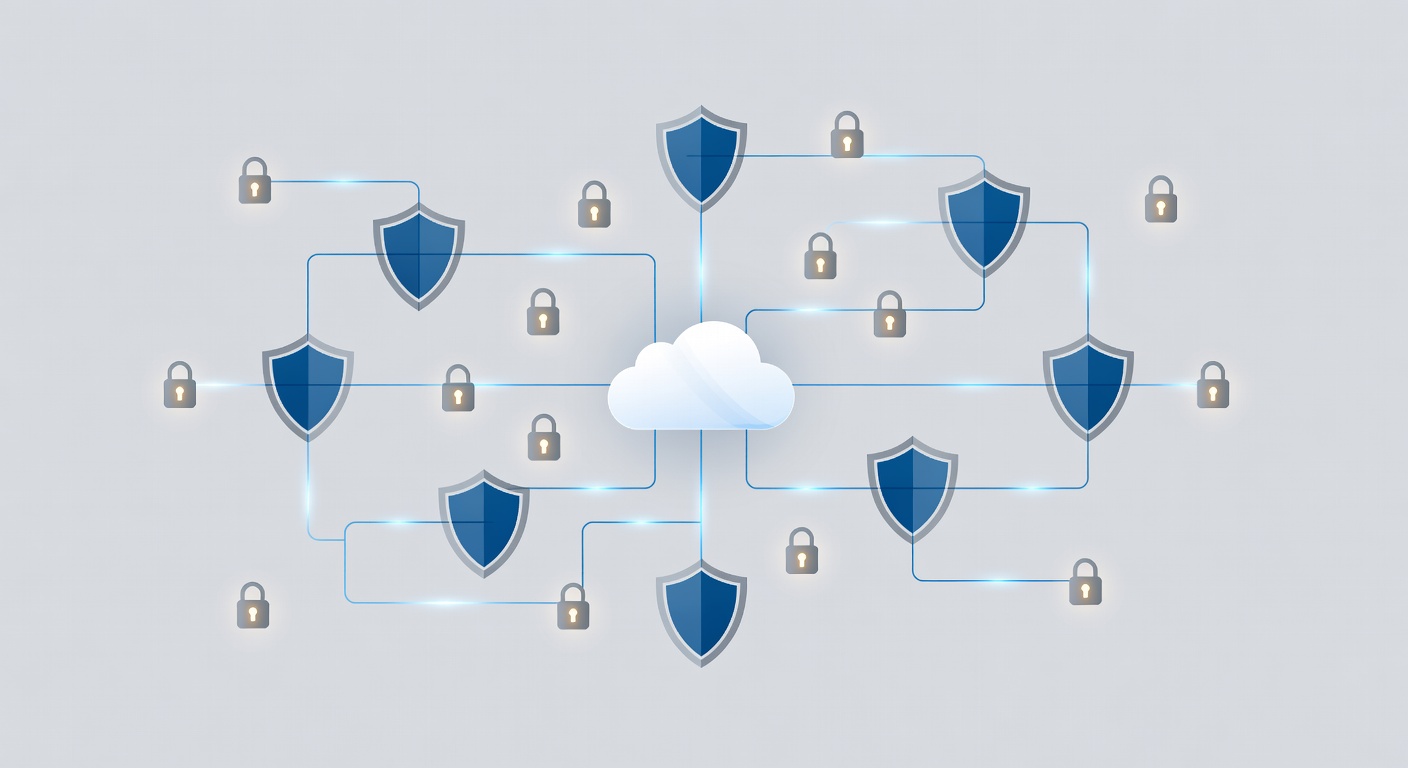
Backup för företaget – utan att ruinera budgeten
Backup-lösningar var tidigare som en sluten låda. Du skrev på ett kontrakt och hoppades på det bästa. Idag måste du som företagare veta exakt vad du betalar för – och hur skyddet växer med verksamheten.
Grundskyddet: En server i fokus
De flesta leverantörer pratar om sin "standardlösning". Det handlar om ditt huvudservrar med en servicegaranti, eller SLA. Den lovar:
- Snabb respons vid larm
- Säker återställning av data
- Stöd dygnet runt, även mitt i natten
SLA är ingen tom fras. Det är ditt juridiska skyddsnät om backupen sviker i kris.
Men en server räcker sällan. Tänk på arbetsstationer, extra servrar och molntjänster. Hur skalar du då upp?
Prisvärd expansion
Här blir kostnaderna raka och rimliga. Ytterligare servrar kostar ofta runt 75 dollar per månad per styck. Låter mycket? Räkna om:
- Cirka 2,50 dollar om dagen
- Jämför med timkostnaden för driftstopp
- Tänk på timmarna du förlorar vid katastrof
Plötsligt känns det som en billig försäkring.
Workstationer och fler servrar följer samma modell som fjärrövervakning (RMM). Inga överraskningar. Du betalar för det du använder och kan budgetera säkert.
Vad du verkligen får
En bra backup är mer än grunderna. Kolla in dessa fördelar:
Molnbaserad lagring som håller
Data sparas säkert på externa servrar. Brand på kontoret? Hackare i nätverket? Dina filer är oåtkomliga för dem.
Skydd för alla plattformar
Fungerar med Windows, Linux eller blandat. Inga ursäkter om "det systemet klarar vi inte".
Flera återställningsmetoder
- Blocknivå – återställer bara ändrade delar, snabbt och effektivt
- Ögonblicksbilder – återgå till exakt rätt tidpunkt
- Molnkopiering – live-kopia redo att ta över
- Öppna filer – fångar data mitt i användning
Flexibilitet räddar dagen i olika kriser.
Automatisk testning av återställning
Leverantören testar backups regelbundet. De säkerställer att filer, appar och virtuella servrar faktiskt går att återställa. Inga gissningar i nödfall.
Aktiv övervakning
Systemet vakar proaktivt. Det varnar för avvikelser, håller koll på regler och fixar problem i förväg.
Ett verkligt exempel
Tänk ett växande SaaS-företag med 5 servrar och 20 arbetsstationer. Basplanen täcker en server (säg X dollar/månad). Fyra extra till 75 dollar styck blir 300 dollar. Workstationer läggs på.
Totalt? 500–800 dollar per månad, beroende på setup.
Vad kostar en servers dag utan data? Tappad intäkt per timme? Förlorade kunder? Den månadsavgiften blir en no-brainer.
Varför SLA-garantin är nyckeln
SLA binder leverantören:
- Fastställda svarstider
- Support utanför kontorstid
- Eskalering vid problem
- Ansvar om det brister
Backup blir en seriös affärsförsäkring, inte bara IT-sak.
Slutsatsen
Du behöver inte täcka varje pryl. Fokusera på:
- Kritiska system med äkta garanti
- Förutsägbar skalning
- Moderna återställningsverktyg
- Verifierad funktion
Det här får du utan budgetsprängning. Förstå kostnaderna i förväg – och sov lugnt med ett riktigt skyddsnät. Börja med din viktigaste server och bygg ut smart.
Taggar: ['backup services', 'business data protection', 'sla agreements', 'cloud backup', 'disaster recovery', 'it infrastructure costs', 'data security', 'managed backups']