Distansarbete är det nya normala – men det har också öppnat dörren på glänt för hackare. Ett enda lösenord är som en inbjudan att bli uppcrackat. Därför är multifaktorautentisering den säkerhetsboost ditt företag inte kan vara utan.
Varför ditt lösenord inte räcker längre – och vad som funkar istället
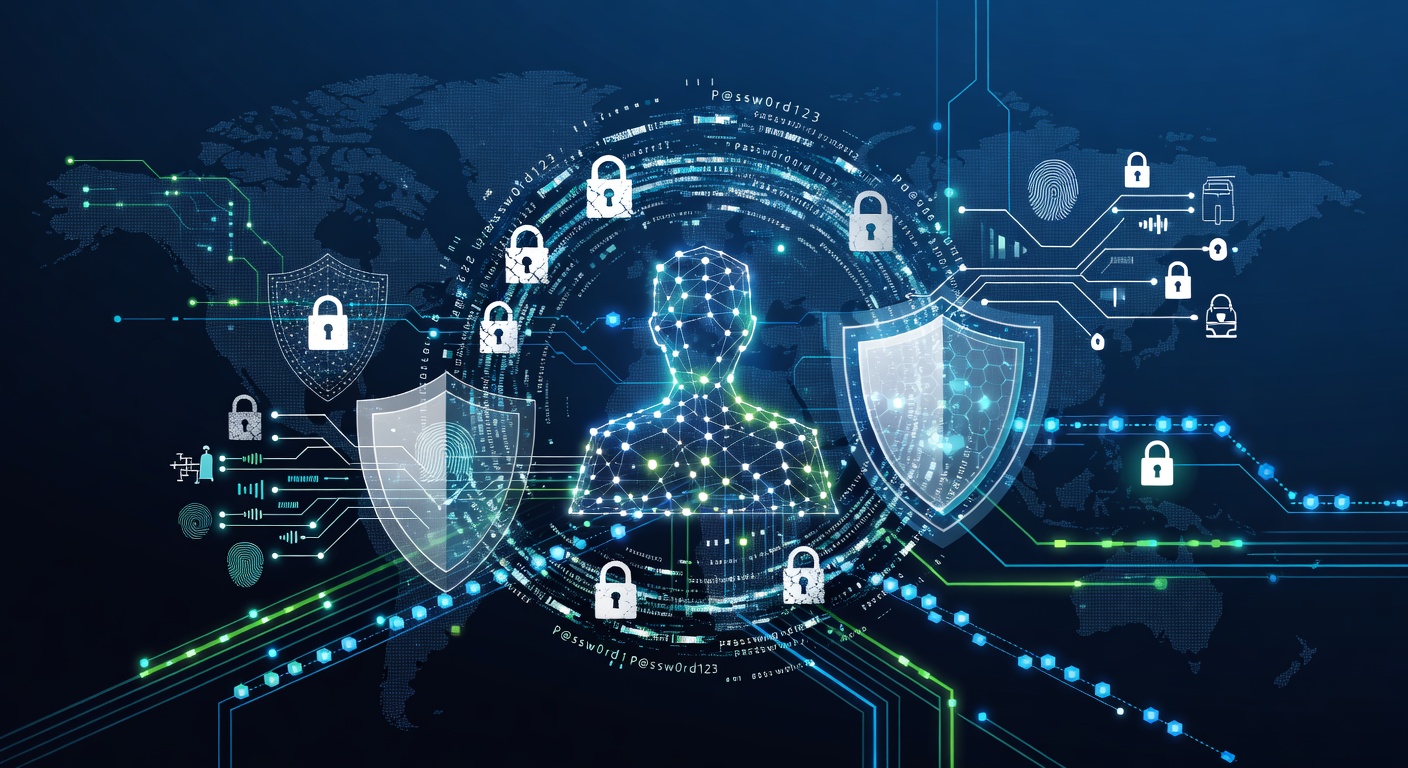
Lösenord räcker inte längre – så här skyddar du dig på riktigt
Vi har alla stött på den kollegan som kör med "Lösen123" överallt. Kanske är det du själv. Poängen är: även starka lösenord faller som dominobrickor vid en enda dataläcka. Din affär hänger på en skör tråd.
Hemmaarbete har revolutionerat jobbet. Mer frihet, högre effektivitet. Men också ett öppet mål för hackare. Vanliga användarnamn och lösenord är föråldrade. Multi-faktor-autentisering (MFA) är lösningen.
Lösenordens svaga sida
Dataintrång har ökat med 68 procent på sistone. Snittkostnaden? 4,24 miljoner dollar. Ja, miljoner.
Hackare kör inte gissningslekar för hand. De använder robotar som testar tusentals kombinationer per minut. Fem felaktiga försök och kontot låses? De hoppar vidare till nästa offer.
Utan mer än lösenord är din säkerhet som en öppen grind. Vem som helst kan promenera in.
Vad är MFA egentligen?
MFA handlar om flera bevis på din identitet. Inte bara "jag vet lösenordet". Tänk flygplatskontroll: ID, skoskav, scanner och väskgenomgång. Varje steg stoppar fuskarna.
Det bygger på tre pelare:
Kunskap – Lösenord, pinkod eller hemlig fråga. Den klassiska starten.
Ägande – Din mobil för SMS-kod, en fysisk nyckel eller datorn. Hackaren har ditt lösenord? Utan din pryl är det värdelöst.
Vare sig – Fingeravtryck, ansiktsigenkänning eller iris. Nästan omöjligt att fejka på distans.
Exempel: Inloggning på banken kräver lösenord plus kod i mobilen. Hackare med ditt lösenord kommer ingenstans utan telefonen.
Varför företag vaknar nu
Kontoret gav IT-kontroll: nätverk övervakat, inloggningar spårade. Nu loggar folk in från soffan, kaféer eller flygplatser. Hoten är överallt.
Banker kräver biometri för transaktioner. Sjukvård tvingar MFA vid okända enheter. Det handlar inte om rädsla – det är ren logik.
Ett intrång slår inte bara data. Det förstör förtroende, rykte och plånbok. Företag inser: bättre förebygga.
Fördelar som räknas
MFA minskar identitetsstölder med upp till 99,9 procent. Men det är mer:
Enkelt att köra igång. Molnbaserat, smälter in i befintliga system. Inga dyra servrar eller eviga projekt.
Finjusterad styrning. Blockera inlogg från misstänkta länder, tidsbegränsa eller hemma-nätverksgodkänn. Inte svartvitt – gråskalor.
Skalar billigt. Passar startups lika bra som jättar. Betala efter behov.
Koder som försvinner. Engångskod i 30 sekunder. Hackaren hinner inte ens blinka.
Inga illusioner
MFA löser inte allt. Phishing, lurendrejeri och insiders är kvar. Men det stoppar amatörer och automater kallt.
Som bilstöld: Lätt byte utan larm. Lägg på tuta – tjuven går vidare. MFA är ditt företags tuta.
Vad gör du nu?
Ingen MFA än? Vänta inte.
Prioritera kritiskt. Mejlen, ekonomin, HR och kunddata först. Rulla ut stegvis.
Välj rätt metod. App, SMS, token eller biometri. Vad teamet använder dagligen.
Utbilda alla. Förklara varför och hur. Annars blir det kaos.
Täck tredjeparter. Leverantörer och partners måste med. Där brister det ofta.
Slutsatsen
Hemmaarbete stannar. Hoten växer. Lösenord är startlinjen, MFA hela försvaret: lås, kamera, alarm och sensorer.
Perfekt? Nej. Nödvändigt? Helt klart. Frågan är inte om – utan varför dröjer det?
Skydda företaget utan att ruinera budgeten eller bli säkerhetsexpert. MFA fixar det.
Taggar: ['multi-factor authentication', 'cybersecurity', 'business security', 'remote work security', 'password protection', 'identity theft prevention', 'mfa best practices', 'network security']