E-postautentisering låter kanske som trist tekniksnack, men det är skillnaden mellan en hackare som låtsas vara din chef och en inkorg som håller tjuvarna ute. Här är det du verkligen behöver veta om SPF, DKIM och DMARC – och varför Gmail och Yahoo tvingar dig att bry dig.
Varför din e-post är som ett hus utan lås – och hur du låser dörren
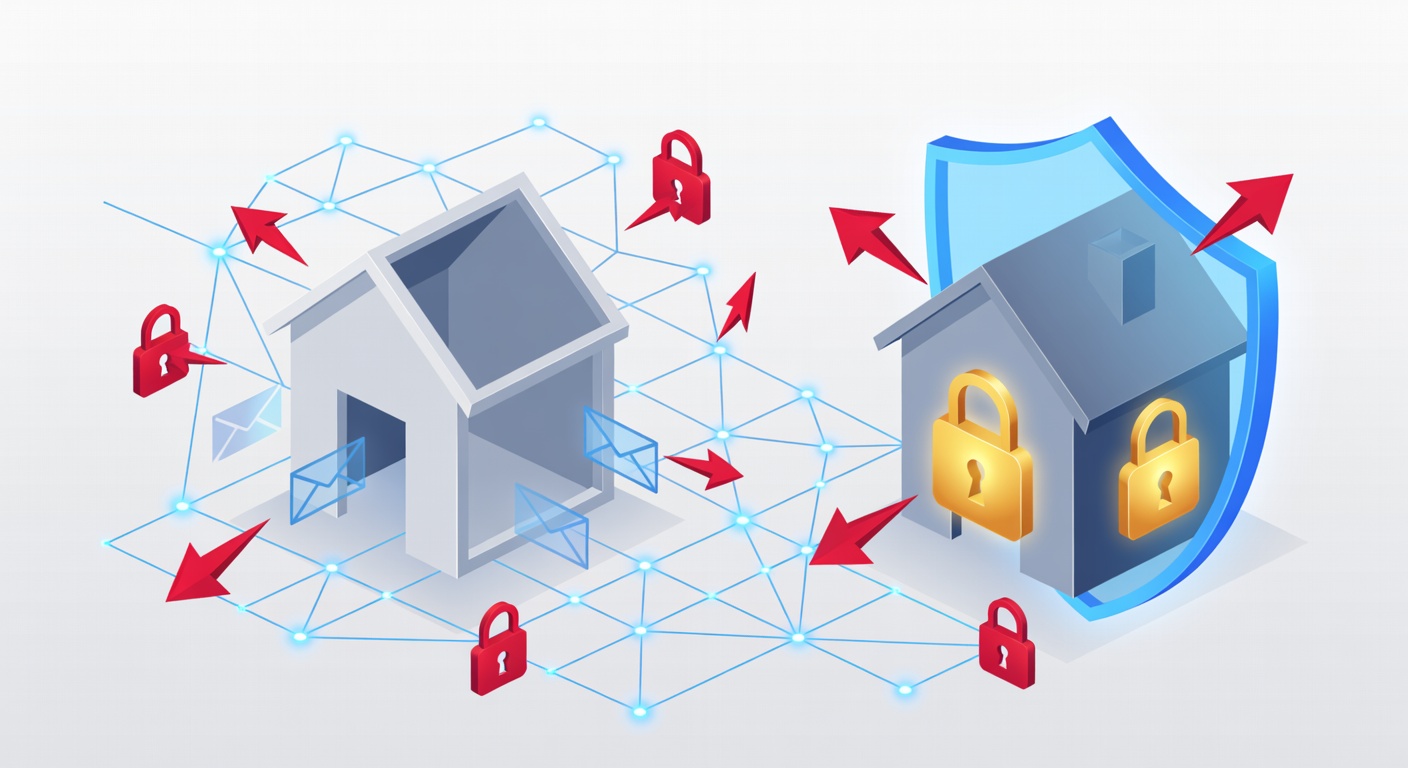
Varför din e-post är som ett hus utan dörrlås (och hur du fixar det)
E-postskydd låter tråkigt. Som att måla om en vägg. Men häng med nu. Det här förändrar din syn på inkorgen.
Tänk dig din e-postdomän som ett hem. Vem som helst kan kliva in, låtsas vara du och ta för sig. Inga larm. Inga nycklar. Inga kontroller. Så har det funkat i årtionden. Vi vänjde oss. Men tjuvarna har vaknat. De flockas vid dörren.
Problemet alla ignorerar
Du kollar mejlen stup i kvarten. Kollegorna likaså. Visste du att en tredjedel av dagens cyberattacker skippar virus helt? De lurar istället folk att lämna ut lösenord.
Så här går det till: En bedragare skickar ett mejl som liknar ett från banken eller chefen. Du klickar på länken. Slår in koden. Klar. Hackaren äger ditt konto. Nu kan de mejla dina kontakter som dig. Be om pengar. Sprida skadlig kod. Radera filer.
Det värsta? Inga superdatorer behövs. Bara en enkel förklädnad med din domän. Systemet stoppar det knappt.
De tre riddarna som låser dörren
Lyckligtvis finns tre protokoll som fixar skiten. SPF, DKIM och DMARC. De är som säkerhetsvakter för ditt hem. Så funkar de:
SPF: Vakten vid entrén
SPF betyder Sender Policy Framework. Det är en lista över godkända IP-adresser som får skicka mejl från din domän.
Mottagarservrar kollar listan. Stämmer inte avsändarens IP? Mejl flaggas som skumt. Inte idiotsäkert. Men en bra start.
DKIM: Förseglingen som avslöjar fusk
DKIM står för Domain Keys Identified Mail. Tänk ett brev med vaxsägel. En digital signatur krypterar mejlet.
Din server lägger till signaturen. Mottagaren verifierar med din publika nyckel. Ändrats ett kommatecken? Signaturen spricker. Mejl från dig? Grönt ljus.
Smart krypto. Enkelt att fixa.
DMARC: Den som bestämmer
DMARC är Domain-based Message Authentication, Reporting, and Conformance. Chefen som styr vad som händer vid misslyckade SPF eller DKIM.
Välj själv: Blockera? Spam? Eller bara spåra? Du får rapporter om alla mejl som låtsas vara dina. Ser du vem som imiterar dig.
Det här är kungen. Börja här om du bara gör en sak.
Storbolagen tvingar fram förändring
Nu blir det allvar. Gmail och Yahoo kräver DMARC för bulkmejl. Saknas det? Dina mejl studsar. Hamnar i skräp. Kunderna ser nada.
Trots det har bara 14 procent av företagen koll på DMARC. Resten riskerar kaos varje dag.
Småföretagare: Första gången du hör det här? IT-chef: Varför sa ingen tidigare? Tiden rinner ut.
Vad gör du nu? Steg för steg
Tekniskt, men inte omöjligt. Så här:
Steg 1: Testa din domän gratis online. Sök "SPF-kontroll" eller liknande. Tar fem minuter.
Steg 2: Saknas grejer? Prata med IT-teamet eller din e-postleverantör. Google Workspace, Microsoft 365 – de har guider.
Steg 3: Aktivera DMARC i övervakningsläge först. Kolla att dina egna mejl kommer fram. Skärp sen.
En eftermiddag räcker. Klar.
Den stora bilden
Protokollen är gamla. Men småföretag hänger efter. Saknar IT-folk.
Om alla fixade det i morgon? Phishing minskar rejält. Förtroendet för e-post stiger.
Det sker inte självt. Därför tvingar techjättarna fram det genom att straffa osäkrade mejl.
Slutsatsen
Din e-post är en öppen dörr. Men nycklarna finns: SPF, DKIM, DMARC. Tråkiga verktyg. Utan hyllning. Men livsviktiga.
Ingen expert behövs. Vänta inte på mirakel.
Kolla din setup den här veckan. Fem minuter. Din inkorg blir säkrare. Dina mejl når fram.
Taggar: ['email security', 'spf', 'dkim', 'dmarc', 'email authentication', 'phishing prevention', 'domain security', 'cybersecurity', 'email spoofing', 'network protection']