Vanuit het oogpunt van een hacker zie je precies wat hen lamlegt. Spoiler: geen dure software of ingewikkelde systemen. Ontdek de simpele trucs die jou een onneembare digitale vesting maken.
Waarom Sarah de cybersecurity-koningin is (en jij ook kunt winnen)
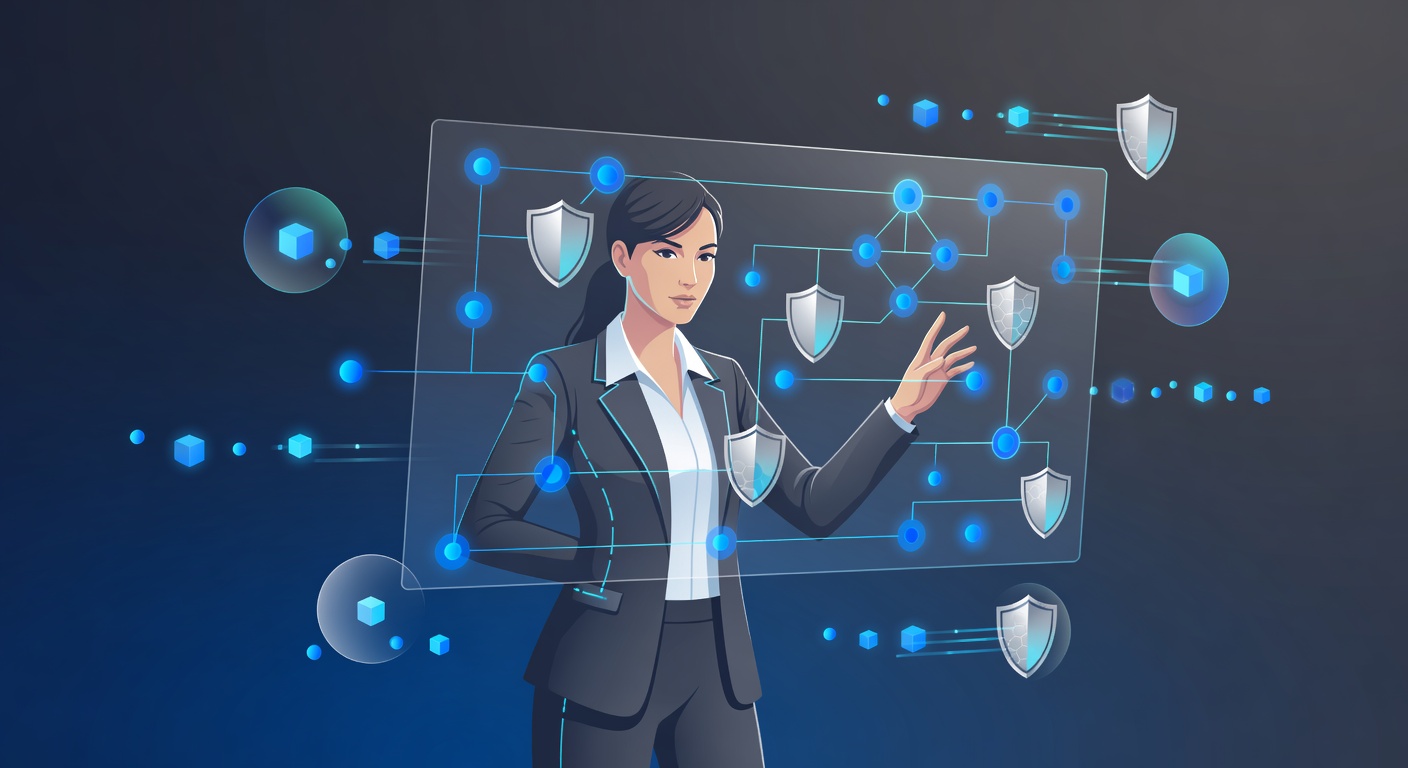
Waarom "Sarah" cybersecurity wint (en jij ook kunt winnen)
Cybersecurity-tips vliegen je om de oren. Wachtwoorden, VPN's, tweefactorauthenticatie, firewalls, versleuteling... Het lijkt wel rocket science. Je gooit de handdoek in de ring en denkt: dat is niet voor mij.
Toch is er een simpelere weg. Ik leg het uit via Sarah, een gewone persoon die hackers afschrikt. Niet met tovertrucs, maar met slimme gewoontes.
Het koffietentje dat alles veranderde
Stel: je zit in een café te werken. Je laptop staat open, je bedrijfsbeker zichtbaar. Een hacker spot je, checkt LinkedIn en kiest jou als doelwit. Klinkt als film? Het gebeurt dagelijks.
Sarah zit naast je. Die hacker slaat haar over. Waarom? Ze neemt haar eigen veiligheid serieus. Punt.
Waar het meestal misgaat
Eerst de valkuilen die iedereen kent – en negeert:
Wachtwoorden zijn een ramp. "Wachtwoord123" of "Hondje2024". Hackers kraken dat in seconden. Niet minuten, seconden.
Phishing slaat keihard toe. Een mailtje: "Bankrekening geblokkeerd, klik hier!" Mensen happen. Sarah? Die denkt na.
Openbare wifi is vragen om ellende. Luchthaven of café-netwerk? Data vliegt in het rond voor het oprapen.
Te veel rechten. Iedereen is admin op alles, met dezelfde inlog overal. Eén lek, en de domino's vallen.
Sarahs wapenarsenaal
Sarah doet wat anderen vergeten: ze handelt alsof het telt. Zo pakt ze het aan:
1. Echte sterke wachtwoorden
Geen "Katje88!". Sarah kiest iets als "K9#P$vL2@mQ8x!". Lang, willekeurig, mix van tekens. Ze gebruikt een manager zoals Bitwarden of 1Password. Eén hoofd wachtwoord, en de rest regelt zichzelf.
2. Tweefactorauthenticatie overal
Hacker steelt haar wachtwoord? Geen probleem. Een code via sms of app blokkeert hem. Sarah zet het aan bij mail, bank, socials en werk. Altijd.
3. Phishing herkent ze meteen
Ze klikt niet op "DRINGEND ACTIE!" mails met "Geachte klant" en rare links. Ze checkt afzender en hovert over urls. Gewoon sceptisch blijven – dat redt je.
4. VPN bij openbare netwerken
In dat café? VPN aan. Al je verkeer wordt versleuteld, hackers zien niks. Probeer NordVPN, Mullvad of ProtonVPN. Simpel en effectief.
5. Alleen nodige rechten
Sarah krijgt precies wat voor haar werk nodig is. Geen admin-rechten overal. Minst-privileges-principe: saai, maar hackers beperken zich tot kleine schade.
6. Basisbescherming voor apparaten
- Firewall aan (staat standaard in Windows en macOS).
- Antivirus zoals Windows Defender of Malwarebytes.
- Updates automatisch.
Niet sexy, wel waterdicht.
7. Versleutelde bestanden
Zelfs als een hacker haar laptop pakt, ziet hij onzin. VeraCrypt, BitLocker of FileVault doen het werk.
De echte kracht: je houding
Sarahs geheim? Ze ziet cybersecurity als dagelijkse routine. Niet iets voor het bedrijf of experts. Zoals tandenpoetsen: MFA aanzetten bij nieuwe accounts, wachtwoorden checken. Automatisch.
Die mentaliteit-shift maakt het verschil.
Jouw stappenplan (begin nu)
Niet alles tegelijk. Zo:
Vandaag: MFA aan bij mail en bank. Nu doen.
Komende week: Password manager installeren. Belangrijkste wachtwoorden vervangen.
Daarna: VPN bij openbare wifi. Gewoonte maken.
Doorlopend: Links controleren. Loopt het klopt?
Updates en basisbescherming? Je OS fikst dat.
De kern van het verhaal
De hacker haakt af bij Sarah. Geen dure gadgets nodig. Gewoon consequente basis: sterke wachtwoorden, MFA, phishing negeren, VPN, updates.
Jij kunt dat ook. Het is geen gedoe, maar een keuze. Beveilig je leven.
Word zoals Sarah.
Tags: ['password security', 'multi-factor authentication', 'phishing prevention', 'cybersecurity basics', 'vpn protection', 'data encryption', 'password managers', 'public wifi safety', 'hacker prevention', 'online privacy']