Les petites entreprises veulent rester compétitives, mais sans budget illimité ni équipe IT dédiée. Bonne nouvelle : pas besoin de tout révolutionner d’un coup. On décortique les cinq investissements IT qui font vraiment la différence pour les boîtes en croissance, et pourquoi ils comptent plus que vous ne l’imaginez.
Les 5 projets tech à lancer d'urgence pour votre petite entreprise
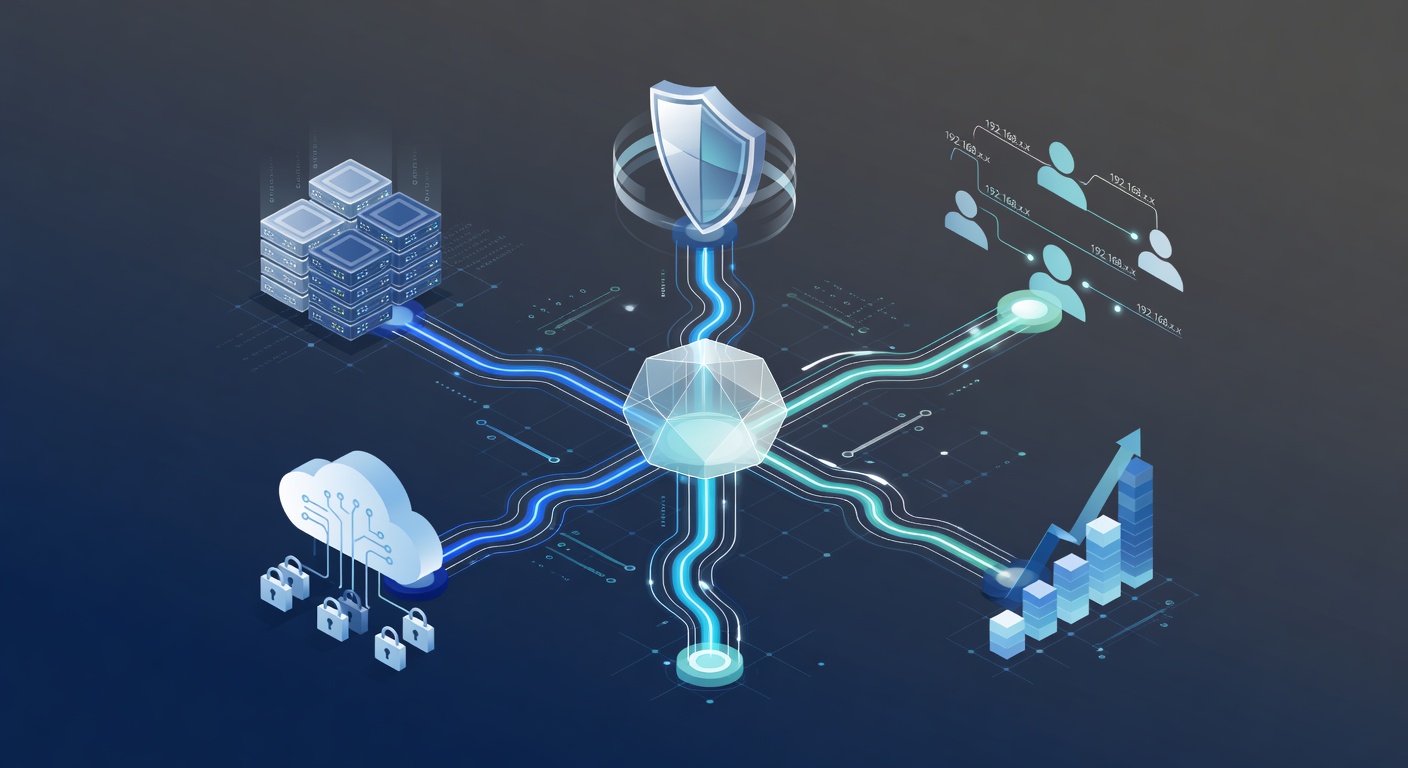
Les 5 projets tech prioritaires pour les PME (avant qu'il ne soit trop tard)
Vous gérez une petite entreprise. On vous bassine sans cesse avec la "transformation numérique" ou le "cloud à tout prix". Ça sonne comme une obligation impossible, avec des infrastructures de géant à installer du jour au lendemain.
Pourtant, certains investissements tech transforment vraiment le quotidien. Pas de paillettes, pas de buzz. Juste plus d'efficacité, des données protégées et une croissance sans casse.
Voici les cinq projets qui méritent votre temps et votre budget.
1. Passer à Microsoft 365 (et pourquoi ça change tout)
Votre équipe utilise déjà Word ou Excel. Peut-être des mots de passe partagés et des clés USB partout. Classique, mais risqué.
Microsoft 365 Business Premium met fin à ce bazar. C'est un écosystème complet : apps Office, Teams pour les appels et chats, OneDrive pour les fichiers, Outlook pour les mails. Tout connecté, synchro et sécurisé.
Les vrais atouts :
Liberté totale en cloud. Travaillez d'un café sur laptop, d'une tablette en réunion, d'un phone en déplacement. Tout se synchronise seul. Fini les "envoie-moi le fichier".
Budget maîtrisé. Cinq licences ce mois, huit le prochain ? Pas de souci. Sans hardware cher ni contrats figés.
Sécurité au top. Defender intégré corrige les failles automatiquement. Sauvegardes mondiales : même un incendie ne stoppe pas tout.
Migration facile. Pas besoin d'experts ou d'arrêt d'activité. Les mises à jour se font en douce.
Résultat ? Moins de galères tech, plus de temps pour le boulot.
2. SharePoint : le champion discret de l'organisation interne
SharePoint passe inaperçu face aux stars du cloud. Pourtant, c'est l'intranet idéal : documents rangés, savoir partagé, recherches efficaces.
Google Drive ? Ça va, mais SharePoint est taillé pour les équipes pro.
Les points forts :
Disponible H24. 99,9 % de uptime garanti. Accès à 2 h du mat', même un dimanche.
Stockage généreux et abordable. 1 To par user + espaces partagés. Parfait pour une PME, sans payer au Go.
Évolutif sans effort. Ajoutez une équipe ou un service ? Ça suit. Sans matos neuf ni consultant.
Mix cloud/local malin. Données sensibles en local pour la conformité, reste en cloud. Pragmatique.
Pas glamour pour les clients, mais booster interne garanti.
3. Microsoft Endpoint Manager : la sécurité invisible mais vitale
Ça sonne pointu, mais c'est simple. Imaginez 15 employés sur laptops pros, PC perso, tablettes, smartphones. Windows, Mac, Android... Comment sécuriser tout ça ?
Endpoint Manager centralise : vue d'ensemble des appareils, règles de sécurité, détection de menaces, wipe à distance si besoin.
Les PME trébuchent souvent sur la mobilité. Téléphones perso mélangent boulot et vie privée. Endpoint Manager pose des barrières : perte de phone ? Données pro protégées, sans fouiller le perso.
Pas sexy, mais indispensable.
4. Moderniser le réseau : base solide avant tout
Le réseau, c'est la fondation. Tout repose dessus.
J'ai vu des PME avec du matos de 2012 : WiFi foireux, câbles rafistolés, vitesses molasses. Pas étonnant que le cloud rame.
Un upgrade apporte :
Vitesse pour le cloud. Réseau lent = apps lentes. Changez d'abord, la différence saute aux yeux.
Sécurité renforcée. Matos récent : chiffrement avancé, détection intrusions intégrée.
Moins de pannes. L'ancien lâche souvent. Le neuf tient et demande peu d'entretien.
Capacité d'expansion. Nouveaux appareils ou site ? Ça absorbe sans broncher.
Pas fun comme projet soft, mais impact quotidien assuré.
5. MDM ou MAM : protégez vos données mobiles sans envahir
Scénario courant : un salarié part, on oublie de couper l'accès à ses apps sensibles sur son phone perso. Mois après, c'est la catastrophe.
MAM isole les apps pro dans un conteneur sécurisé. Départ ? On révoque, sans toucher au reste.
MDM contrôle tout l'appareil : mots de passe, wipes, updates.
Pour les PME, MAM suffit souvent. Données pro blindées, phone perso intact.
Pourquoi agir maintenant sur ces 5 projets
La transformation numérique fait peur : consultants, budget fou. Mais ces bases offrent un ROI clair, gains mesurables, sécurité réelle.
Pas tout d'un coup. Microsoft 365 si équipe dispersée. SharePoint contre le chaos docs. Réseau si lenteurs. Endpoint si mobilité risquée. MDM/MAM selon vos failles.
Ne subissez pas la tech. Choisissez, déployez, mesurez.
Vos concurrents avancent. Et vous ?
Tags : ['small business it', 'microsoft 365', 'cloud migration', 'cybersecurity', 'business technology', 'digital transformation', 'network security', 'mobile device management', 'sharepoint', 'remote work']