Είσαι εργαζόμενος εξ αποστάσεως ή απλά απαντάς mail από το Airbnb σου; Τα ενοικιαζόμενα σπίτια κρύβουν ιδιαίτερους κινδύνους ασφαλείας. Από ύποπτα δίκτυα Wi-Fi μέχρι κρυφές κάμερες, δες εδώ πώς θα προστατεύσεις εσένα και τα δεδομένα σου σε προσωρινή διαμονή.
Οδηγός Ασφαλείας Ψηφιακού Νομάδα: Προστατεύσου σε Ενοικιαζόμενα Διακοπών
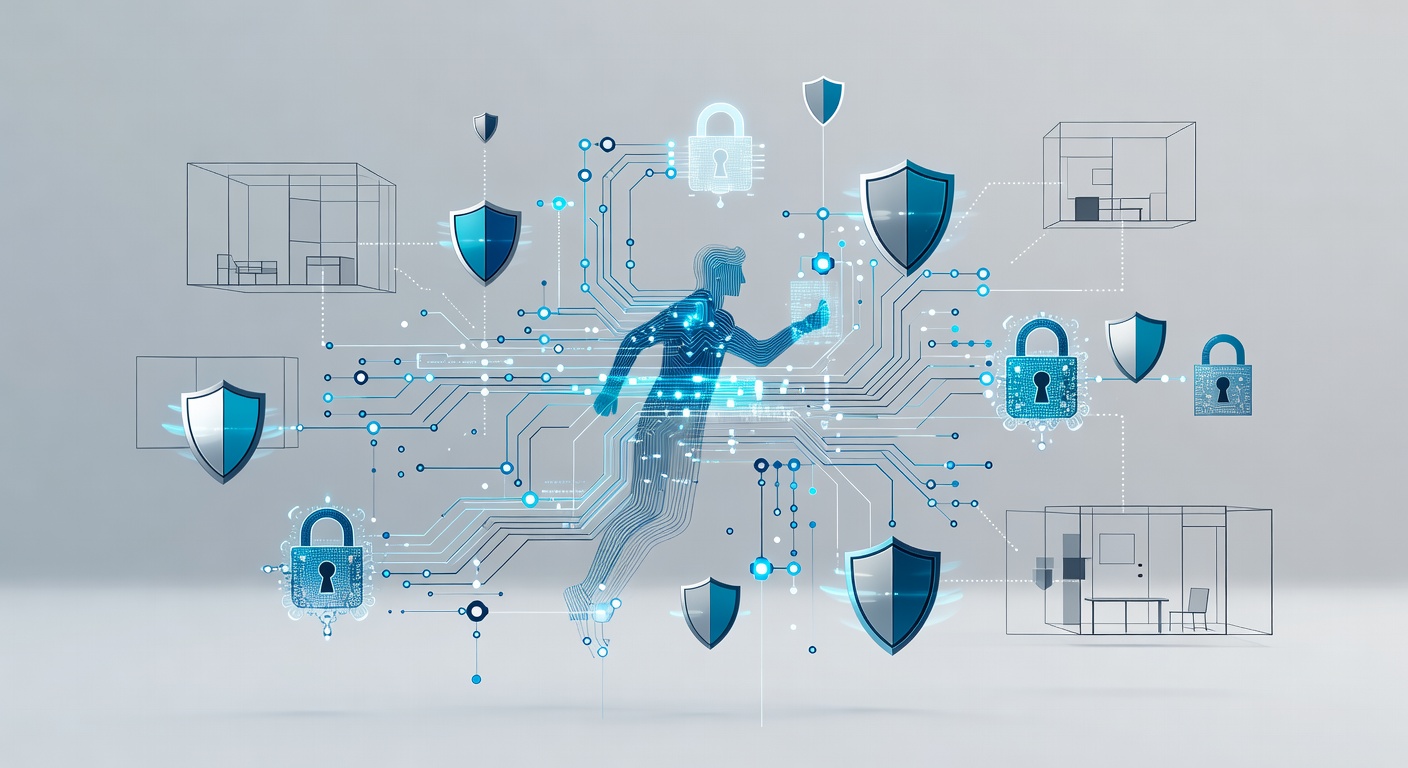
Ο Οδηγός Ασφαλείας του Digital Nomad: Πώς να Προστατεύεσαι σε Ενοικιαζόμενα
Φαντάσου: κλείνεις το ιδανικό Airbnb στη Λισαβόνα. Φωτογραφίες top, τιμή φιλική, και σκοπεύεις να δουλέψεις απολαμβάνοντας την ευρωπαϊκή ατμόσφαιρα. Ωραίο ε;
Πρόσεξε όμως: αυτό το γλυκό σπίτι είναι ξένο σπίτι με ξένο Wi-Fi. Φέρνεις laptop, κινητό και ευαίσθητα αρχεία δουλειάς; Πρέπει να σκεφτείς ασφάλεια σαν να κλειδώνεις το αμάξι σε ύποπτη γειτονιά.
Δεν θέλω να σε τρομάξω – χιλιάδες δουλεύουν ασφαλείς καθημερινά από ενοικιαζόμενα. Η διαφορά; Ετοιμάζονται.
Πριν Βάλεις Λaptop στη Βαλίτσα
Ξεκίνα με τα βαρετά μα απαραίτητα, πριν φύγεις.
Κάνε backup τα πάντα. Φωτογραφίες, έγγραφα, αρχεία – όλα. Αν κλαπεί ή χαλάσει η συσκευή σου στο εξωτερικό, θες τα δεδομένα σου αλλού. Σύννεφο, εξωτερικός δίσκος, ό,τι τραβάει.
Ενημέρωσε τα πάντα. Λειτουργικό, browser, εφαρμογές. Οι ενημερώσεις κλείνουν τρύπες που εκμεταλλεύονται χάκερς. Στο εξωτερικό, με άγνωστα δίκτυα, είσαι εύκολος στόχος. Κάν' το τώρα.
Το Μεγάλο Πρόβλημα: Το Wi-Fi του Ενοικιαζομένου
Το Wi-Fi του σπιτιού μπορεί να είναι παγίδα. Δεκάδες επισκέπτες πέρασαν από εκεί. Κάποιοι ίσως κακόβουλοι. Ένας έξυπνος μπορεί να το χάκαρε ή να στήσει ψεύτικο δίκτυο. Δεν ξέρεις τίποτα.
Εδώ μπαίνει το VPN – ο καλύτερος φίλος σου.
Το VPN κρυπτογραφεί την σύνδεσή σου σαν τούνελ. Δεν συνδέεσαι απευθείας στο Wi-Fi του σπιτιού. Το VPN παίρνει το traffic και σε κρύβει.
Σκέψου το έτσι: κανονικό Wi-Fi είναι σαν να φωνάζεις τον αριθμό κάρτας σου σε πλατεία. VPN είναι ψίθυρος σε θωρακισμένο δωμάτιο.
Δεν έχεις εταιρικό VPN; Δοκίμασε NordVPN (μέχρι 6 συσκευές μαζί – laptop, κινητό, tablet). Ή Proton VPN δωρεάν (αλλά μόνο μία συσκευή).
Κρυφές Κάμερες: Δεν Είναι Μύθος
Παλιά νόμιζα ότι οι κρυφές κάμερες είναι υπερβολή. Μετά είδα στατιστικά: 1 στους 4 επισκέπτες τις βρήκε το 2023. Και οι μισές μέσα στο σπίτι.
Κάποιοι hosts το παραδέχονται, αλλά δεν λένε.
Airbnb επιτρέπει κάμερες αν δηλώνονται και δεν κοιτάνε υπνοδωμάτια-μπάνια. VRBO απαγορεύει εντός.
Τι κάνω εγώ μόλις φτάσω:
- Σάρωσε τον χώρο εργασίας. Έλεγξε ανιχνευτές καπνού (συνηθισμένο spot), λάμπες LED, πρίζες.
- Τοποθέτησε έξυπνα το laptop. Μην φαίνεται οθόνη, πληκτρολόγιο από κάμερα ή περίεργους.
- Πρόσεξε το κινητό. Σε banking ή email, γύρνα την οθόνη μακριά από βλέμματα.
Δεν είναι παράνοια. Είναι λογική.
Όταν Είσαι σε Public Wi-Fi
Καφέ ή λόμπι ξενοδοχείου, και θες internet. Ξεχάστηκες, hotspot δεν πιάνει;
VPN πάντα. Δημόσια δίκτυα είναι ληστεία για χάκερς. Στήνουν ψεύτικα ("Δωρεάν Wi-Fi Αεροδρομίου") ή παρακολουθούν.
Αν όχι VPN, κάνε tethering από το κινητό σου. Ισχυρός κωδικός, WPA2. Θα φάει data, αλλά καλύτερα από άγνωστο Wi-Fi.
Απλό: χάκερς ψάχνουν εύκολους. Μην είσαι εσύ.
Και τα Φυσικά Γύρω σου
Η ασφάλεια δεν είναι μόνο tech – είναι και έξυπνη συμπεριφορά.
Πρόσεξε τις συσκευές. Φίλοι μου έχασαν κινητά σε δευτερόλεπτα στο δρόμο. Κράτα τα στην τσέπη, όχι στο χέρι.
Πρόσεξε "ώμους-κλέφτες". Κάποιος κρυφοκοιτάει passwords ή κάρτες. Γύρνα οθόνη, βάλε δακτυλικό/πρόσωπο, 2FA παντού.
Μην καυχιέσαι. Ακριβό laptop ή iPhone προσελκύει κλέφτες. Μην τα αφήνεις σε κοινόχρηστους χώρους. Μην ποστάρεις φωτο.
Συμπέρασμα
Δουλειά από ενοικιαζόμενο είναι super. Έχω κωδικοποιήσει σε ηλιοβασιλέματα τριών χωρών. Αλλά η ασφάλεια κρίνεται σε μικρές προετοιμασίες.
30 λεπτά πριν φύγεις: VPN, updates, backup. 15 λεπτά εκεί: έλεγχος χώρου, σωστή θέση laptop.
Το ίντερνετ δεν νοιάζεται πού είσαι. Οι κακοί ναι. Κάν' το δύσκολο.
Καλό ταξίδι και ασφαλής δουλειά!
Ετικέτες: ['digital nomad security', 'airbnb safety', 'vpn usage', 'remote work security', 'travel cybersecurity', 'wi-fi safety', 'hidden cameras', 'data protection while traveling', 'airbnb security', 'vrbo privacy', 'remote work travel', 'vpn for travelers', 'public wifi safety', 'online privacy', 'cybersecurity tips', 'travel safety']