At arbejde fra en café føles produktivt og energigivende. Men det offentlige Wi-Fi er ren indbydelse til hackere. Den gode nyhed? Nogle smarte forholdsregler gør din laptop lige så sikker på Starbucks som derhjemme – uden at ødelægge stemningen.
Din kaffebarsarbejdsplads er ikke sikker – sådan gør du det!
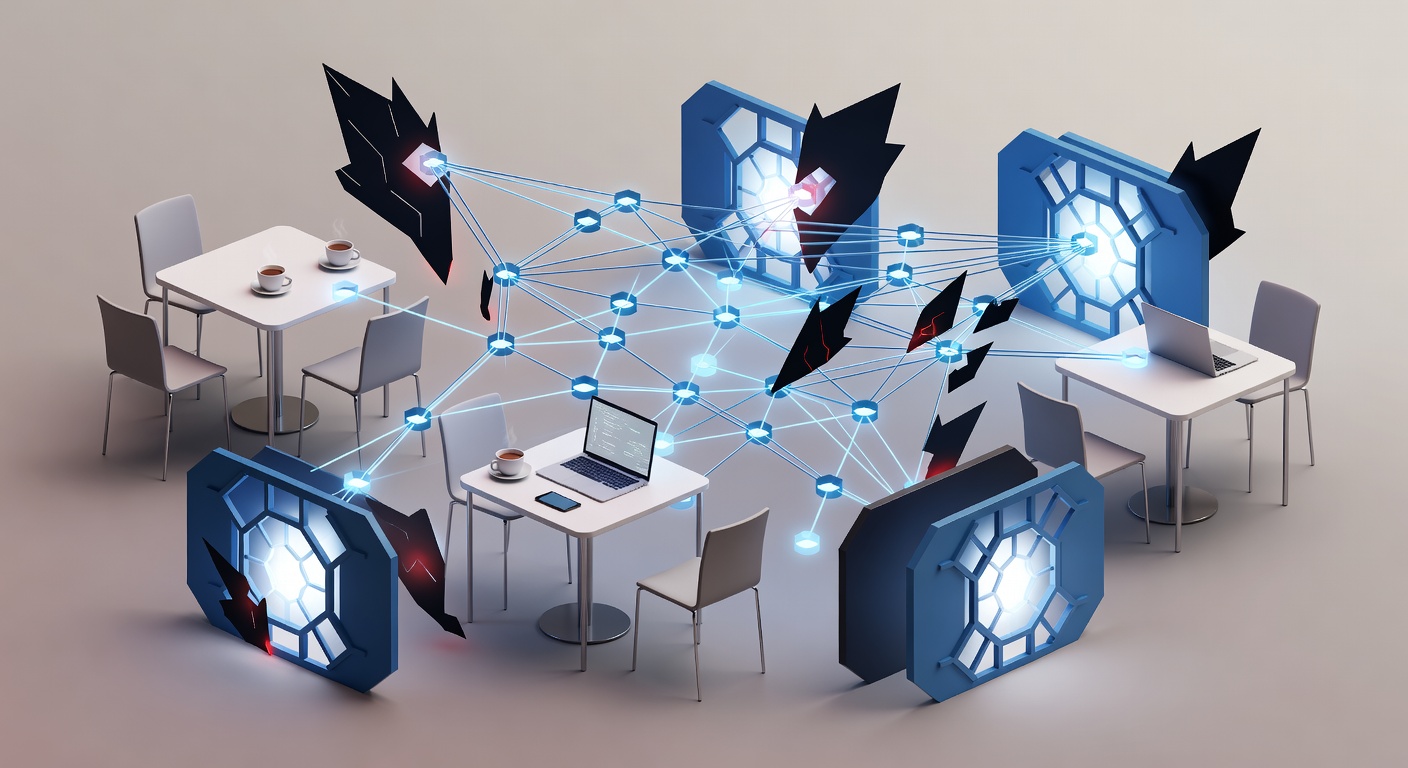
Dit Kaffestue-Kontor Er Ikke Sikkert – Men Sådan Gør Du Det Trygt
Hjemmekontoret bliver kedeligt. Kaféens summen, kaffens duft og følelsen af at være ude booster produktiviteten. Du betaler jo alligevel for den dyre cappuccino – hvorfor ikke arbejde der et par timer?
Men sandheden er hård: Den hyggelige bordplads i din lokale café er en digital fælde. Hackere elsker offentlige netværk. De er åbne, uden kontrol og fulde af enheder, der skriger "kom og tag mig".
Falske Wi-Fi-punkter dukker op med navne som "Café_Free_WiFi". De fanger dit data, før du ved det. Men du behøver ikke lukke din laptop. Du kan arbejde sikkert – hvis du gør det rigtigt.
Forbered Dig Hjemme: Grundlæggende Sikkerhed Først
Behandl din enhed som en soldat før kamp. Tjek alt.
Opdater alt muligt. OS, browser, apps. Patches lukker huller, hackere udnytter. Uopdateret enhed er som en åben dør i en mørk gyde.
Sæt stærke adgangskoder. På laptop, telefon, tablet. Brug en password manager – de er til det. Lengde slår kompleksitet. "JegHaderRegnVejrIJuly" er sværere at knække end "X9#kP2!" – årevis mod dage.
Slå 2FA til overalt. Mail, bank, job. Selvom de stjæler din kode, mangler de din telefon eller app. Det er som ekstra lås på døren.
Brug inkognito-tilstand. Luk vinduet, og historik, cookies forsvinder. Ingen digitale spor.
Vælg Den Rette Forbindelse: Vær Smart
Mange fejler her.
I caféen: Spørg personalet om det rigtige netværksnavn først. Falske hotspots er almindelige – de stjæler dit data midt i luften. Det hedder man-in-the-middle.
Når du har det ægte:
Mulighed 1: VPN. Krypterer alt. Din trafik går gennem en tunnel – ingen ser ind. Bedste værktøj til offentligt Wi-Fi. Gratis eller betalt: Begge slår ingenting.
Mulighed 2: Mobil hotspot. Brug din telefons data. Privat og kun til dig. Meget sikrere end caféens net, tusinder deler.
Mulighed 3: Sluk Wi-Fi, når du ikke bruger det. Deaktivér auto-forbindelse. Tænd manuelt, sluk efter. Undgå tilfældige, shady net.
Slå deling fra. Windows: Kontrolpanel > Netværk > Avanceret deling – sluk. Mac: Systemindstillinger > Generelt > Deling – fjern krydser. Andre ser ikke dine filer.
Vær Forsigtig Med Hvad Du Sender
Selv med beskyttelse: Offentligt Wi-Fi har risici.
Læs mail? Ok. Slack? Ja. Send konfidentielle filer? Vent til hjemme eller mobilhotspot.
Aldrig bank, betalinger eller hemmelige dokumenter på café-Wi-Fi. Ikke engang med VPN.
Brug stedet til kreativt arbejde, læsning, idéer. Følsomt? Gem det.
Fysisk Fare: Pas På Skuldrene
Hackere er ikke kun digitale. "Shoulder surfing" sker: Nogen læser over skulderen – koder, numre, mail.
Placér skærmen væk fra gangtrafik. Brug privatskærm-filter. Hold øje med folk bagved.
Det lyder nervøst, men det er smart.
Konklusionen
Kafé-arbejde er ikke farligt i sig selv – sløseri er. Bliv bevidst, og du vinder.
Opdater. VPN. Spørg om netværk. Sluk deling. Stærke koder + 2FA. Skærm vinkel. Vælg opgaver klogt.
Så nyder du kaffen, arbejder effektivt – uden at give tyve dit liv på sølvfadet.
Din laptop bliver lige så sikker ved bordet som hjemme. Gør bare arbejdet.
Tags: ['public wifi security', 'coffee shop security', 'vpn', 'cybersecurity tips', 'online privacy', 'data protection']