When Your VPN Becomes the Attacker's Secret Tunnel: One Company's After-Hours Wake-Up Call

When Your VPN Becomes the Attacker's Secret Tunnel: One Company's After-Hours Wake-Up Call

An employee's stolen credentials became a backdoor into the company network at 2 AM on a Sunday. Here's how a rapid response team turned what could've been a catastrophic data breach into a textbook security victory — and what your business can learn from it.

When Your VPN Becomes the Attacker's Secret Tunnel: One Company's After-Hours Wake-Up Call

Let's be honest: there's something terrifying about the idea of a hacker accessing your network when everyone's asleep. No IT staff at their desks. No eyes on the monitors. Just a quiet office building and someone thousands of miles away digging through your servers.

This exact scenario almost happened to a mid-sized company I'll call "Client X" (okay, that's not their real name, but bear with me). An employee's login credentials got compromised — we don't know exactly how yet, but it doesn't matter for this story. What matters is what happened next.

The Nightmare Scenario: Unauthorized VPN Access

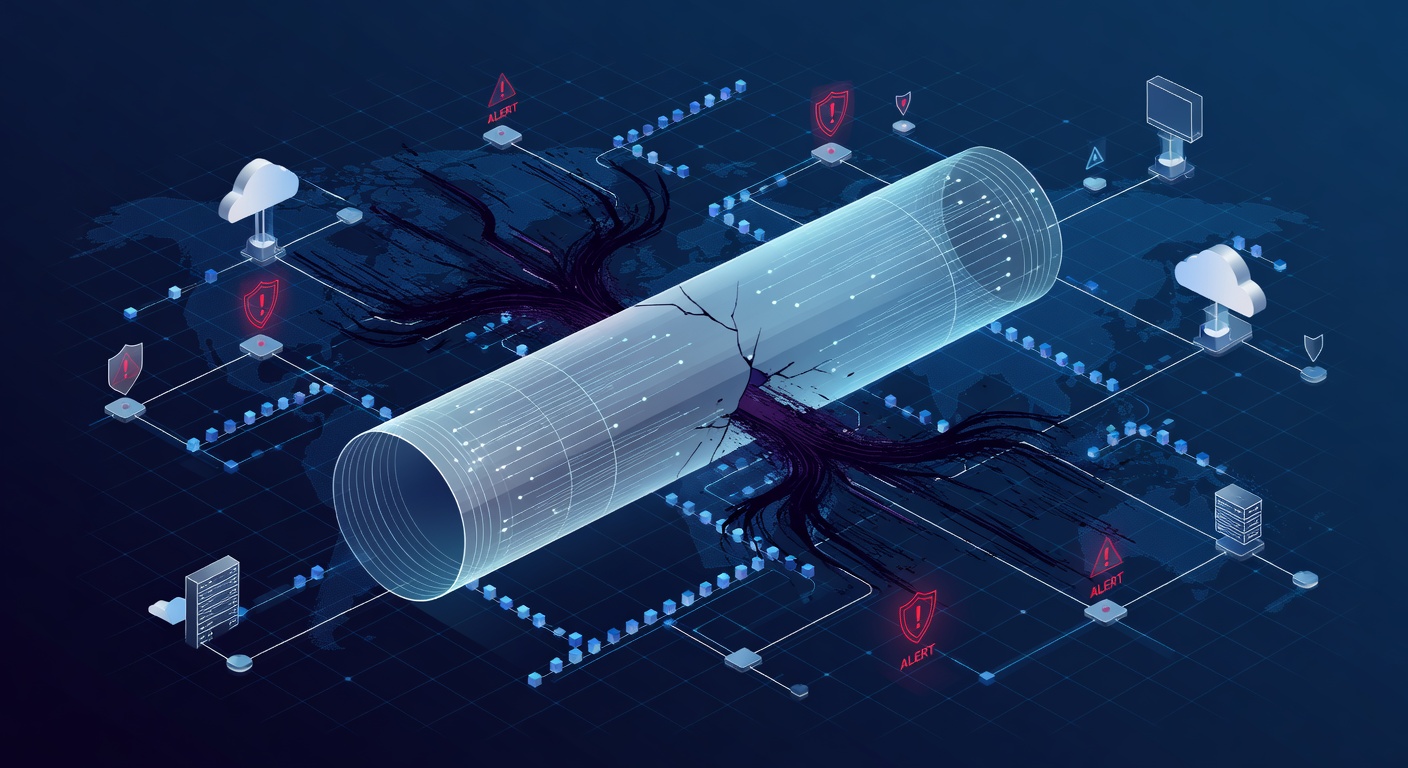
Picture this: It's after hours. A threat detection system pings with an alert. An unknown device is trying to access the corporate VPN using legitimate employee credentials. But the employee? They're at home, probably sleeping. The device logging in? Completely unfamiliar.

This is every IT manager's nightmare wrapped up in one alert notification.

The attacker had successfully obtained an employee's login credentials — probably through a phishing email, password reuse from a breached website, or some other social engineering trick. Now they had a golden ticket: legitimate access to the VPN, which meant they could potentially walk right into the company's internal servers like they owned the place.

The difference between "potential disaster" and "actual disaster" comes down to one thing: detection speed and response time.

The 24/7 Advantage: When Your Guardian Never Sleeps

Here's where the story gets interesting. Because the company had 24/7 managed detection and response (MDR) monitoring in place, that unauthorized login attempt didn't go unnoticed. An alert fired immediately. A real human analyst reviewed it. Within minutes, the incident response team knew something was wrong.

This is crucial, and I want to emphasize why: every minute an attacker has inside your network, they can do more damage. They might install backdoors for persistent access. Create hidden admin accounts. Extract sensitive data. Encrypt files for ransom. The longer they stay, the worse it gets.

But this company had a playbook, and they followed it to the letter.

The Emergency Playbook: Containment in Action

The moment the threat was confirmed, the team executed what's basically the cybersecurity equivalent of an emergency shutdown:

First: Kill the Access

The compromised employee account was locked immediately. No gradual response, no "let's monitor it." Boom. Account disabled. If an attacker's got your credentials, the smartest thing is to revoke them right now.

Second: Isolate the Exposure

The server that the attacker was trying to access? It got yanked from the network and placed in isolation. This is like quarantining a contaminated room — it prevents the attacker from moving laterally (hopping from one system to another) and spreading the infection.

Third: Dig Through the Damage

Next came the forensics. Comprehensive system scans to determine if the attacker actually got in and, if so, how deep they went. The team was looking for:

  • Backdoors (secret access points left behind)
  • Newly created admin accounts
  • Malware or other malicious software
  • Suspicious configuration changes

The Best Outcome: Finding Nothing

Here's where the story has a happy ending: the scans came back clean. The rapid containment worked. The attacker was stopped before they could establish a foothold, install persistence mechanisms, or exfiltrate data.

Once the team confirmed the threat was completely neutralized, they safely brought the server back online, reset the employee's password, and everyone could breathe again.

But Here's the Real Lesson

The Monday debrief revealed something important: they couldn't figure out exactly how the credentials were compromised in the first place. No obvious phishing email. No noticed security issue. Just... gone.

This uncertainty triggered a broader security overhaul. And honestly? That might be the most valuable outcome of this entire incident.

The Security Upgrades That Followed

Because of this close call, the company implemented several critical improvements:

Multi-Factor Authentication (MFA)

One password isn't enough anymore. Even if credentials are stolen, an attacker would also need access to your second factor — usually your phone. This single change would've stopped this entire incident cold.

VPN Access Hardening

They disabled the public VPN login page, requiring employees to authenticate through additional security measures before even reaching the VPN.

Service Account Audits

Automated service accounts can be security goldmines for attackers if they're not properly managed. A comprehensive audit cleaned this up.

Account Lockout Policies

Implement aggressive lockout policies that freeze accounts after multiple failed login attempts. This catches brute-force attacks in real-time.

Server Migration

Moving critical systems to modern cloud infrastructure (like SharePoint) provided better built-in security controls and easier management.

What This Means For Your Business

If you're reading this and thinking, "Yeah, but our company isn't a target," I'd gently push back. Attackers don't typically target specific companies — they cast wide nets. They automate credential attacks against thousands of organizations, betting that some will have weak security.

Here's what you can actually do:

1. Get Serious About Detection

Not every company can afford 24/7 SOC monitoring, but many managed service providers (MSPs) offer it now. Even if it's not on your radar today, it should be. Detection is your most critical defense against after-hours attacks.

2. Implement MFA Everywhere

I can't overstate this. Multi-factor authentication stops the majority of credential-based attacks. It's like the cybersecurity equivalent of a seatbelt — not flashy, but incredibly effective.

3. Have an Incident Response Plan

Don't figure out what to do during the actual attack. Write it down now. Who calls whom? What gets isolated first? How do you notify leadership? Practice it (seriously, do a tabletop exercise).

4. Train Your People

Most breaches start with human error — phishing, weak passwords, oversharing on social media. Regular security awareness training isn't boring compliance theater; it's actual risk reduction.

5. Monitor Your Monitoring

Your security tools are only as good as the people watching them. Make sure someone is always on duty, especially during nights and weekends when attackers know you're less vigilant.

The Bottom Line

This incident had a storybook ending only because someone was paying attention at 2 AM on a Sunday. The attacker was caught before they could cause real damage. But it didn't have to be that lucky.

Good security is about layering defenses — credentials stolen, but MFA stops them. They get past MFA, but detection catches them. Detection catches them, but containment stops them from spreading. Each layer adds friction.

The companies that sleep soundly aren't the ones that get lucky. They're the ones that assume attackers are always trying, and they've built systems that work 24/7 to catch them.

Your business probably doesn't have a team on call at 2 AM. But you can have technology that does.


Tags: ['incident response', 'after-hours breach', 'vpn security', 'credential theft', 'managed detection and response', 'cybersecurity playbook', 'endpoint security', 'multi-factor authentication', 'network isolation', 'threat containment']