Why Your Business's DNS and SSL Setup Is Like Having Both Locks AND Alarms
Why Your Business's DNS and SSL Setup Is Like Having Both Locks AND Alarms
I'll be honest—when I first started learning about DNS and SSL certificates, my eyes glazed over faster than a donut in the sun. These technical terms felt so abstract and unnecessary. Why should I care about something invisible that happens behind the scenes?
Then I realized something: getting these two things right is the difference between a secure online business and one that's vulnerable to attack. It's not glamorous, but it's absolutely critical.
Let me explain why, and more importantly, how to actually do something about it.
The DNS Mystery: Your Business's Internet Address Book
Think of DNS like this: You know your best friend's name, but not their phone number. When you need to call them, you look up their number in your contacts. Your phone doesn't work with names—it needs numbers.
That's essentially what DNS does for the internet. When someone types "yourcompany.com" into their browser, their computer doesn't actually understand that. It needs an IP address—a string of numbers like 192.168.1.1. DNS is the translation service that converts your domain name into that numeric address so the browser can find your website.
Here's why this matters for your business: DNS also does way more than just translations. It handles routing traffic to your servers, directs email to the right place, and manages a lot of the behind-the-scenes plumbing that keeps your online presence running.
And here's where it gets scary: attackers can exploit weak DNS security to redirect your customers to fake websites, steal their data, or completely knock your site offline. It's like someone changing your address in the phone book so people show up at the wrong location.
The DNSSEC Problem: Adding a Tamper-Evident Seal
So if DNS is vulnerable, how do we fix it? Enter DNSSEC (DNS Security Extensions).
I like to think of DNSSEC as a wax seal on a letter. Back in the old days, important letters were sealed with wax so the recipient could tell if someone had opened it during delivery. DNSSEC works similarly—it doesn't hide the information, but it verifies that the information hasn't been tampered with.
Here's the important part: DNSSEC doesn't encrypt your DNS data. It doesn't hide anything. What it does is authenticate that the information came from the right source and hasn't been altered. For a bank or healthcare company handling sensitive data? This is non-negotiable. For a small e-commerce shop? It's still worth implementing, but the risk calculation is different.
The problem is that DNS was designed over 40 years ago—back when the internet was basically a handful of universities sharing data. Nobody was thinking about malicious actors back then. DNSSEC patches that hole by adding verification on top of the original system.
Actually Protecting Your Domain: It's More Than Just DNSSEC
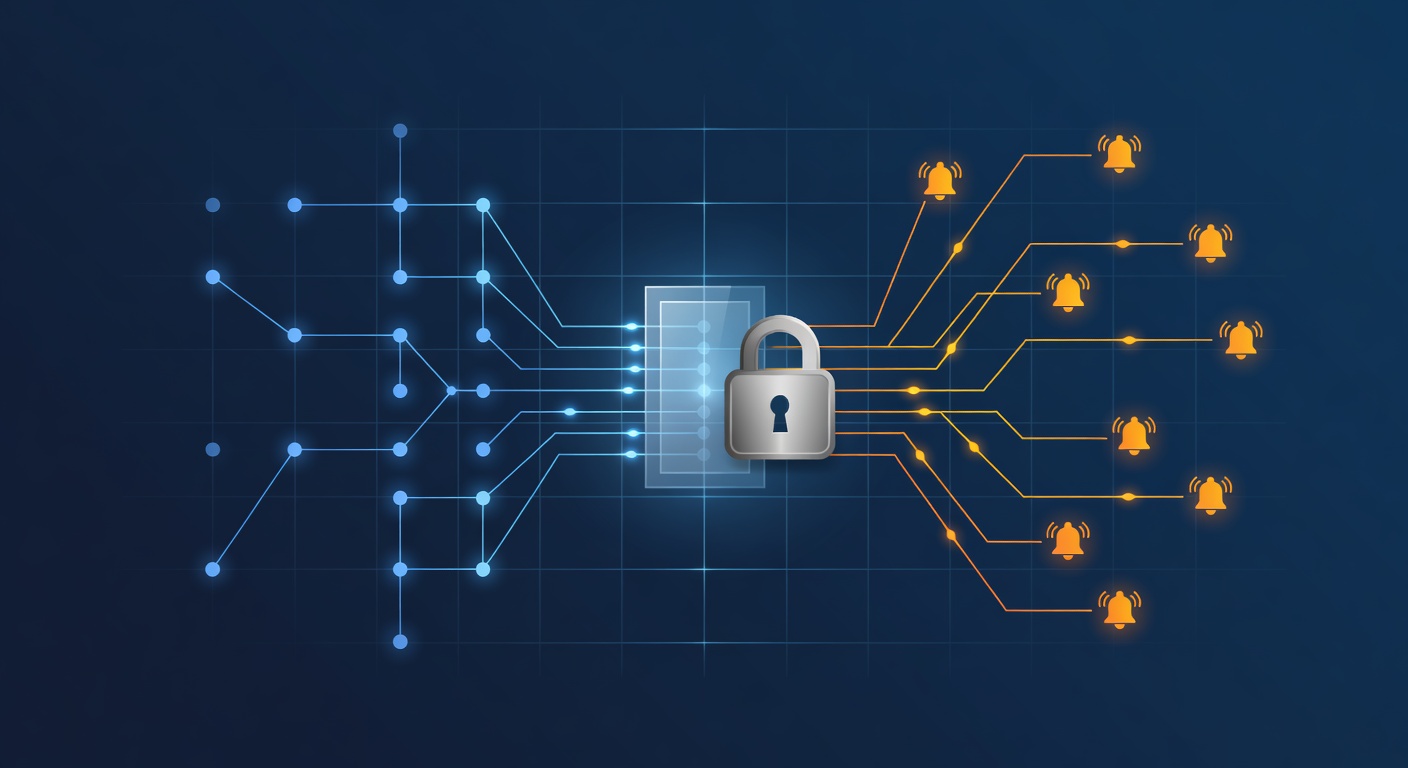
Here's the thing: DNSSEC is just one piece of the puzzle. Think of domain security like home security—you need both good locks AND an alarm system.
Multi-Factor Authentication (MFA) is your first actual defense. This means that even if someone steals your DNS administrator's password, they still can't get into your account without a second form of identification (usually a code from their phone). It's like requiring both a key AND a fingerprint to open a safe.
Regular audits and monitoring are your early warning system. By regularly checking your DNS records, you'll catch suspicious changes before they cause real damage. Most businesses wait until something breaks to look at their DNS settings. That's reactive. You need to be proactive.
Delegated access sounds boring but it's actually crucial. Don't share passwords. Instead, create individual logins for each person who needs access, so you can see exactly who changed what and when. This audit trail is your security camera system for DNS changes.
Separate admin accounts are another small thing that matters. Your IT team members shouldn't use their everyday accounts for administrative work. Use a dedicated admin account for sensitive tasks. This way, if their regular account gets compromised, at least your DNS administration stays protected.
Pick a reputable DNS provider as your foundation. Not all DNS providers are created equal. Good ones have security expertise, redundancy, and monitoring built in. They're not just pointing your domain to a server—they're protecting the entire infrastructure.
SSL Certificates: Your Website's Bodyguard
Now let's talk about SSL certificates, which are arguably even more important than DNS from a customer perspective.
You know that little padlock icon next to the web address in your browser? That's SSL. It means the connection between your customer's browser and your website is encrypted. Without it, they're basically sending their password and credit card information over an open channel where anyone could intercept it.
SSL certificates are not optional. Here's why:
Encryption is the obvious benefit. Data traveling between your customer's browser and your server gets scrambled into unreadable gibberish. Anyone trying to eavesdrop just sees nonsense. They see the password or credit card number, but it's useless without the key to decode it.
Google cares about it. Search engines literally prioritize websites with SSL. A website without HTTPS (that's the secure version of HTTP) gets ranked lower in search results. So not having SSL doesn't just hurt security—it hurts your visibility.
Customers notice it. That padlock builds trust. If a customer sees "Not Secure" next to your web address, they're immediately suspicious. They should be. It signals danger.
It's actually cheap now. Years ago, SSL certificates were expensive. Today, you can get them for free or extremely cheap. There's literally no excuse not to have one.
Putting It All Together: A Realistic Action Plan
Here's what actually needs to happen:
Audit your current setup. Talk to your IT team (or hire someone if you don't have one). Get a clear picture of your DNS provider, SSL certificate status, and current security practices.
Enable DNSSEC if you're in a high-risk industry or handle sensitive customer data. If you're a small business, at least have the conversation about whether you need it.
Set up MFA on all your domain management accounts immediately. This is the easiest, fastest thing you can do that provides real protection.
Schedule regular audits. Monthly or quarterly reviews of your DNS records and SSL certificate status should become routine.
Create a process for delegated access. Don't let multiple people share passwords. Give everyone their own login and track changes.
Work with your IT team (or your hosting provider) to make sure DNS and SSL are configured for both security AND your business needs. These aren't separate concerns—they work together.
The Bottom Line
DNS and SSL aren't flashy. They don't improve your marketing or boost sales. But they're the foundation that everything else sits on. Without proper DNS security and valid SSL certificates, your website is like a storefront with no locks and no security system—technically accessible, but extremely vulnerable.
The best part? Most of these protections are cheap or free to implement. You're not looking at a major budget item. You're looking at basic due diligence that any responsible business should do.
Your customers trust you with their data. Make sure your technical foundation actually protects that trust.
Tags: ['dns security', 'ssl certificates', 'dnssec', 'website security', 'business cybersecurity', 'https', 'domain management', 'online privacy', 'small business security', 'it best practices']