Вече не ти трябва IT човек да седи до бюрото ти. С отдалечена помощ, облачни услуги и умно аутсорсинг повечето фирми се отърват от ненужните разходи и получават по-добра техническа подкрепа. Ето какво наистина има значение при избор на IT модел.
Нужен ли ти IT човек в офиса? (Спойлер: не!)
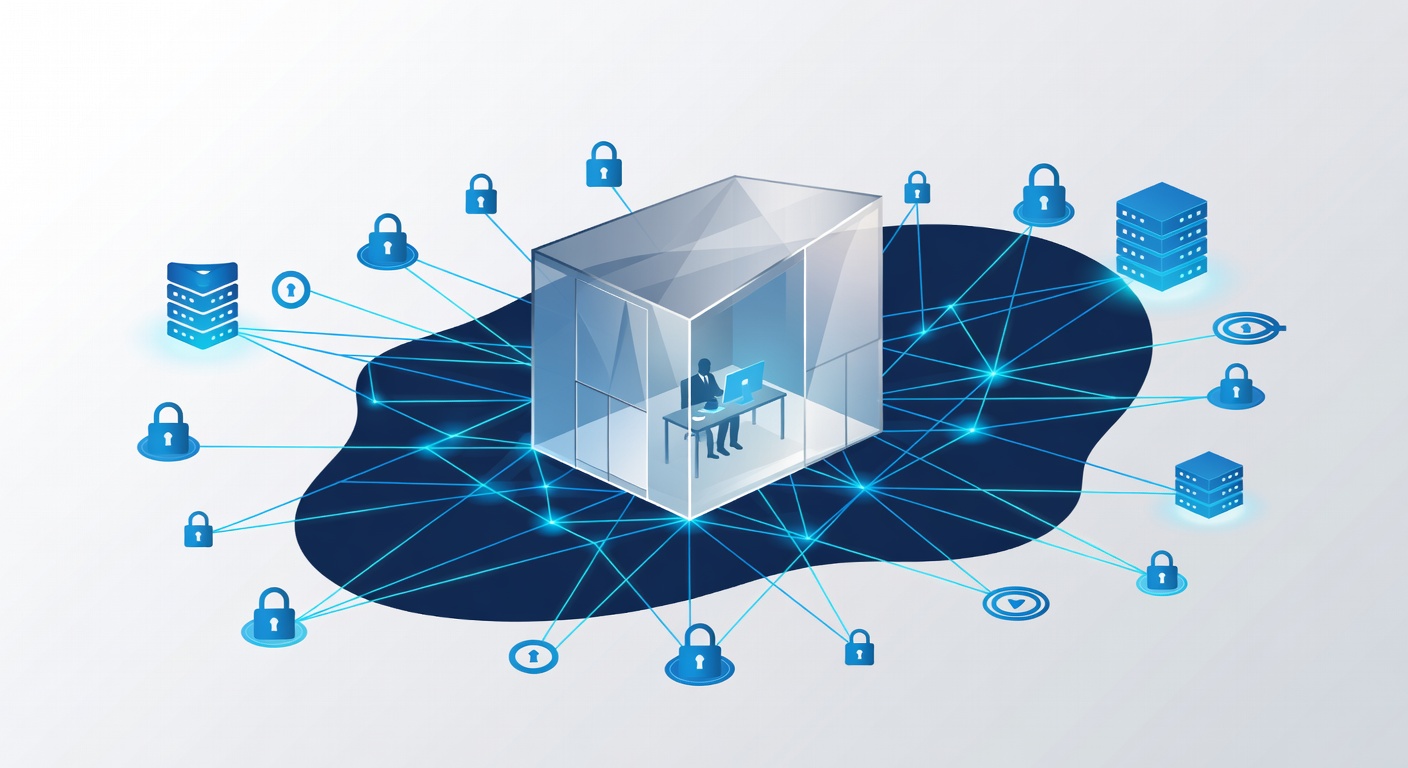
Наистина ли ти трябва IT човек в офиса? (Спойлер: Вероятно не)
Често ме питат това. Обикновено от фирми, които са изгорели от лоши IT поддръжници. Или просто са уморени да плащат на някого да седи и чака беля.
Истината е проста: пълен работен ден IT в офиса не ти трябва. Но преди да се радваш на спестените пари, виж какво наистина ти трябва.
Митът за IT героя в офиса
Помниш ли оня човек в всяка фирма? Знал всички пароли. Поправял компютри. Бил незаменим. Този модел е изостанал. И не е чак толкова добър.
Плащаш му да седи на място, дори когато всичко е ок. Да, решава кризи. Но 70% от времето? Чака имейл да се скъса. Или помага на колега с парола. Скъпо е за работа, която става отдалечено.
А ако разболее? Отиде на почивка? Смени работа? Цялата ти техника остава без защита. Зависиш от един човек. Рисковано е.
Защо отдалечената поддръжка е по-добра
Сега инструментите са супер. Облачни системи следят всичко. Програми за далечен достъп. AI чатботове за помощ. Повечето проблеми се решават без да стъпи човек в офиса.
Добър отдалечен екип прави:
- 24/7 наблюдение на системите
- Бърз достъп до компютри и сървъри
- Автоматични ъпдейти и кръпки
- Бърза реакция при хакерски атаки
- Гъвкавост според нуждите ти (не по брой служители)
Получаваш по-бързи отговори. По-добри специалисти (цял екип, не един). По-малко пари.
Какво точно ти трябва?
Въпреки всичко трябва ти човек от твоята страна. Не задължително IT шеф. Просто някой, който познава фирмата и говори с поддръжниците.
Може да е:
- Офис мениджърът
- Бизнес мениджър
- Техно-ентусиаст от екипа
- Полу-времеви координатор
Той е мостът. Разбира приоритетите. Не дава проблеми да се забравят.
Кога на място все пак помага
Да бъда честен – понякога си струва: Физически сървъри или специална техника: Тогава редки визити са златни.
Големи инсталации: Нов офис. Преход към нови системи. Тогава ръцете на място правят разлика.
Законови изисквания: Някои браншове искат лични проверки за сигурност.
Голяма фирма: С стотици хора на няколко места. Тогава планирани посещения, не всеки ден.
Парите на масата
Приблизително:
- Пълен IT в офиса: 50-70 хиляди лв. годишно (плюс осигуровки, техника, управление)
- Отдалечена поддръжка с визити при нужда: 1500-3000 лв. на месец (според размера, плащаш само нужното)
Разлика като небеса и земя. Особено за малки и средни фирми. Получаваш екип специалисти. Постоянно наблюдение. Професионални договори. Визити само когато трябва. И расте с теб.
Как да избереш добра IT поддръжка
Ако отиваш на отдалечено (което препоръчвам), гледай това: 1. Наистина 24/7 наблюдение: Не само за кризи. Хваща проблеми преди да ги усетиш.
2. Различни специалисти: За сървъри, мрежи, сигурност, облаци. Не "общ IT".
3. Ясно общуване: Обясняват просто. Казват какво правят.
4. Редовни проверки за сигурност: За уязвимости и достъпи.
5. Гъвкавост: Добавяш визити, без да се обвързваш с пълен екип.
6. Управление на хардуер и софтуер: Купуват, лицензират, инсталират. Не само гасят пожари.
Заключение
Времето на IT отдел в офиса свърши (за повечето фирми). Отдалечената поддръжка е по-бърза. По-надеждна. По-гъвкава. По-евтина.
Трябва ти:
- Надежден отдалечен екип с експертиза
- Един координатор от твоята страна
- Проактивно наблюдение (не само за гасене на пожари)
- Посещения на място когато е нужно
Мислете за IT като услуга от професионалисти. Не като още един служител.
Системите ти ще са по-сигурни. Екипът – по-продуктивен. Бюджетът – спокоен. Чиста победа.
Тагове: ['it support', 'remote it services', 'business technology', 'it outsourcing', 'tech cost management', 'network security', 'managed it services']