معظم الشركات تعتقد إنها تعرف وين كل ملفاتها المهمة... لحد ما يجي الكارثة ويثبت العكس. بنفكك السالفة: ليش النسخ الاحتياطي المحلي ضروري، كيف الشركات تخبي بياناتها الحساسة بدون ما تشعر، وإيش اللي لازم تعرفه عشان تحمي بيزنسك من الخسارة الكلية.
لماذا بيانات شركتك "الخفية" كارثة احتياطي وشيكة؟
ليه بيانات شركتك "الخفية" بتسبب كارثة في النسخ الاحتياطي؟
يا صديقي، هل تعرف فعلاً وين كل بيانات شركتك المهمة مخزنة؟
لو ترددت لحظة، متقلقش. كلمت عشرات أصحاب الأعمال ومديري الـIT، وكلهم فكروا إنهم يسيطرون على الأمر، بس لقوا ملفات مبعثرة في لابتوبات شخصية، هاردات خارجية، مجلدات مشتركة نسيوها، وصناديق إيميل مليانة أوراق زي المكاتب الرقمية.
هذي مشكلة النسخ الاحتياطي اللي محدش يحب يعترف بيها.
مشكلة "البيانات الخفية" حقيقية تماماً
اللي يخليني أفقد نومي لما أفكر في استمرارية الأعمال: معظم الشركات ما تعرفش إيه اللي هتحميه بالضبط.
ربما بتنسخ قواعد بياناتك الرئيسية. يمكن تستخدم سحابة للنسخ. بس إيه رأيك في الجدول اللي جيم بيحافظ عليه من خمس سنين على سطح مكتبه؟ أو عقود الموردين المدفونة في إيميل حد؟ أو ملفات المشاريع في مجلد مشترك محدش فتحه من شهور، بس ضروري للعمليات؟
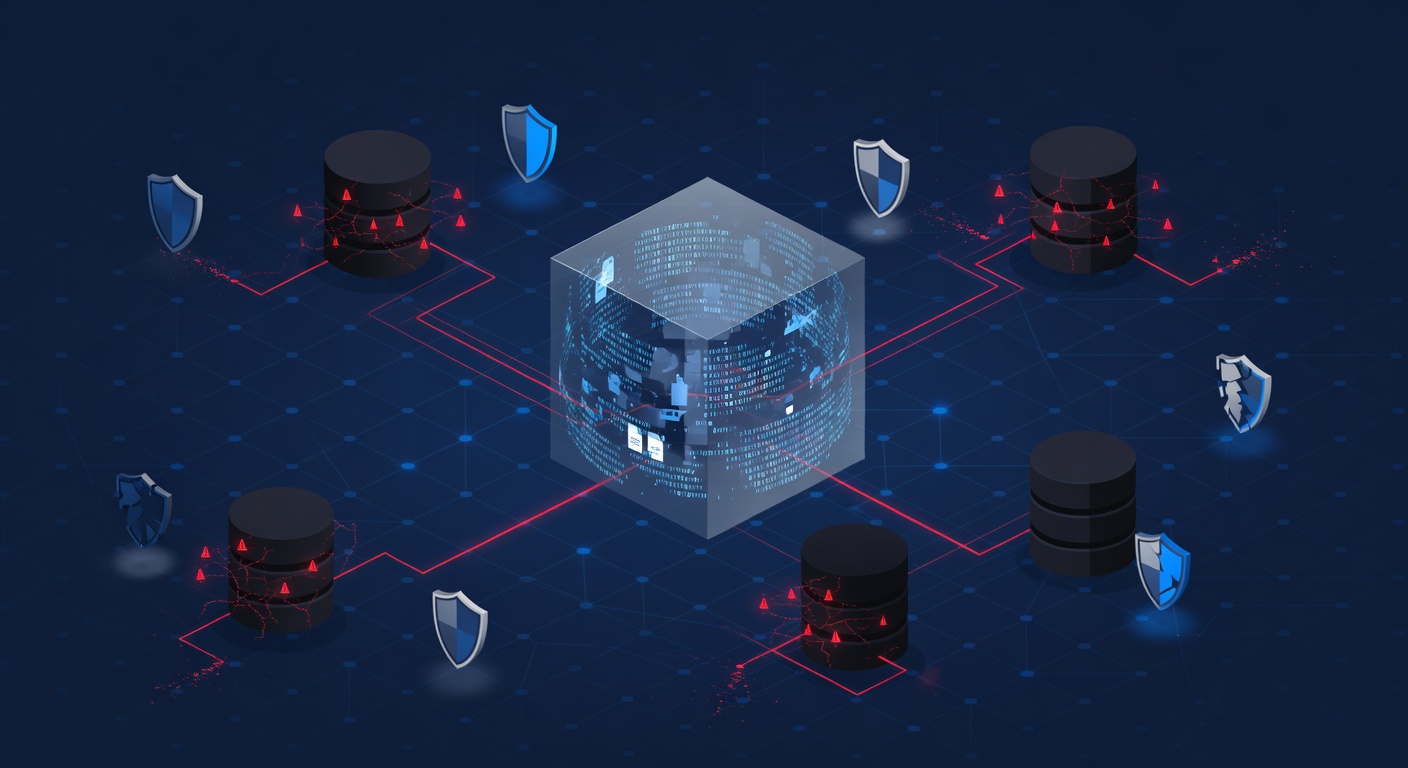
أنا أسميها "بيانات الظل" – معلومات حاسمة للأعمال، بس موجودة في الشقوق ببنية الـIT. مش مخفية عمداً، بس ضايعة قدام عيونك.
لما يحصل كارثة زي فيروس الفدية أو عطل في الهارد أو حذف خطأ، هتكتشف إن خطة النسخ غطت 60% بس من اللي تحتاجه. وده مشكلة كبيرة.
ليه النسخ المحلي أول خط دفاع؟
خلينا نتكلم عن النسخ المحلي وليه مش اختياري.
أكبر ميزة؟ السرعة. لما تحتاج ترجع البيانات فوراً (وهتحتاج يوماً ما)، النسخ في مكانك يعني ما تنتظرش تحميل من السحابة أو مشاكل النت. دقائق مش ساعات. ده يفرق لما عملك واقف.
كمان، السيطرة الكاملة. الوصول المباشر لبياناتك بدون الاعتماد على الإنترنت. السحابة مهمة برضو، بس الاعتماد عليها لوحدها يعني تعتمد على:
- اتصال النت اللي ممكن يقطع
- بنية مزود السحابة
- سرعة الشبكة اللي مش دايماً مثالية
- قوانين الامتثال اللي تطلب نسخ محلية
النسخ المحلي بين نظامهم الحي والسحابة. شبكة أمان مضاعفة.
التقييم اللي محدش بيعمله بجد
الحقيقة المرة: معظم خطط النسخ تفشل عشان الشركات ما عملتش جرد حقيقي للي هتحميه.
حلول النسخ المحلي الفعالة مش بس جهاز في غرفة السيرفرات وخلاص. تحتاج:
1. اكتشاف كامل للبيانات
حد (يفضل متخصص) يفحص أنظمتك ويحدد وين البيانات الحاسمة. يعني يسأل الفرق، يشيك المجلدات الإدارية، يراجع الجهاز الشخصي، ويحقق في الإيميل. ممل، بس لازم.
2. تصنيف وترتيب الأولويات
مش كل بيانات متساوية. حدد اللي لو ضاع هيوقف العمل، مقابل اللي مجرد إضافة. لو تخزينك محدود، اعرف إيه الأول والأكثر تكراراً.
3. دمج مع اللي عندك
الحل لازم يتوافق مع نظامك الحالي، سعة الشبكة، مهارات فريق الـIT، وقوانين الامتثال. نظام معقد أسوأ من عدم وجود نسخ.
4. بدون إزعاج
الحلول الجيدة تعمل في الخلفية بدون ما توقف العمل. غير مرئية للمستخدمين، بس تلتقط كل حاجة مهمة.
نصيحتي اللي جربتها
بناءً على اللي شفته نجح (واللي فشل بشكل مدوي)، إليك الخطوات العملية:
ابدأ بجرد صادق. خصص أسبوع تدوّن فيه وين البيانات الحقيقية المهمة. اشرك فريقك عشان تحدد الملفات والقواعد والأنظمة اللي لو راحت هتسبب مشاكل.
استعن بمحترف للتقييم. يمكن تفكر تعملها لوحدك، بس عيون ثانية متخصصة في بيانات الظل تستاهل الفلوس. هيلاقوا اللي فاتك.
طبق استراتيجية هجينة. نسخ محلي للسرعة والاستعادة الفورية، مع سحابة للكوارث الكبيرة. كل واحد لغرضه.
اختبر بانتظام. نسخ ما جربتوش مجرد نظرية. رجّع ملفات كل فترة عشان تتأكد.
دوّن كل حاجة. اكتب إيه اللي يتكرر، وين، كم مرة، ومين مسؤول. الوثيقة دي ذهب لما تحتاج تستعيد.
الخلاصة
بياناتك أكثر تشتت مما تتخيل، ونسخك مش بيغطي كل اللي تحتاجه. مش خطأك – ده طبيعة الأعمال الحديثة. البيانات تكبر عضوياً، الفرق تعمل نظامها، وفجأة مشكلة نسخ.
الخبر السار؟ الاعتراف بالمشكلة أول خطوة للحل. استراتيجية نسخ محلي صح مع تقييم دقيق هيفرق بين "ضيعنا شوية بيانات" و"رجعنا كل حاجة في ساعات".
متستناش الكارثة تكتشف إن نسخك ناقص. اعمل دلوقتي، ونام مطمئن إن عملك محمي.
الكلمات الدالة: ['onsite backups', 'business continuity', 'data protection', 'disaster recovery', 'backup strategy', 'it security', 'data loss prevention']