معظم الشركات ما تعرفش إيه الأجهزة اللي شغالة على شبكاتها فعلاً، ولا هتقع إمتى. لو بتدير جداول المخزون يدوياً، يبقى أنت متأخر خالص. خلينا نتكلم ليه تتبع الأجهزة الآلي مش مجرد رفاهية—ده ضروري عشان تشغيل عملك يمشي زي الفل.
لماذا يتخبّط عملك في إدارة الأجهزة (وكيف تنقذ الأمر بسرعة)
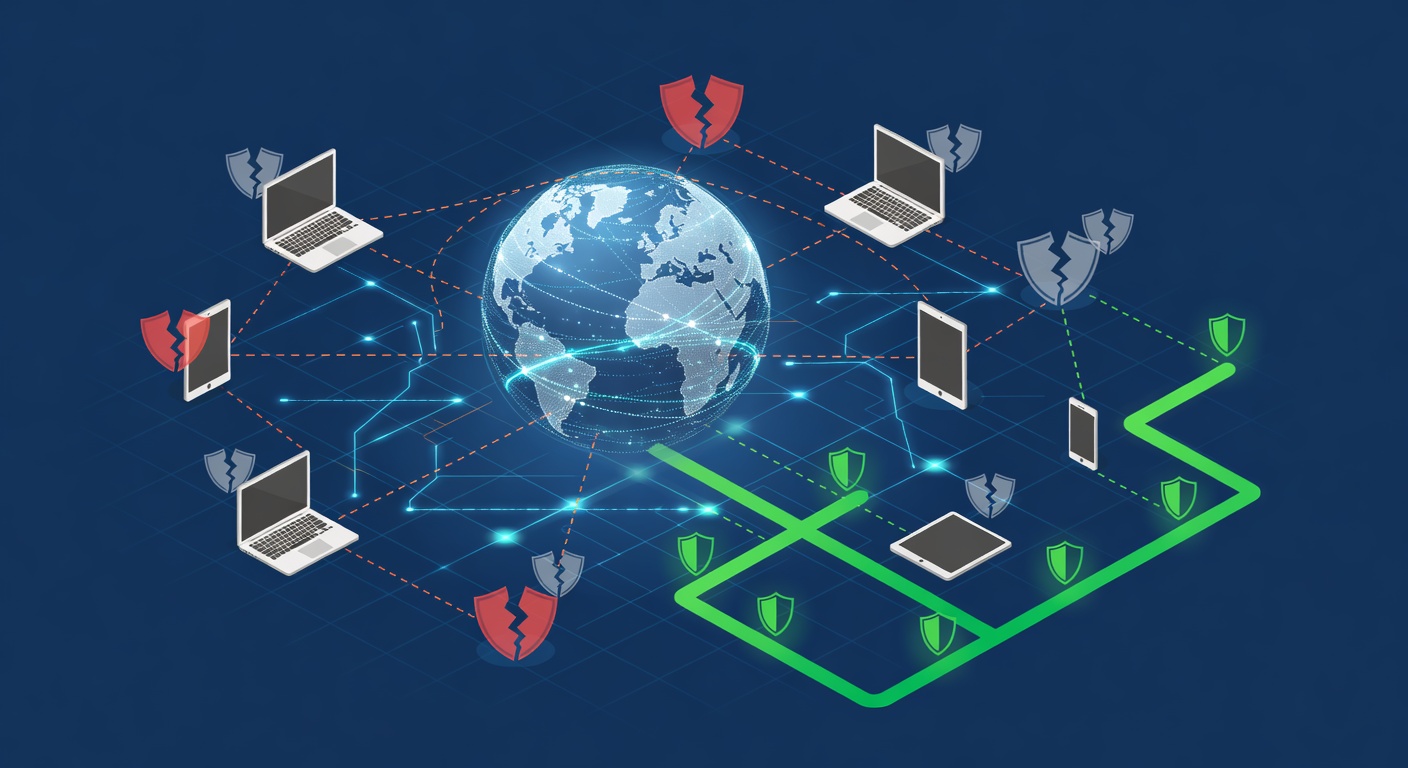
ليه شركتك ربما مش شايفة أجهزتها بوضوح (وإزاي تحل المشكلة)
تخيل الصبح الإثنين، لابتوب مدير المالية وقع، والـ IT مش عارفوا هاشتراه امتى أو إيه ضمانه. في نفس الوقت، تلات أجهزة تانية بتكبر وبتقرب من نهاية عمرها، ومحدش لاحظ. ده مش حاجة نادرة، ده الوضع العادي عند كتير من الشركات.
الحقيقة إن عدم معرفة أجهزتك زي القيادة مغمض عينيك. هتخبط في حاجة، وهتكلفك كتير.
تكلفة عدم معرفة إيه اللي معاك
شفت شركات خسرت آلاف بسبب توقف غير ضروري، لأنهم مش بيتابعوا الأجهزة كويس. كمبيوتر حد وقع، والـ IT يخمنوا يصلحوه ولا يغيروه. سيرفر بيبدأ يتعب، بس محدش كشف المشكلة بدري. الموظفين يشتغلوا على أجهزة قديمة بطيئة.
مش بس الأعطال اللي تضر. في تكلفة مخفية للكسل. الفريق يبطأ، يزعل، والروح المعنوية تنزل. محدش يربط ده باللابتوبات اللي مش اتغيرت من خمس سنين.
المشكلة الكبيرة؟ معظم الشركات مش عارفة صورة كاملة لكل أجهزتها. تعرفوا السيرفرات والشبكات، بس أجهزة المستخدمين زي الديسكتوب واللابتوب والتابلت؟ دي بتختفي لحد ما تفشل.
إيه اللي لازم يحصل فعلاً
إدارة الأجهزة الصح لازم تبدأ برؤية واضحة. تعرف:
- إيه الأجهزة اللي عندك (كلها، مش بس اللي اشتكوا منها)
- مين مسؤول عنها وفين موجودة
- عمرها وهل لسة تحت الضمان
- صحتها الحالية قبل ما تصير مشكلة
ده مش تدخل في خصوصية الناس. ده مجرد معلومات أساسية عشان تخطط، مش تطفي حريق كل شوية.
لما عندك الداتا دي، تقدر تاخد قرارات ذكية. تعرف الأجهزة اللي قربت تنتهي عشان تبدأ ميزانية التغيير. تلاحظ أنماط زي "لابتوبات 2019 بتفشل دلوقتي". تكشف مخاطر أمنية قبل ما تحصل. وتتفاوض على صفقات أحسن للضمان أو الشراء الجماعي.
ميزة التقارير الشهرية
هنا المتابعة الآلية بتلمع: تقارير منتظمة ومفصلة.
بدل ما تضيع ساعات تفتش كل جهاز يدوي، تحصل على لقطة شهرية لكل البنية التحتية. التقارير دي تعطيك:
- قائمة كاملة بالأجهزة (سيرفرات، ديسكتوب، لابتوب، كل حاجة)
- مسؤول وموقع كل جهاز
- العمر والضمان في نظرة سريعة
- إشارات صحة تشير للأجهزة اللي هتفشل قريب
- اتجاهات تساعد في التخطيط المستقبلي
الحلو إنها تشيل التخمين. مش هتقول "يمكن"، هتقول "ده اللي لازم يحصل امتى".
والتقارير موحدة، فتقدر تتابع الاتجاهات مع الوقت. تشوف أي مصنع أفضل، أي قسم عنده أجهزة أقدم، وفين التكاليف الأكبر.
مش بس تغيير معدات
اللي بننساه كتير: الاهتمام بفريقك يبدأ بأدوات كويسة.
لما تدير الأجهزة بذكاء، بتبعت رسالة إنك مهتم بيهم. محدش يحب يحس إنه مهمل بأجهزة معطلة. الـ IT يمنع المشاكل، الشركة كلها تفوز.
الطريقة الاستباقية توفر فلوس. الوقاية أرخص من الإصلاح بعد الفشل. تلاقي المشكلة بدري، تغير على راحتك، مش في طوارئ غالية.
الخلاصة
إدارة الأجهزة مش مثيرة، بس هي من العمليات اللي إما تسير زي الفل (ومحدش يلاحظ) أو تفشل (وكلنا نعاني).
لو لسة بتدير المخزون بإكسل وبتتمنى مفيش عطل، أنت في خطر زيادة. البديل – متابعة آلية مع تقارير – مش غالي ولا معقد. محتاج بس أدوات صح وإرادة تشوف اللي معاك.
المرة الجاية حد يسأل ليه تحتاج متابعة وتقارير، قول: مش بتدفع عشان داتا. بتدفع عشان تتجنب الكارثة لما مفيش داتا.
الكلمات الدالة: ['device management', 'it inventory tracking', 'network monitoring', 'hardware lifecycle management', 'business it infrastructure']